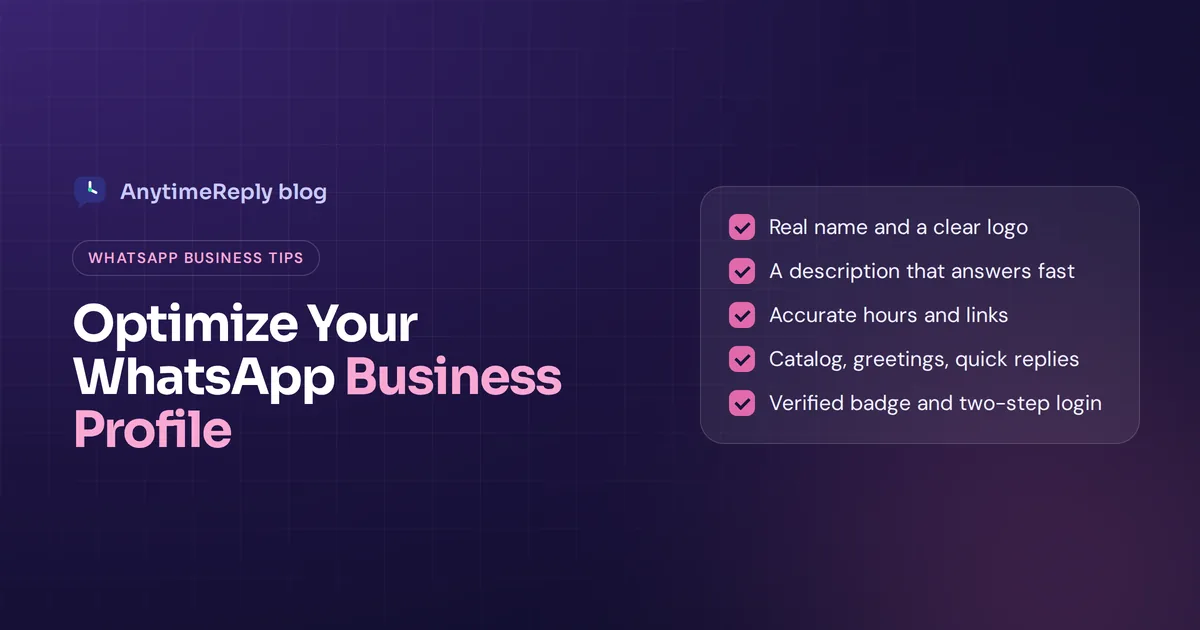
Before a customer sends you their first message on WhatsApp, they often tap your name and look at your profile. In two seconds they decide: is this a real business, are they open, can I trust them with my order? A blurry logo, an empty description and no hours make that answer "maybe not".
The good news: fixing it takes about 20 minutes. Below are the WhatsApp Business profile optimization best practices we recommend, field by field, with copy-ready description examples and the mistakes we see most often.
These best practices for WhatsApp Business work whether you just create a WhatsApp Business account or run one through the official platform (the API). Where something only exists in one of them, we say so.
What is a WhatsApp Business profile?
It's the public page customers see when they tap your name in a WhatsApp chat. Think of it as a mini website inside a popular messaging app your customers already use every day, and often the first thing customers see about your brand there.
It holds your key business information:
- Display name and logo
- About line and business description
- Business category
- Address, hours, email and website links
- A product or service catalog (in the app and some platform setups)
Profile fields and limits at a glance
| Field | Limit | Tip |
|---|---|---|
| Display name | Must reflect your real business | Use your brand name exactly as customers know it |
| Photo | Square, shown as a circle | Logo with padding, high resolution |
| About | Up to 139 characters | What you do plus reply hours |
| Description | Up to 512 characters | What you sell, where, how to order, one key policy |
| Address | Up to 256 characters | Full address, or city and "online only" |
| Up to 128 characters | A monitored support address | |
| Websites | Up to 2 links | Homepage plus shop, booking or help page |
Character limits are from the WhatsApp Business Platform fields as listed in 360dialog's documentation. Limits can change, so check if something gets cut off.
Optimizing your WhatsApp Business profile: the basics
1. Use your real business name
Use the name customers know from your shop sign, website or Instagram. Don't stuff keywords like "Best Cheap Shoes Dhaka Delivery". On the official platform, Meta reviews display names, and keyword-stuffed ones can be rejected.
2. Use your logo as the profile picture
Your profile picture is the first thing people notice in the chat list, before they ever interact with your business. WhatsApp crops it to a circle, so leave space around the logo. A square, high-resolution image (640 x 640 pixels is a safe size) with simple colors works best. If you can't recognize it at thumbnail size, simplify it.
3. Write an About line that works
You get 139 characters. Use them for what you do and when you reply, not "Hey there! I am using WhatsApp." Example: "Handmade leather bags. Orders answered 9am to 9pm, 7 days."
4. Write a description that answers the first questions
A complete profile helps people decide in seconds, and the description does most of that work. Your 512 characters should cover what your business offers, who it's for, where you deliver, how to order and one key policy (returns, payment or delivery time). Put the most important part first, since long text can be cut off on small screens. Use natural words customers search for, like "birthday cakes" or "phone repair", inside real sentences.
5. Pick the right category
Choose the closest match to your business needs, like Clothing, Beauty, Restaurant or Education. It tells people what you do at a glance.
6. Keep branding consistent
Same logo, name and tone on WhatsApp, Instagram, Facebook and your website. It helps people recognize you and makes copycat accounts easier to spot.
Contact information, hours and catalog
7. Add complete contact information
Add a support email someone actually reads and use both website slots: your homepage plus the page people need most, such as your shop, booking page or help center. Add UTM tags to the links so you can see visits from WhatsApp in your analytics.
8. Set accurate business hours
Hours tell customers when to expect a human reply. Set them per day, mark holidays and update them for sales or Ramadan schedules. If an AI assistant replies 24/7, say so in your description.
9. Add your address or service area
A physical store should add the full address and map pin. Online only? Write your city and "online orders, delivery nationwide" so nobody asks if they can visit.
10. Set up your WhatsApp catalog
Of all the features WhatsApp Business offers, the catalog may be the most underused. In the app, it shows each product or service with photos, prices and descriptions right within WhatsApp. Add best sellers first, use clean, visually appealing photos and keep prices and stock current. Where WhatsApp payments or payment links are available in your country, they make ordering even easier.
Automate replies without losing the personal touch
11. Turn on greeting and away messages
The app lets you automate a greeting for new contacts and an away message outside hours. Keep them short and useful: "Thanks for your message! We're closed now and reply from 9am. For order tracking, visit our website." With the WhatsApp API, you build these automated responses with a chatbot or helpdesk instead.
12. Use quick replies and labels
Features like quick replies and labels save time every day. Quick replies are saved answers you send with a shortcut, like /delivery or /payment. Labels sort chats into New customer, Pending payment or Order complete. Add personalization, like the customer's name and order, so saved answers don't feel robotic.
13. Share your short link and QR code
WhatsApp gives you a short link and QR code that allow users to start a WhatsApp chat with you in one tap. Put them on your website, Instagram bio, packaging and receipts. Making it easy to message you is the simplest way to optimize for conversion.
Tips to build trust and drive conversion
14. Get verified and secure the account
In supported countries, businesses can apply for a verified badge through Meta Verified, a paid subscription whose availability varies. Turn on two-step verification and limit who can access the phone or platform. Say in your description how you take payments, so scammers using your name are easier to spot. All of this helps build trust.
15. Review it every few months
As your business grows, prices, links, hours and catalogs go stale fast. Check everything every three months and whenever something changes. While you're at it, look at your average response time: a great profile loses its value if replies take a day.
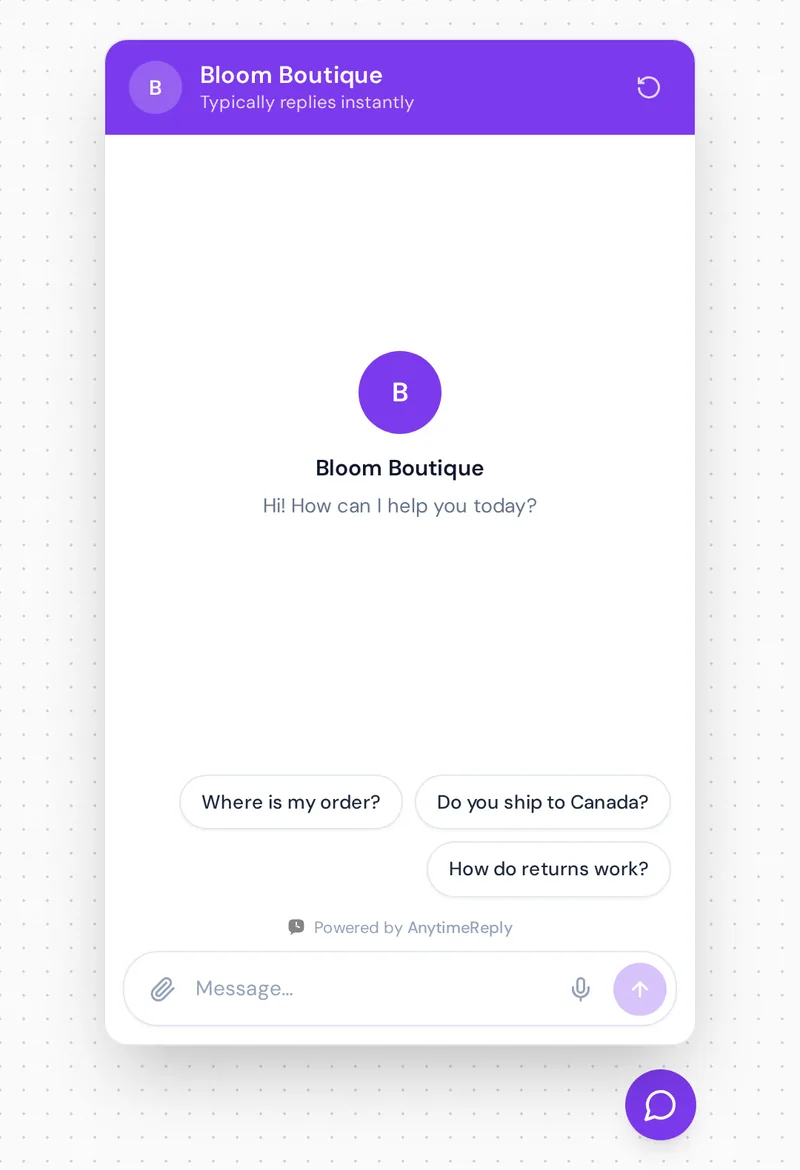
Description examples you can copy
Edit the details and stay under 512 characters.
Online clothing shop
Women's everyday fashion, sizes S to XXL. Order here or on our website. Delivery in 2 to 4 days nationwide, cash on delivery available. Easy exchanges within 7 days. Send a photo of any item and we'll check stock for you.
Salon or clinic
Hair, nails and skin care in Gulshan. Book by sending your preferred day and time. Open Saturday to Thursday, 10am to 8pm. Prices and services on our website.
Software company
Online invoicing for small businesses. Ask about plans, setup or billing here, and our AI assistant replies 24/7. Our team is online Monday to Friday, 9am to 6pm.
Common mistakes and challenges in WhatsApp marketing
- Empty fields. Every blank field becomes a message asking about it.
- Outdated hours. "Open" while nobody answers annoys people fast.
- Promising instant replies you can't keep. Say when you reply, then stick to it.
- Using WhatsApp for spam. Good marketing strategies on this WhatsApp channel start with opt-in, and you can track open rates and replies to see what customers actually want. Broadcasts with no opt-out get you reported and can get the number restricted.
- Too many WhatsApp messages, too few people. A better page brings more chats. Plan how you'll answer them, or the customer experience suffers.
Answer every WhatsApp message with AnytimeReply
If you use WhatsApp for sales or support, a strong page will drive business to your chat and build trust between your business and your customers. Replying to every message fast is the hard part, and it's where AnytimeReply helps:
- Connect WhatsApp through the official WhatsApp Business API or a quick QR connect. See WhatsApp for AnytimeReply.
- An AI agent replies in seconds, 24/7, trained on your website, documents and Q&A, in the customer's language, including Bangla, Banglish, Hindi and Hinglish. It understands voice notes and photos too.
- It hands over to your team with a summary when someone asks for a person or gets upset, in one inbox with your website chat, Messenger and Instagram. That means better customer engagement without hiring a night shift.
- Send messages to many customers safely with broadcasts that respect daily limits and STOP opt-out.
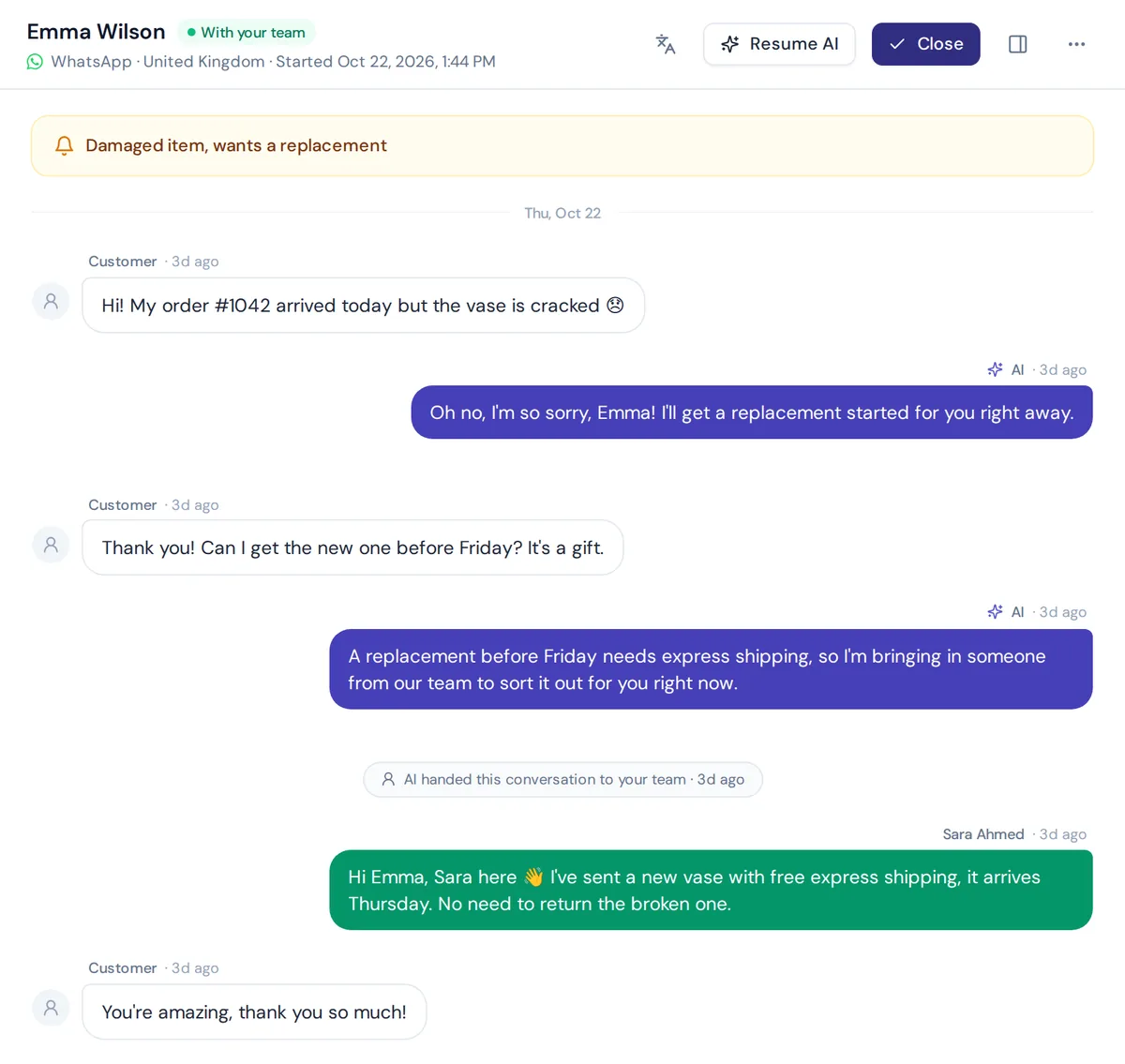
WhatsApp is available from the Hobby plan; see pricing or the WhatsApp setup guide. AnytimeReply doesn't edit your profile itself; you still do that in WhatsApp or Meta's tools.
Frequently asked questions
How do I edit my WhatsApp Business profile?
In the WhatsApp Business app, open Settings, tap Business tools, then the profile. On the platform, you edit it in WhatsApp Manager or your provider's dashboard.
How long can a WhatsApp Business description be?
Up to 512 characters. The About line is shorter, up to 139 characters.
What size should my logo image be?
A square, high-resolution image. 640 x 640 pixels is a safe choice, with the logo centered and space around it.
Can I add more than one website?
Yes, up to two website links.
How do I get a verified badge on WhatsApp Business?
Through Meta Verified, a paid subscription available in some countries. Check the app or Meta's site for availability where you are.
Final thoughts
Your profile is small, but these changes improve your WhatsApp Business presence more than almost anything else: real name, clear logo, useful description, accurate hours and good links. Set it up once, review it every few months, and customers will trust you before they type "Hi".
Then make sure every message gets a fast reply. Start free with AnytimeReply, no card needed, and connect WhatsApp when you're ready.
Published 31 October 2026 by AnytimeReply team