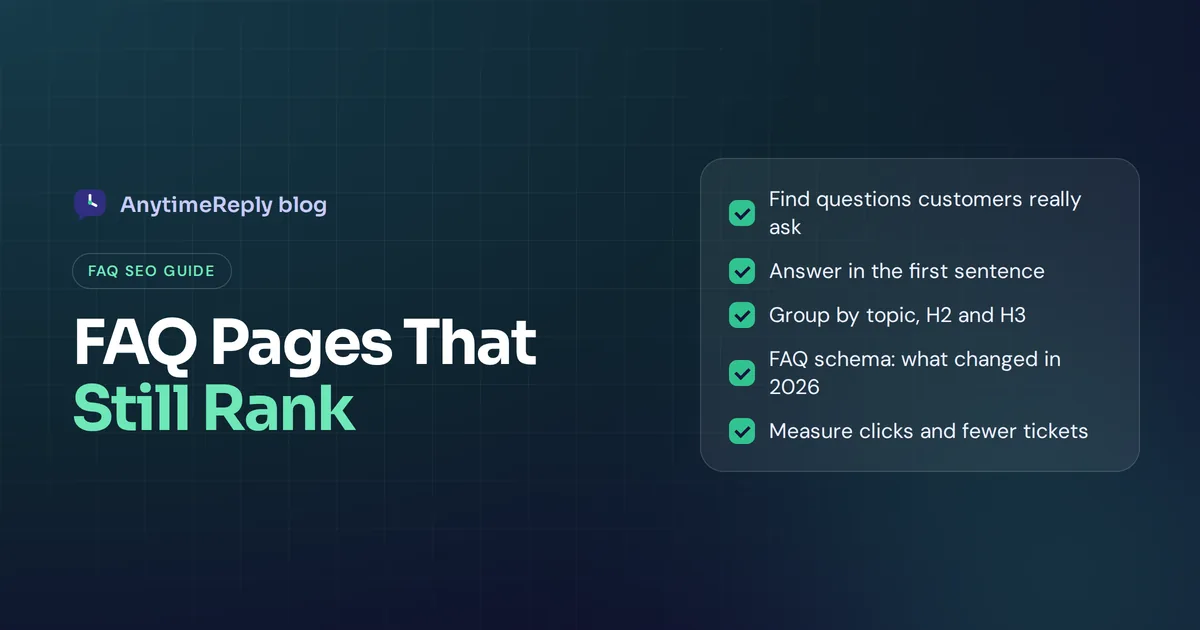
FAQ SEO is the practice of writing frequently asked questions so they help people and rank in search: answering the exact questions customers type into Google, in a way search engines and AI tools can understand. Done well, a good FAQ section brings in long-tail traffic, answers buyers before they contact your team, and feeds the short, direct answers that search features love to quote.
But one big thing changed in 2026. Google no longer shows FAQ rich results (the expandable questions under a search result) for any site. So if an older guide told you "add FAQ schema and get more space in search", that advice is out of date.
This guide covers what still works: how to find the right questions, how to write answers that rank, how to structure the page, what to do with FAQ schema markup now, and the mistakes that waste your effort.
What is FAQ SEO?
FAQ SEO means optimizing your FAQ content (a dedicated FAQ page, or FAQ sections on product and service pages) so it can rank for question-based searches like "how long does shipping take to Canada" or "can I cancel my subscription anytime".
It sits between content marketing and customer support. The common questions your support team answers every day are often the same ones people search for before they buy. Answer them clearly on your website and you help users and search engines at once. It's a small but useful part of on-page SEO and your wider SEO strategy.
What changed: Google dropped FAQ rich results
For years, adding FAQPage structured data could make your result bigger, with questions that expanded right in Google. That's over. Here's the short timeline:
- August 2023: Google limited FAQ results to well-known, authoritative government and health websites.
- May 7, 2026: the expandable FAQ results stopped appearing in Google Search for all sites.
- June 2026: Google dropped the FAQ search appearance filter, the related Search Console report and support in the Rich Results Test.
- August 2026: FAQ support in the Search Console API was removed.
Google noted the change in its structured data documentation, and Search Engine Journal covered the full timeline. Google didn't give a detailed reason.
What this means: FAQ schema no longer gets you extra space in traditional search results. But the questions and answers themselves still matter a lot. That's what the rest of this guide is about.
Why FAQs for SEO still matter in AI search
Question and answer content still earns its place:
- It matches how people actually search. Many searches are full questions, and voice search makes this even more common. A page that answers the exact question in plain words has a good chance to rank.
- It covers long-tail keywords. Each question targets a specific phrase with lower search volume and less competition. Together they add up to steady traffic.
- It can win featured snippets and People Also Ask spots. Short, direct answers under a clear question heading are what these search engine results pull from.
- It feeds AI answers. AI tools and assistants often quote clear question and answer pairs. People now call this generative engine optimization. Well-structured FAQs help your AI search visibility.
- It helps conversions. Questions about price, delivery, returns and contracts are buying objections. Answering them on the page removes friction.
- It cuts support load. Every question answered on your website is one fewer email or chat for your team.
So yes, you still need an FAQ page, and adding an FAQ section to key pages can still boost SEO. Just build it for people and answers, not for a search feature that no longer exists.
How to find the right FAQ questions
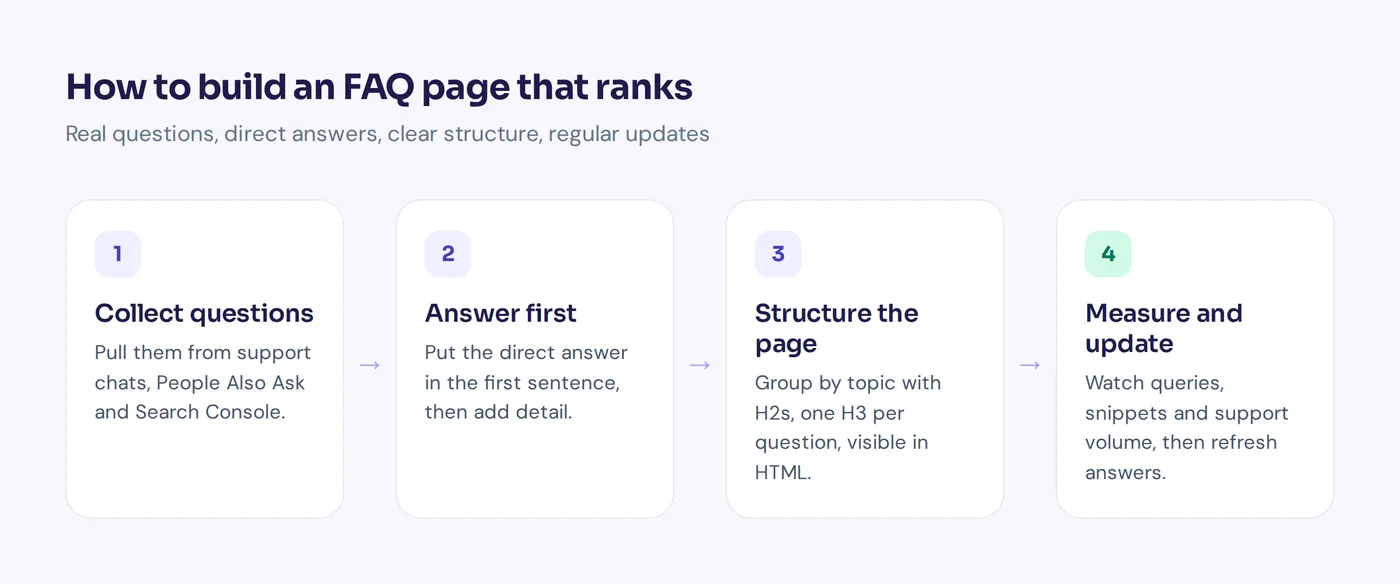
The best FAQ answers questions real people ask, not the ones your marketing team wishes they'd ask. Build your list of questions from these sources:
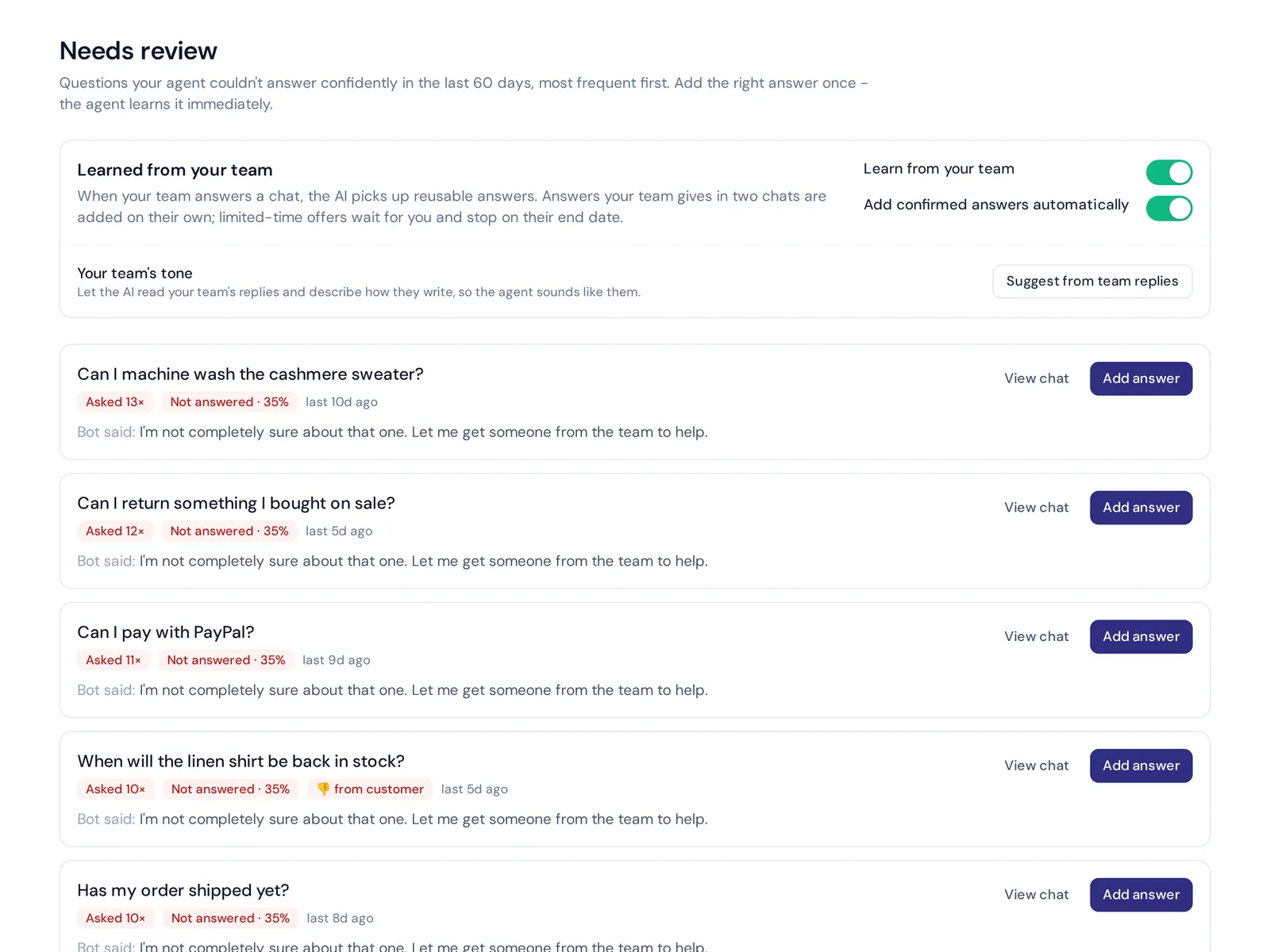
- Your support inbox and chat history. Export the last few months of emails, chats and DMs. Group similar customer questions. The topics that come up again and again go first.
- Google's People Also Ask box. Search your main topics and note the relevant questions Google shows.
- Google Search Console. Filter your queries for words like "how", "what", "can", "does" and "why". You already get impressions for these.
- Your site search. Check what people type into the search bar, especially searches that return nothing.
- Sales calls and reviews. Ask your sales team which objections come up most. Analyzing competitor FAQ pages and reviews also shows repeated questions.
- Forums and communities. Reddit, Quora and industry forums show how people phrase questions related to your product in their own words.
Then prioritize. Put the questions that are asked most, matter most for buying or cause the most support work at the top. Add new questions as they show up.
How to write FAQ answers that rank
Writing a good answer is a small skill of its own. These rules make an effective FAQ page for readers and for search engine optimization:
- Use the customer's words in the question. If people search "can I return a sale item", don't write "What is our policy regarding discounted merchandise?"
- Answer in the first sentence. Start with "Yes", "No" or the direct fact, then explain. Search features and AI tools often take the first sentence or two.
- Keep it short, but complete. Most answers work in two to four sentences. If a topic needs more, give the short answer and link to a full guide.
- Be specific. "Orders ship within 1 to 2 business days" beats "We ship quickly".
- One question per entry. Don't combine three questions into one heading.
- Link to related pages. Point to the product, pricing or help article that goes deeper.
- Write naturally. Include your keyword where it fits, but never stuff it.
Here's a before and after:
Before: Q: Shipping information? A: We offer a variety of shipping options to meet your needs. Please see our shipping page for more details.
After: Q: How long does shipping take? A: Orders ship within 1 to 2 business days. Delivery in the US takes 3 to 5 days, and international orders take 7 to 14 days. You'll get a tracking link by email as soon as your order ships.
FAQ section best practices for SEO and user experience
A clear structure is about helping search engines understand your content and helping visitors find answers fast. These best practices turn a list of common questions and answers into a great FAQ, whether it's a full page or a short section:
- Group questions by topic. Orders, shipping, returns, billing, account. Use an H2 for each group and an H3 for each question.
- Put the most important questions first within the FAQ and within each group.
- Keep answers in the HTML. Accordions are fine for design, but the answer text should be in the page's HTML, not loaded from somewhere else after a click. This is basic technical SEO.
- Add a search bar at the top or a table of contents on long pages.
- Give the page a clear title and meta description, like "Shipping and Returns FAQ | Brand".
- Keep it fast and mobile friendly. Good user experience matters, and many visitors are on phones.
- End with a next step. "Still have a question? Chat with us" turns a dead end into a conversation.
One FAQ page or FAQs on every page?
Both, used for different jobs:
| General FAQ | FAQ section on a product page | Help center article | |
|---|---|---|---|
| Best for | General questions about your business | Questions about that product or service | Detailed how-to answers and troubleshooting |
| SEO value | Ranks for broad "brand + question" searches | Supports the page's main keyword and handles objections | Ranks for many long-tail, specific searches |
| Length | 10 to 40 questions | 3 to 8 questions | One article per topic |
| Watch out for | Becoming a dumping ground | Copying the same FAQs on every page | Outdated articles |
Our rule of thumb: product-specific questions on the product page, general questions on the main FAQ, and anything that needs steps or screenshots in a help center. Don't repeat the exact same Q&A across many pages. It creates duplicate content and nobody benefits.
Implementing FAQ schema markup: is it still worth it?
FAQPage is still a valid schema.org markup type, and Google has said unused structured data doesn't cause problems. So you don't need to rip it out. But don't add FAQ schema expecting extra space in Google, because that's gone.
Some SEOs still use FAQ schema because structured data markup can help other search engines and AI tools understand which text is a question and which is the answer. That's a reasonable choice, but treat it as a nice extra, not a ranking trick. If you use schema.org markup, it must match the questions and answers visible on the page. FAQ schema implementation is simple. A minimal example looks like this:
<script type="application/ld+json">
{
  "@context": "https://schema.org",
  "@type": "FAQPage",
  "mainEntity": [{
    "@type": "Question",
    "name": "How long does shipping take?",
    "acceptedAnswer": {
      "@type": "Answer",
      "text": "Orders ship within 1 to 2 business days."
    }
  }]
}
</script>
If time is short, spend your SEO efforts on better answers instead of schema markup. Content is what still moves the needle.
Common FAQ SEO mistakes to avoid
- Inventing questions nobody asks just to target keywords. Readers notice, and those pages rarely rank.
- Turning answers into sales pitches. "Why are we the best?" is not a frequently asked question.
- Vague answers that send people somewhere else without answering.
- Letting answers go out of date. A wrong price or old policy hurts trust and creates support tickets.
- Copying competitors' FAQs. Your customers' questions are unique to your business.
- Relying on schema for traffic after Google removed the feature.
How to measure FAQ SEO in search results
- Search Console queries and clicks for your FAQ pages, especially question-style queries.
- Featured snippets and People Also Ask placements for your target questions.
- Support volume on topics you've covered. If "where is my order" tickets drop after a new answer, it's working.
How AnytimeReply helps with FAQ content
We see these questions from the support side every day, so we built tools that connect the two:
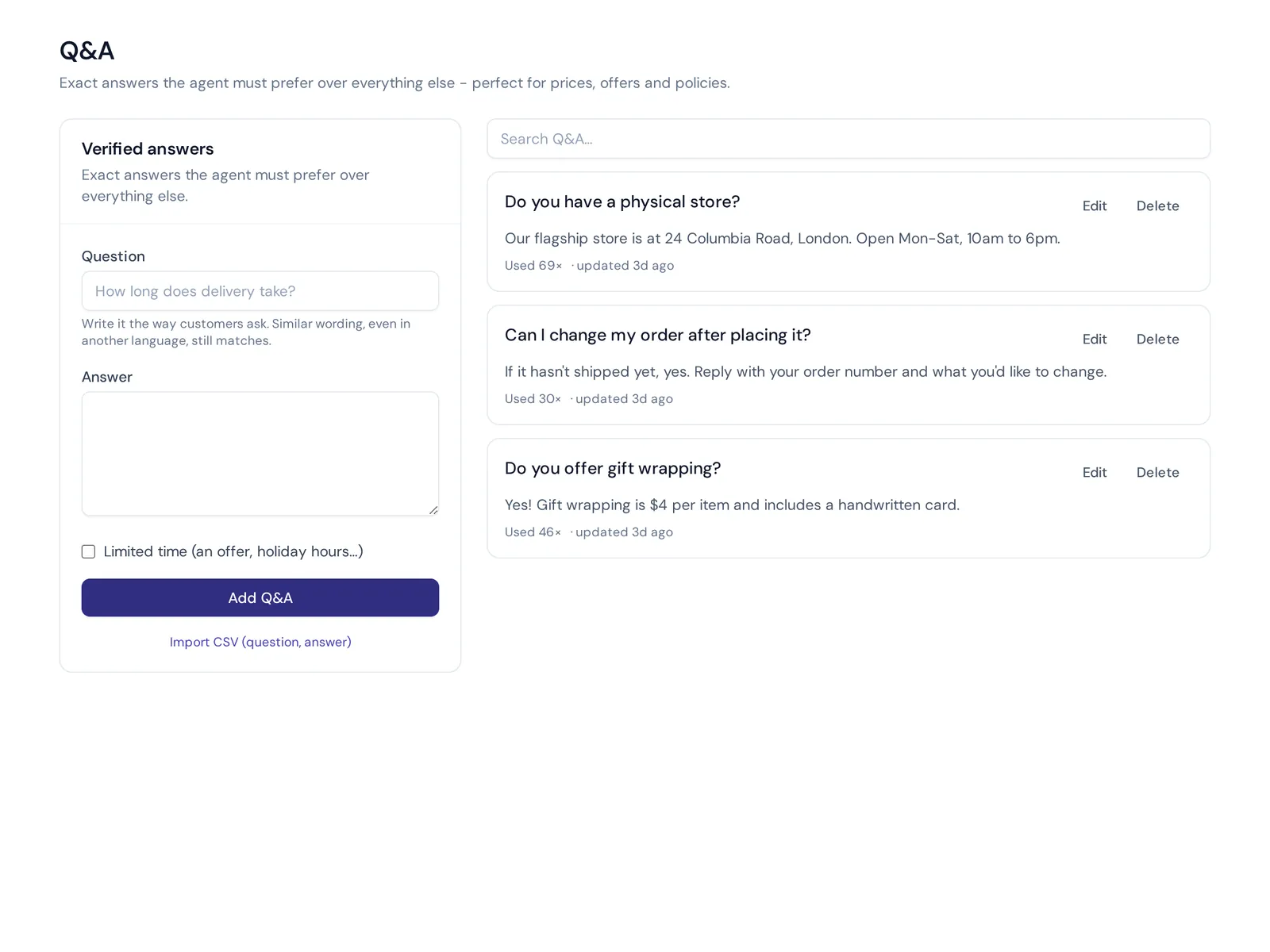
- Find the questions. AnytimeReply's analytics shows the topics customers ask about and the knowledge gaps, the questions the AI couldn't answer, with a one-click "add answer".
- Publish a help center on your own domain. Our help center publishes articles from your agent's knowledge on help.yourdomain.com, with "Draft with AI" to speed up writing and article views and thumbs up or down to see what works.
- Answer instantly in chat. The same knowledge powers an AI agent on your website and messaging channels, so customers who never open your FAQ still get answers to their questions in seconds.
- AI search that answers. The help center search answers the question directly instead of listing links.
To be clear, AnytimeReply is a support tool, not an SEO platform. It won't do keyword research or track rankings. It helps you find real questions and keep answers consistent across your help center and chat. The help center and website chat are on the free plan.
Frequently asked questions
Are FAQ pages good for SEO?
Yes. The expandable FAQ results are gone from Google, but FAQ content still helps you rank for question-based and long-tail searches, win featured snippets and get quoted in AI answers.
How do you write FAQs for a website?
Collect real customer questions from support, search data and sales. Use the customer's wording as the question, answer it directly in the first sentence, keep it to a few sentences and group questions by topic.
Does Google still show FAQ rich results?
No. Google stopped showing them for all sites on May 7, 2026, and removed the related Search Console report and Rich Results Test support in June 2026.
Should I remove FAQ schema from my site?
You don't have to. Google says unused structured data doesn't cause problems. Just don't expect it to change how your result looks in Google.
How many questions should an FAQ page have?
As many as your customers actually ask, usually 10 to 40 on a general page and 3 to 8 on a product page. Quality matters more than count.
Write FAQs for people first
FAQ SEO in 2026 is simpler than it used to be: no rich result tricks, just real questions answered clearly. Find what customers ask, answer it in the first sentence, keep it current. That's what SEO success looks like now, and your support team will thank you too.
Want to see which questions your customers really ask? Start free with AnytimeReply, no card needed, and let the knowledge gaps report show you your next FAQs.
Published 31 October 2026 by AnytimeReply team