A customer writes to your shop at 2 am: "Can I still change the size on my order?" A chatbot can answer that in five seconds. It can also give a confident wrong answer, or trap the customer in a loop of "Sorry, I didn't get that." Both things happen every day, and that is why looking at chatbot pros and cons honestly matters before you add one to your website.
The short version: chatbots are great at speed, scale and repeat customer questions. Their biggest disadvantage is weakness with empathy, exceptions and anything they were never taught. Most of the downsides can be reduced with good setup and an easy way to reach a human, but not all of them.
We build an AI support agent, so we have a bias. We will still be straight with you about where chatbots fall short, because a chatbot that annoys your customers does more harm than good.
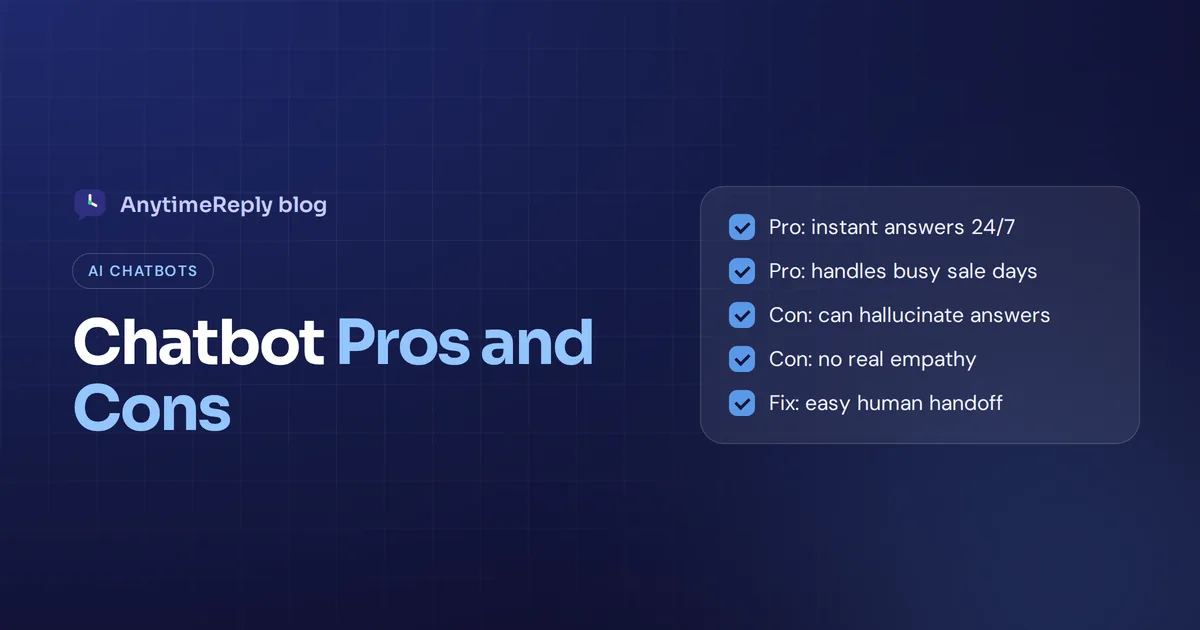
Chatbot pros and cons at a glance
Every pro below has a matching con. Here is the quick summary:
| Pros | Cons |
|---|---|
| Available 24/7, including weekends and holidays | Can give wrong or made-up answers if poorly set up |
| Instant replies, no queue | No real empathy, which hurts in complaints |
| Handles many conversations at the same time | Frustrating loops when it doesn't understand |
| Lower support costs as you grow | Needs good content, testing and regular updates |
| Replies in the customer's language | Struggles with complex or unusual requests |
| Consistent answers every time | Privacy risks and data questions |
| Captures leads and useful customer data | Some customers simply don't want AI |
What is a chatbot? Chatbots in 2026, quickly
A chatbot is software that answers messages automatically, usually in a chat window on your website or on messaging apps like WhatsApp, Messenger and Instagram. There are two main types, and their advantages and disadvantages are quite different.
- Rule-based bots follow a decision tree. You predefine every path, the customer clicks buttons or types keywords, and the chatbot shows the next step. They are predictable and cheap, but they break the moment someone asks something the script didn't plan for.
- AI chatbots use artificial intelligence, usually a large language model, plus natural language processing to understand what people mean, even with typos or slang. They can answer questions they were never given word for word, as long as the answer is in the content they learned from.
Most support tools now use LLMs, the large language models behind generative AI like ChatGPT, so this article focuses mainly on the pros and cons of AI chatbots, with notes on rule-based ones where they differ.
The pros of AI chatbots
1. They are available round-the-clock
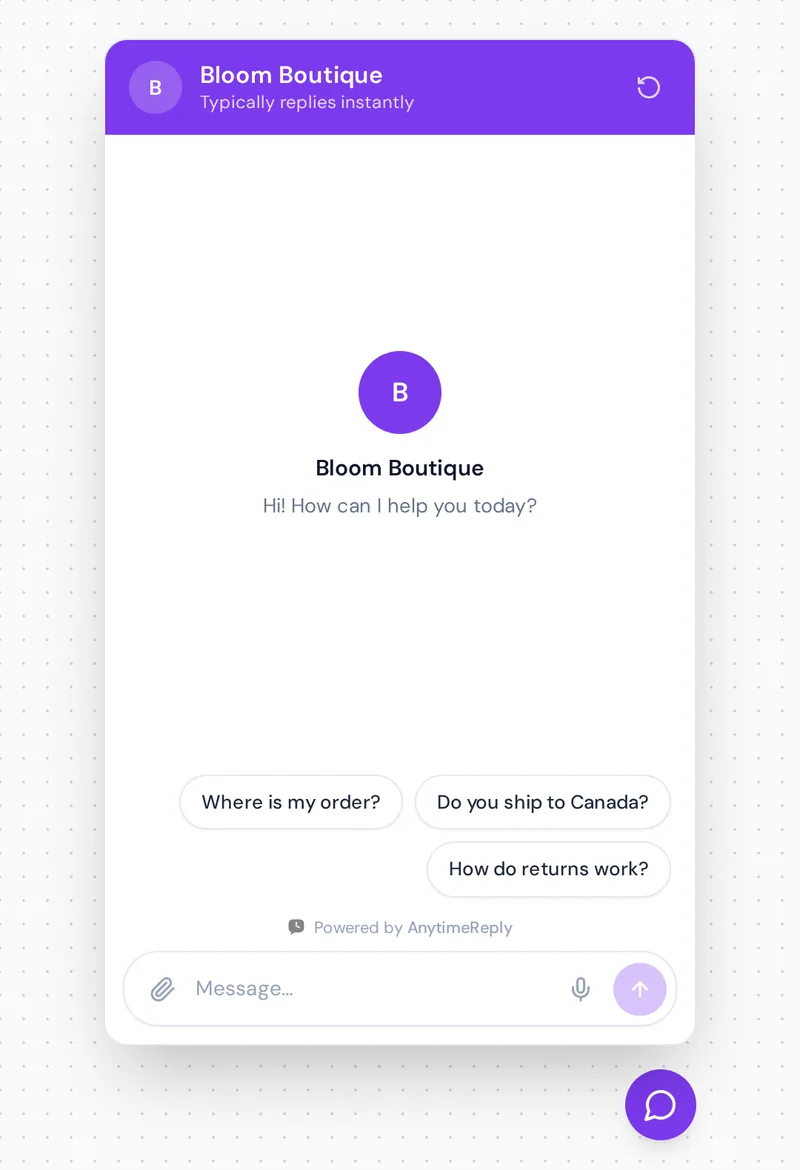
This is the biggest pro. Customers shop and ask questions at night, on Sundays and during holidays. A chatbot gives 24/7 customer support without anyone working a night shift. For a small business, that alone is a reason to use AI.
2. Instant answers, no waiting
No "an agent will be with you shortly". The customer asks "Do you ship to Canada?" and gets a reply in seconds. Speed matters most on simple questions, where waiting 20 minutes for a one-line answer feels silly.
3. They handle volume without breaking
Say you run a sale and 300 people message you in one evening. A chatbot can handle every conversation at the same time, so each customer gets an answer at the same speed.
4. Lower support costs
Once it is set up, each extra conversation costs very little, and you can grow without adding headcount at the same rate. Chatbots don't replace your whole team, but automation takes the repetitive work off their plate.
5. They speak your customers' languages
A good AI chatbot replies in the language the customer writes in. That means you can offer support in Spanish, Hindi or Bangla without hiring a speaker for each one. Rule-based tools usually need a separate script for every language.
6. Lead capture and customer insights
Chatbots can ask for an email before a quote, qualify a lead, or recommend a product. They also show you what people ask most, where they get stuck and which questions your website doesn't answer.
7. Your team gets to do real work
When AI tools take "Where is my order?" and "What are your opening hours?", every human agent can spend time on refunds, complaints and sales conversations that actually need a person.
What are the cons of chatbots?
Now the honest part. These are the disadvantages of chatbots we see most often, roughly in order of how much damage they do.
1. Hallucination: wrong or made-up answers
AI chatbots can hallucinate, which means they give a confident answer that isn't true. One that promises free returns when you charge for them creates a real problem. This mostly happens with thin training data, or when the chatbot is allowed to answer from general internet knowledge instead of your own knowledge base.
2. No emotional intelligence
A customer whose wedding dress arrived torn doesn't want a cheerful template. AI can be polite, but it has no emotional intelligence. At best it creates an illusion of empathy, and customers can tell. Some people simply want human interaction: a real human conversation with someone who can make a decision.
3. The "Sorry, I didn't understand" loop
This is the classic complaint. The customer rephrases three times, the chatbot keeps misunderstanding, and there is no button to reach a person. Scripted bots are the worst offenders, but AI ones do it too when they have nothing to answer from. A bad user experience like this can push people away for good.
4. Setup and maintenance
Adding the widget takes a few lines of code. Getting good answers takes more. A chatbot is only as smart as what it learned from, so if your prices, policies and shipping times aren't written down clearly, it can't answer well. And when things change, someone has to update the content. Set it up once and forget it, and it gets worse over time.
5. Limited with complex requests
"I ordered two items, one arrived damaged, and I want to swap the other for a different color" is easy for a person and hard for many chatbots. Anything with several steps, exceptions or judgment calls still needs to escalate to a human most of the time.
6. Privacy risks
Chatbots handle names, emails, order numbers and sometimes addresses. You need to know where that data goes, who can see it, and whether the vendor uses it to train future iterations of its AI models. In larger companies, AI governance rules may decide whether you can use a chatbot at all, and in healthcare or finance the bar is even higher.
7. Some customers just don't like AI bots
Even a good chatbot can feel impersonal. Some people type "human" as their very first message. If your customers are older, high-value or used to talking to the owner, an aggressive bot can feel like a wall.
8. Costs can creep up
Many platforms charge per message, per conversation or per "resolution". That is fair, but a spam wave or endless chats with time-wasters can raise your bill. Check how pricing works before you scale up.
Pros and cons of AI chatbots vs rule-based chatbots
| Rule-based chatbot | AI chatbot | |
|---|---|---|
| Understands natural language | Only keywords and buttons | Yes, including typos and slang |
| Risk of wrong answers | Low, it only says what you wrote | Higher if poorly trained or unguarded |
| Setup | Build every path by hand | Add your content, then test and adjust |
| Handles new questions | No | Yes, if the answer is in its content |
| Languages | One script per language | Usually replies in the customer's language |
| Best use case | Simple menus, forms, lead capture | Open, free-text questions |
A common middle ground: buttons and simple flows for predictable steps (like collecting an order number) and AI for open questions.
Chatbot advantages and disadvantages for customers vs businesses
For customers, the good parts are fast answers at any hour, no hold music and help in their own language. The bad parts are wrong answers, loops, and having to fight to reach a human.
For businesses, the good parts are lower costs, more sales outside office hours and fewer repeats of the same support ticket. The bad parts are setup time, risk to your brand when the chatbot says something wrong, vendor costs and data responsibilities.
If a chatbot only helps the business and frustrates customers, it costs you more in lost trust than it saves. The goal is better customer satisfaction and a better customer experience, not just fewer tickets.
Chatbot deployment: when it's a good fit (and when it isn't)
Using chatbots usually makes sense if:
- You get the same questions again and again (shipping, sizes, prices, opening hours, order status).
- Customers message you outside business hours.
- You sell in more than one language or country.
- Your small team spends hours a day on copy-paste replies.
- You have decent content the chatbot can learn from: a website, FAQ or policy pages.
Think twice if:
- Almost every conversation is unique, emotional or high-stakes (legal advice, medical decisions, big custom contracts).
- Your information changes daily and nobody will keep it updated.
- You can't offer any way to reach a human. No exit is where most bad experiences come from.
How to reduce hallucination and other chatbot risks
Most chatbot problems come from setup, not from the technology. Here is a simple checklist:
- Train it only on your own content. Website pages, help articles, policy documents. Don't let it answer from general knowledge about your prices or policies.
- Write verified answers for the top questions. Refunds, shipping costs, delivery times. Exact answers beat AI guesses for anything with money involved.
- Let it say "I don't know". A chatbot that admits it isn't sure and offers a human is far better than one that bluffs.
- Make the human handoff easy. Customers should reach a person by asking, and the chatbot should hand over automatically when someone is upset or the query is outside its knowledge.
- Test before going live. Ask it what your customers really ask, including the odd and rude ones.
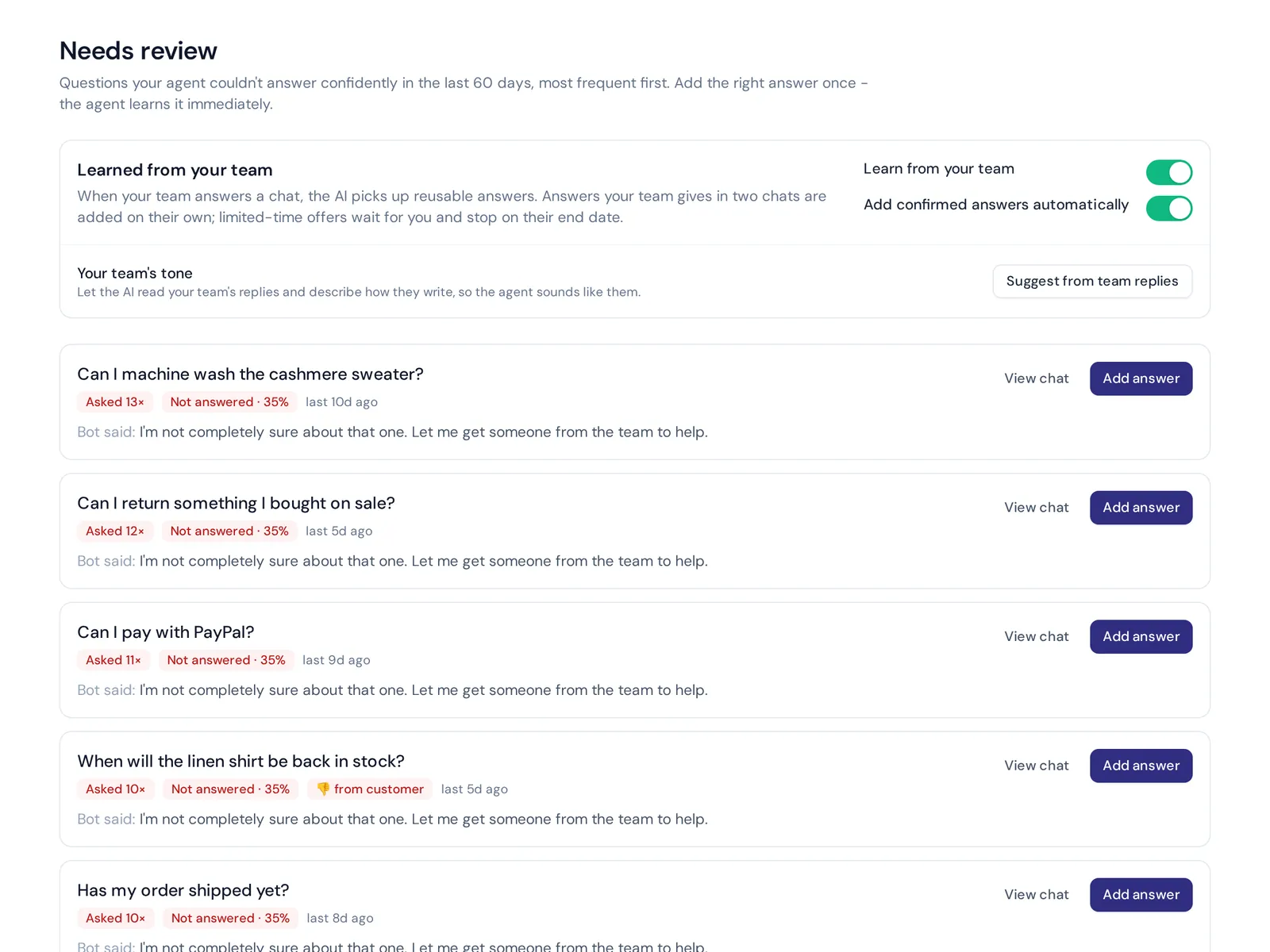
- Review transcripts weekly. Look for questions it couldn't answer and fill the gaps.
- Ask chatbot vendors about data. Read the vendor's data policy. Find out if conversations are used to train AI models and how you can delete data.
- Set limits. Spending caps and spam filters stop a flood of junk chats from eating your budget.
How AnytimeReply handles the cons without losing the human touch
We built the AnytimeReply AI agent around the cons above, because we have seen how badly an unguarded chatbot can go.
- It answers from your content. You add your website, documents and Notion pages, and write Q&A answers that always win over other sources.
- It says when it doesn't know. Every answer has a confidence score, and when the agent isn't sure it says so instead of guessing. Those questions show up as knowledge gaps you can fix with one click.
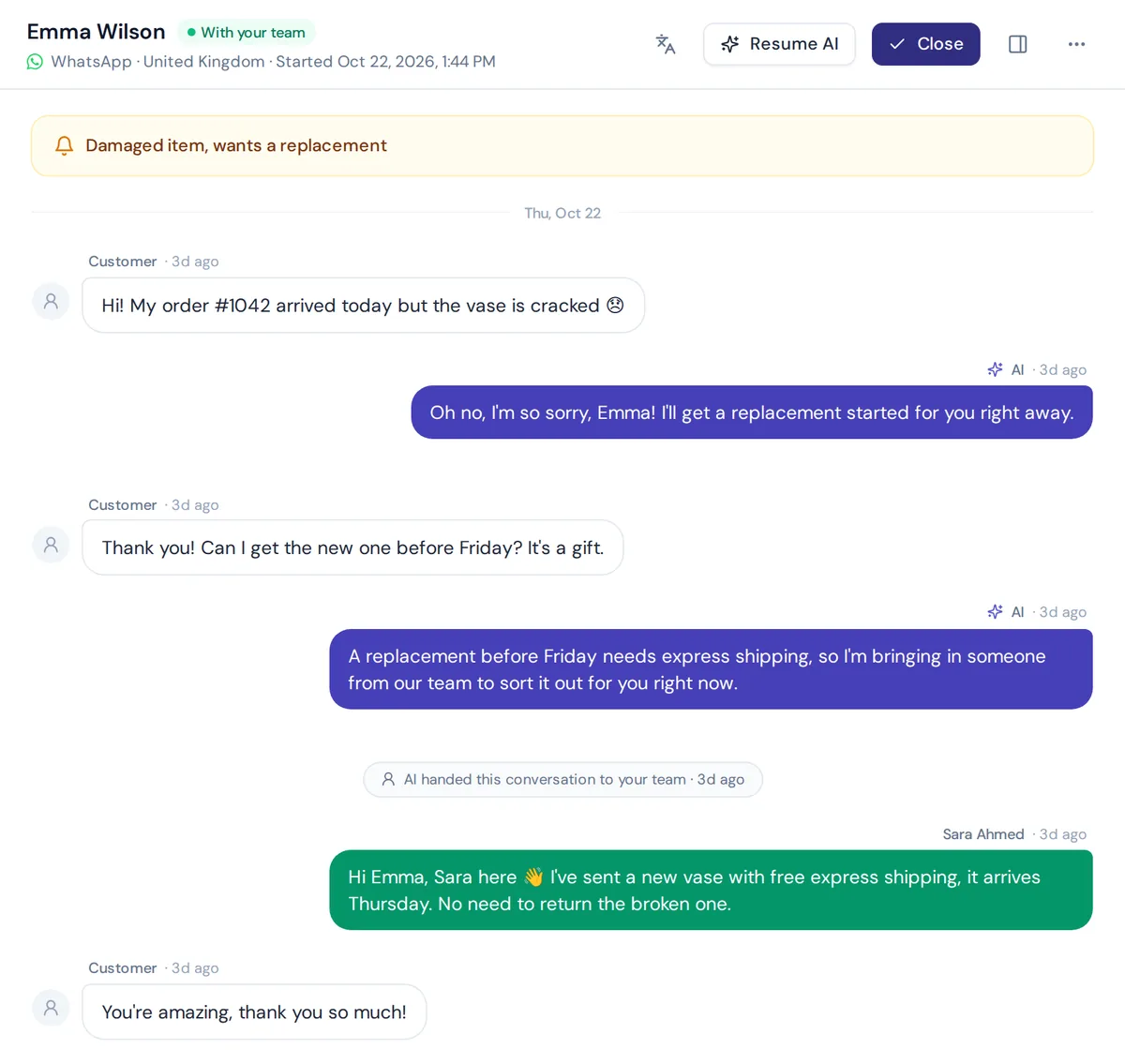
- It hands over to people. The AI answers first and passes the chat to your team, with a summary, when a customer asks for a person, gets upset, or asks something it can't answer. Your team replies from one shared inbox.
- Spam doesn't eat your credits. AI spam detection pauses junk chats, and you can set spending caps per agent.
- Your data stays yours. Customer data is not used to train AI models, and you can delete it any time.
Honest limits: AnytimeReply works in text channels like website chat, WhatsApp, Messenger, Instagram, Telegram and email. It doesn't answer phone calls. And like any AI, it is only as good as the content you give it. Still deciding between AI and a human team? Our guide on chatbot vs live chat covers that choice.
Frequently asked questions
What are the downsides of using AI chatbots?
The main downsides are wrong answers when poorly trained, no real empathy, frustrating loops, ongoing maintenance and privacy concerns. Most of them shrink with good content, verified answers and an easy way to reach a person.
Are AI chatbots worth it for businesses?
For most businesses that get repeat questions, yes. The value comes from instant 24/7 answers and fewer copy-paste replies. If you get very few messages, or every case is unique, the setup may not pay off.
Can an AI chatbot replace human customer support?
Not fully. A chatbot can take a large share of repeat questions, but complaints, refunds with exceptions and sensitive conversations still need a human agent. The best setup is AI first, a person when needed.
Can a chatbot handle an angry customer?
It can stay calm and apologize, but it can't really fix the feeling. A good chatbot notices frustration and hands the chat to a person quickly instead of arguing.
Are AI chatbots safe?
They can be, but it depends on the vendor. Check how data is stored and encrypted, who can access it, whether the bot's conversations are used to train AI models and how you can delete data.
Final thoughts
The pros and cons of chatbots come down to one idea: a chatbot is a great first responder and a poor last resort. Let it handle the fast, repetitive questions, keep a human close for the rest, and keep its content fresh.
If you want to see how that works on your own site, start free with AnytimeReply. Add your website, test the agent with real questions and decide for yourself. No card needed.
Published 3 November 2026 by AnytimeReply team