You want a chatbot, but you are stuck on the first question: what should it actually do? A bot that says "Hi, how can I help?" and then fails on every real question is worse than no bot at all. The good news is that the best chatbot ideas are usually boring on paper. They take one job your team repeats every day and do it in seconds, at any hour.
Below are 30 chatbot ideas for companies of every size, grouped by situation: online shops, customer support, sales, service businesses, SaaS, education, internal help desks and a few creative chatbot ideas for fun. Each one comes with a short example of what the bot would say, so you can copy the opening line and adapt it. Think of it as chatbot ideas across every part of a business.
We build an AI support platform, so we have opinions here. We'll tell you which ideas are worth starting with and which ones sound fun but rarely pay off.
Different types of chatbots: AI agent, virtual assistant and more
Before you employ a chatbot, it helps to know the options. The chatbot technology you pick shapes which ideas work.
- Rule-based chatbots. Rule-based chatbots use predefined rules: buttons, menus and decision trees. The chatbot asks a question, the user clicks an answer, and the bot follows the next branch. They are cheap and predictable, but they break when someone types something the script didn't predefine.
- AI chatbots. These use natural language processing and generative AI to understand free text, typos and follow-up questions. A good AI chatbot answers from your own website and documents, not from random guesses. An innovative chatbot today can even provide personalized replies based on past orders.
- AI agents. An AI agent goes one step further. It can take actions, like checking an order or booking a meeting, not just answer questions.
- Virtual assistant. A general virtual assistant (like the AI assistants on your phone) uses AI technology to handle many personal tasks. A business chatbot is narrower and trained on one company's knowledge.
Different types of chatbots fit different jobs. Most ideas below work best with a conversational chatbot powered by conversational AI, because real customers don't type the way scripts expect. A few, like quizzes and guided menus, work fine as rule-based flows.
What makes a good chatbot idea?
Run your idea through three quick questions:
- Is it repetitive? If your team answers the same query 20 times a week, a bot can take it. If every case is different, a person should handle it.
- Is the answer written down somewhere? An AI chatbot is only as good as the content it learns from. Your website, help articles, policies and product pages are the fuel.
- Does a fast answer matter? Shipping questions at 11 pm, a lead asking about pricing on a Sunday, a customer who wants to cancel. Speed changes the outcome.
If an idea gets three yes answers, it is a strong candidate. If it gets one, park it for later.
Best chatbot ideas for online shops
Ecommerce is where chatbots earn their keep fastest, because the same five questions come in all day.
1. Order tracking assistant
The customer types "where is my order?" and the chatbot looks up the status and tracking link. This is the most common support question in most shops.
"Hi! I can check your order for you. What's your order number or the email you used at checkout?"
2. Product finder with personalized recommendations
Instead of browsing 300 products, the shopper describes what they need and the chatbot can help by suggesting a few matching items with price and stock, based on user answers like budget and style.
"Looking for something specific? Tell me what it's for and your budget, and I'll show you a few options."
3. Size and fit advisor
Fashion and shoe stores get "is this true to size?" constantly. An AI trained on your size charts answers instantly and can personalize the advice to each shopper.
"Not sure about sizing? Tell me your usual size in another brand and I'll suggest the best fit."
4. Returns and exchanges helper
This chatbot helps explain your return window, checks if an order qualifies and walks the customer through the steps. Anything unusual goes to a person.
"I can help with returns. Was the item damaged, the wrong size, or did you just change your mind?"
5. Shipping questions bot
Do you ship to Canada? How long does it take? How much is delivery? Simple, high-volume, perfect to automate.
"We ship to most countries. Which country are you ordering from? I'll tell you the delivery time and cost."
Chatbot ideas to improve customer support
These ideas take pressure off your inbox so your human agents can spend time on the conversations that really need them.
6. 24/7 FAQ chatbot to automate answers
The classic, and the best place to start. Train the bot on your help center and policies, and it answers common questions around the clock. It covers basic customer support and can help businesses provide instant answers without hiring a night shift. Customer service chatbots provide the most value here.
"Hi! Ask me anything about orders, payments, shipping or your account. If I can't help, I'll connect you with the team."
7. Smart triage and handoff bot
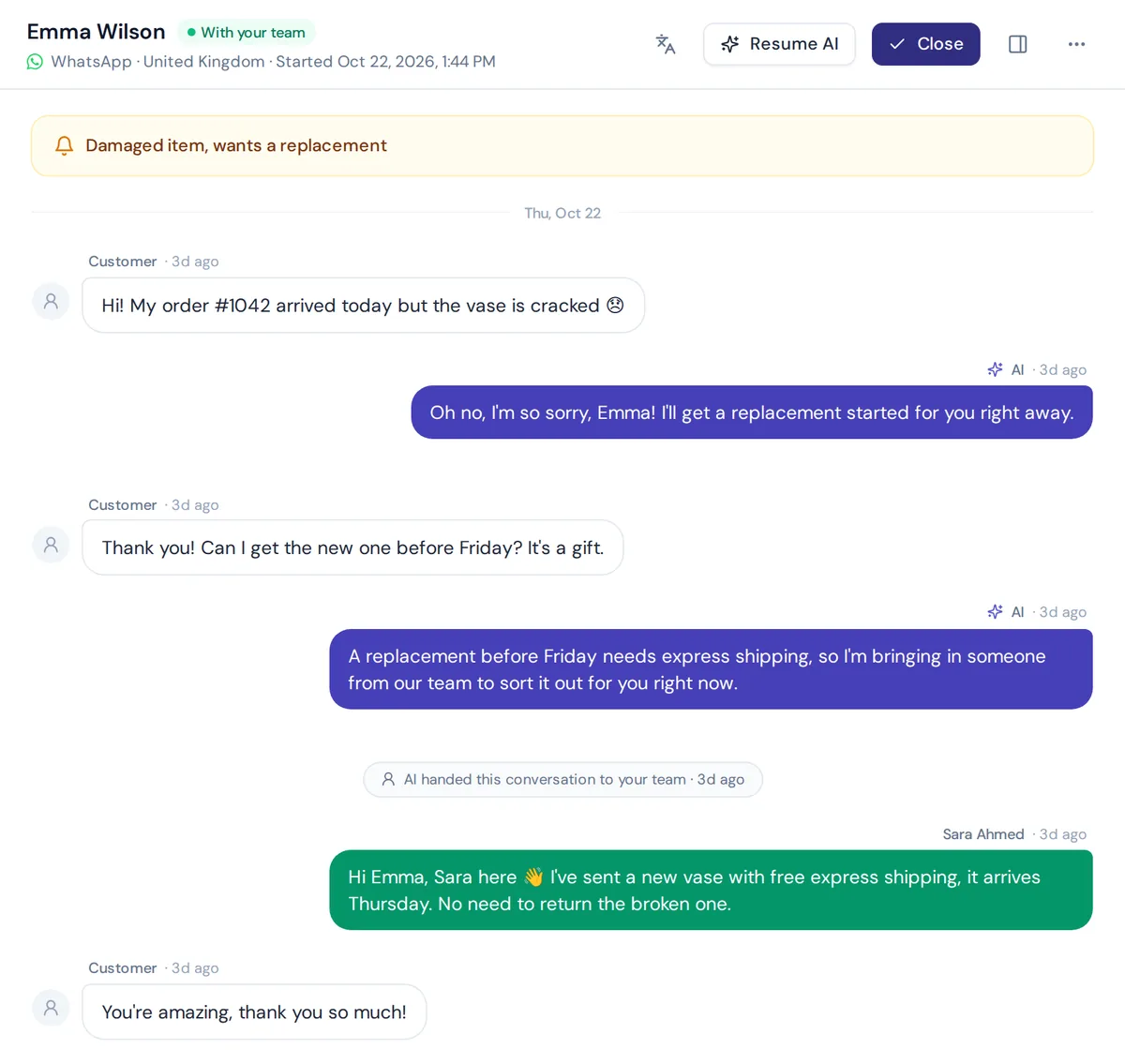
It asks what the issue is, collects the basics (order number, email, photo) and routes the chat to the right customer support agent with a summary. Your agent starts with context instead of "how can I help?".
"Thanks, I've got your order number and a photo of the damage. I'm passing this to our team now so they can sort it out."
8. Multilingual support bot that uses AI
If your customers write in more than one language, use AI that replies in the customer's language. It saves hiring for every language. It also handles mixed languages like Banglish or Hinglish, which many teams struggle with.
9. After-hours cover
Your team works 9 to 6. The chatbot can also handle customer queries in the evening and on weekends, then leaves clear notes for the morning shift.
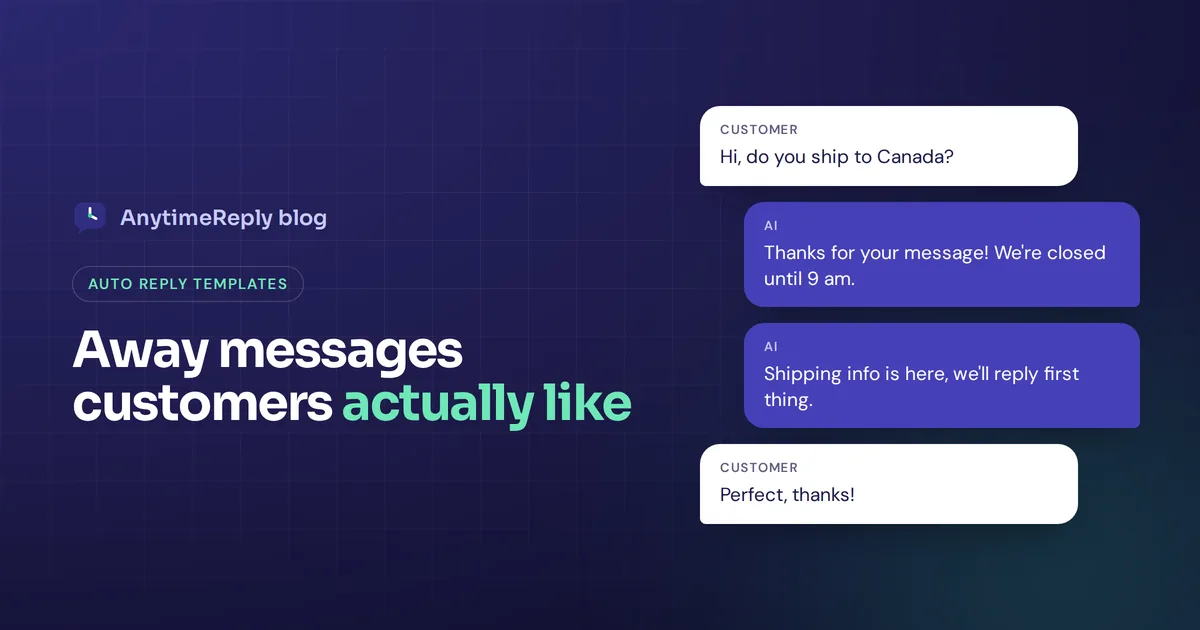
"Our team is offline right now, but I can help with most questions. Anything I can't solve, I'll pass on so someone replies first thing tomorrow."
10. Customer feedback collector
After a chat or a delivery, it asks one quick question: "How did we do?" Short, timely customer feedback beats a long survey nobody fills in, and it shows you how to improve customer satisfaction.
11. Email ticket responder
Not every chatbot lives in a chat bubble. An AI that reads support emails, answers the common ones in the same thread and drafts replies for the rest can clear a backlog fast.
Chatbot ideas to automate sales and lead generation
A visitor with a buying question at 10 pm is a lead you lose by morning. These bots catch them.
12. Lead qualification bot
It asks a few questions (company size, use case, timeline), answers what it can and passes hot leads to sales. Lead generation without a boring form.
"Happy to help you find the right plan. Roughly how many customer chats do you get each month?"
13. Demo booking bot
Instead of "fill in this form and we'll get back to you", it offers time slots and books the call right in the chat.
"Want to see it live? Pick a time that works for you and I'll book a 20-minute demo."
14. Pricing explainer
Pricing pages raise questions. Which plan fits me? What happens if I go over? Use a chatbot to provide pricing answers without making people wait for a sales rep.
15. Proactive product page helper
After someone spends a while on a product page, a small message pops up: "Questions about this one?" Used carefully, it helps undecided shoppers and can enhance engagement. Used badly (every page, every five seconds), it annoys everyone.
Booking and service business chatbot ideas
16. Booking bot to schedule appointments
Salons, clinics, consultants, repair shops. It answers questions about services and lets customers schedule appointments, so the phone stops ringing for simple bookings.
"Hi! Would you like to book an appointment or ask about our services first?"
17. Quote request collector
For cleaners, movers, builders and agencies, a bot helps collect the details needed for a quote (size, location, date, photos) so your team can price the job without five back-and-forth emails.
18. Real estate viewing assistant
It answers questions about a listing (price, size, area, availability) and books viewings. Agents only talk to people who are serious.
AI chatbot ideas for SaaS and software companies
19. Onboarding guide
New users get stuck in the first week. A chatbot that helps with onboarding, trained on your docs, can guide users through setup right inside the product.
"Welcome! Want help with your first setup step? I can walk you through it in under two minutes."
20. Subscription and billing assistant
Upgrade, downgrade, change card, cancel. For verified users, it can show plan details and make simple changes with confirmation, instead of a ticket for each one.
21. Bug report collector
The chatbot asks for steps, browser, screenshot and account email, then creates a clean report for your team. Fewer "it doesn't work" emails with zero detail.
Chatbot ideas for education
22. Course and admissions helper
Schools and course creators get the same questions about fees, schedules, enrollment and certificates. A chatbot to help with these, trained on your course pages, handles most of them.
23. Study quiz bot
A teacher adds lesson notes, and the quiz bot tests students with short questions and explains wrong answers. Great for revision before exams.
24. Homework explainer
Instead of giving answers, it explains concepts step by step from the class material. Set clear rules so it guides students rather than doing the work for them.
Internal chatbot ideas for companies
Chatbots don't have to face customers. Some of the most useful ones help your own staff and streamline internal workflow, which touches many aspects of business.
25. HR policy bot
How many vacation days do I have left? What is the parental leave policy? Using an AI trained on your handbook, HR stops answering the same questions every week.
"Hi! Ask me about leave, payroll dates, benefits or company policies."
26. IT help desk bot
Password resets, VPN setup, "how do I get access to this tool". It answers from your IT docs and opens a ticket when it can't fix the issue.
Creative chatbot ideas to inspire customer engagement
These are the fun ones. They can work well, but treat them as extras after the basics are covered.
27. Comment responder on Instagram and Facebook Messenger
Someone comments "price?" on your post. It replies publicly and sends the details in a private message. For social sellers this is often the biggest time saver of all, and a bot can increase replies on your posts.
Public reply: "Sent you the details in DM!" Private message: "Hi! This one is $45 and ships in 2 days. Want me to reserve one for you?"
28. Gift finder or style quiz wizard chatbot
A few quick questions (who is it for, budget, style) and it suggests gifts or a full look. A wizard chatbot like this feels more personal than a category page.
29. Recipe or usage helper
Food, beauty and kitchen brands can answer "what can I make with this?" or "how do I use this serum?" and personalize tips from their own guides.
30. Community bot on Telegram or Discord
Answers rules, event dates and FAQs for members, so moderators aren't repeating themselves all day.
When a brand uses a chatbot for fun, it should still be useful. Our honest take: fun bots get attention, but practical bots get results. A gift quiz is nice. An order tracker that saves your team 15 hours a week is better.
AI chatbot examples compared: which chatbot use case should you start with?
| Chatbot use case | Best for | Effort to set up | Impact |
|---|---|---|---|
| 24/7 FAQ bot | Any business | Low | High |
| Order tracking | Online shops | Medium (needs store connection) | High |
| Comment responder | Instagram and Facebook sellers | Low | High |
| Lead qualification | B2B, SaaS, agencies | Low | Medium to high |
| Booking bot | Service businesses | Medium (needs calendar) | High |
| HR or IT help desk | Teams with 30+ staff | Low | Medium |
| Quiz bot | Schools, shops with big catalogs | Medium | Medium |
Chatbot vs live chat: how to use chatbots alongside people
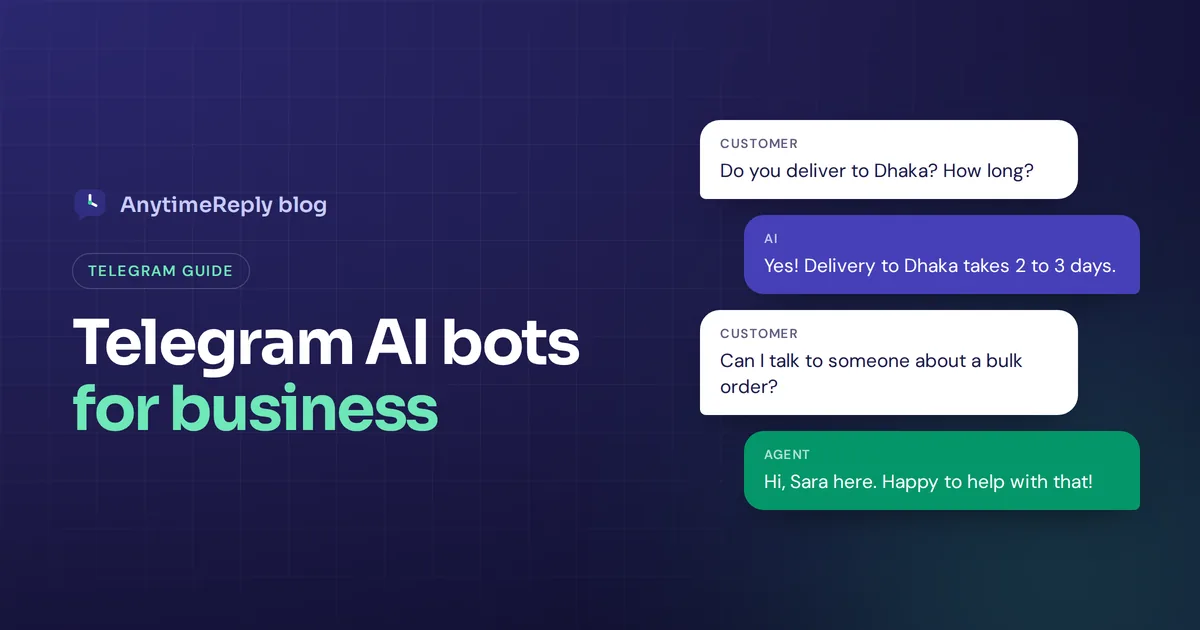
A chatbot can't replace every human conversation. It is great at speed and volume. Live chat with a real person is better for complaints, refunds and anything emotional. The best customer experience usually combines the two: AI answers first, a person takes over the tricky chats. We go deeper in our post on chatbot vs live chat.
How to deploy your chatbot idea in 7 steps
- Pick one job. Choose the idea with the most repeat questions behind it, based on your business needs.
- Collect your top 20 questions. Look through old emails, chats and DMs. Write down what people really ask, in their words.
- Make sure the answers exist. Update your FAQ, shipping page or policies so the AI has clear content.
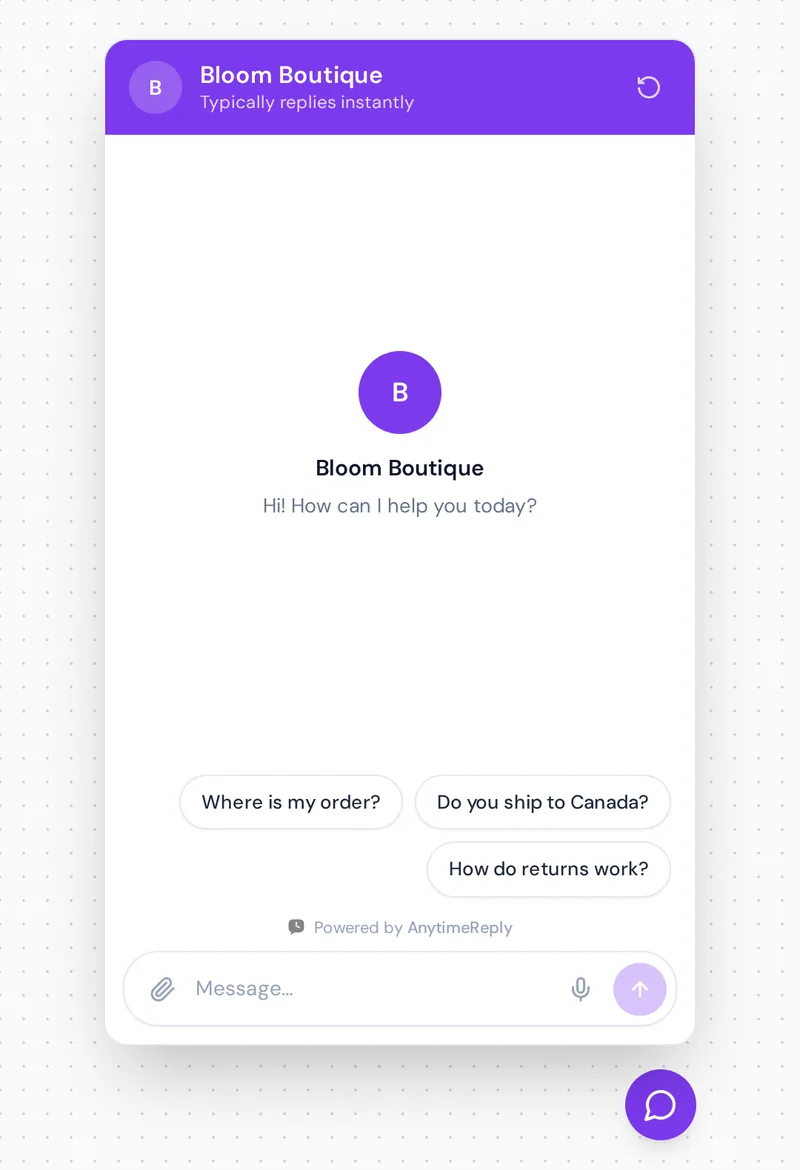
- Train the bot. Use a no-code chatbot builder to add your website, files and written Q&A. Write a short greeting so the chatbot starts by saying what it can do. A clean UI design matters too.
- Set the handoff rules. Decide when a person takes over: angry customers, big refunds, or anything the bot isn't sure about.
- Test with real questions. Include the weird ones and the ones with typos. Check the chat window on mobile too.
- Add a chatbot to your website, then review weekly. Read a handful of chats, find questions the bot couldn't answer and add those answers.
Common chatbot automation mistakes
- Trying to do everything at once. One job done well beats ten jobs done badly.
- Hiding the human. Customers get angry when they can't reach a person. Always offer a way out.
- Letting it guess. An AI that invents a refund policy creates real problems. It should say "I'm not sure, let me get the team" instead.
- Never looking at the chats. The first month tells you exactly what to fix.
- Making it pretend to be human. Be upfront that it's an AI assistant. People are fine with that if it actually helps.
How AnytimeReply helps you build these chatbot ideas
Most ideas on this list can be built with AnytimeReply without code. You add your website, documents and Notion pages, and our AI agent learns from them and answers in the customer's language. When it doesn't know something, it says so instead of guessing, and it hands the chat to your team with a summary.
- Support and FAQ bots work on the Free plan on your website, with a shared helpdesk inbox and a help center.
- Order tracking, booking and subscription bots use actions with Shopify, WooCommerce, Stripe, Cal.com and Calendly. Actions only run for verified customers and are on paid plans.
- Quizzes, lead capture and guided menus can be built with flows, a visual canvas with buttons and questions. Flow steps use no AI credits.
- Instagram, WhatsApp and Messenger bots, including comment replies, are on paid plans from Hobby.
Where we're not a fit: if your idea needs a voice bot that answers phone calls or SMS, AnytimeReply doesn't do that. And for a pure entertainment bot, a general AI tool is probably simpler. Check pricing for current plans.
Frequently asked questions (FAQs)
What are some good topics for a chatbot?
Order tracking, shipping and returns, appointment booking, lead qualification, onboarding, billing, HR policies and IT help. The best topic is whatever your team answers most often.
What are some good examples of chatbots?
Some of the best chatbot examples are simple: a store bot that tracks orders, a clinic bot that books visits, a SaaS bot that answers setup questions, and an Instagram bot that replies to "price?" comments.
What are some fun chatbots to build?
Gift finders, style quizzes, study quiz bots, recipe helpers and community bots. They work best on top of a bot that already handles the practical questions.
Are AI chatbots more effective than rule-based bots?
For open questions, yes. AI chatbots understand free text and answer new questions from your content. Rule-based bots are fine for fixed menus and quizzes.
Do I need coding skills to build a chatbot?
Not anymore. Most modern AI tools let you train a chatbot on your website and documents with no code. You only need a developer for custom integrations.
How do I choose the right chatbot idea for my goals?
Read your last 100 support emails and chats and group them by topic. The biggest group is your first chatbot idea. The second biggest is your next one.
Start with one idea this week
You don't need a perfect plan. Pick the idea with the most repeat questions behind it, build that, and improve it from real chats. The rest of this list will still be here next month.
Want to try it on your own site? Start free with AnytimeReply, add your website and test your first chatbot in a few minutes. No card needed.
Published 2 November 2026 by AnytimeReply team