It's 7:40 on a Friday evening. The kitchen is full, the host stand is busy, and three people are messaging your Instagram: "Table for four tonight?" Someone else asks if the lamb is halal. Nobody on your team has a free hand to reply.
That is the job a restaurant chatbot is built for. It answers the repeat questions on your website and social apps in seconds, takes booking requests, and passes anything tricky to a real person.
Below we cover what it does, a few real examples, how to set one up, and where it falls short. We build an AI support tool, so we have a bias, but we'll be honest about the limits.
What is a restaurant chatbot?
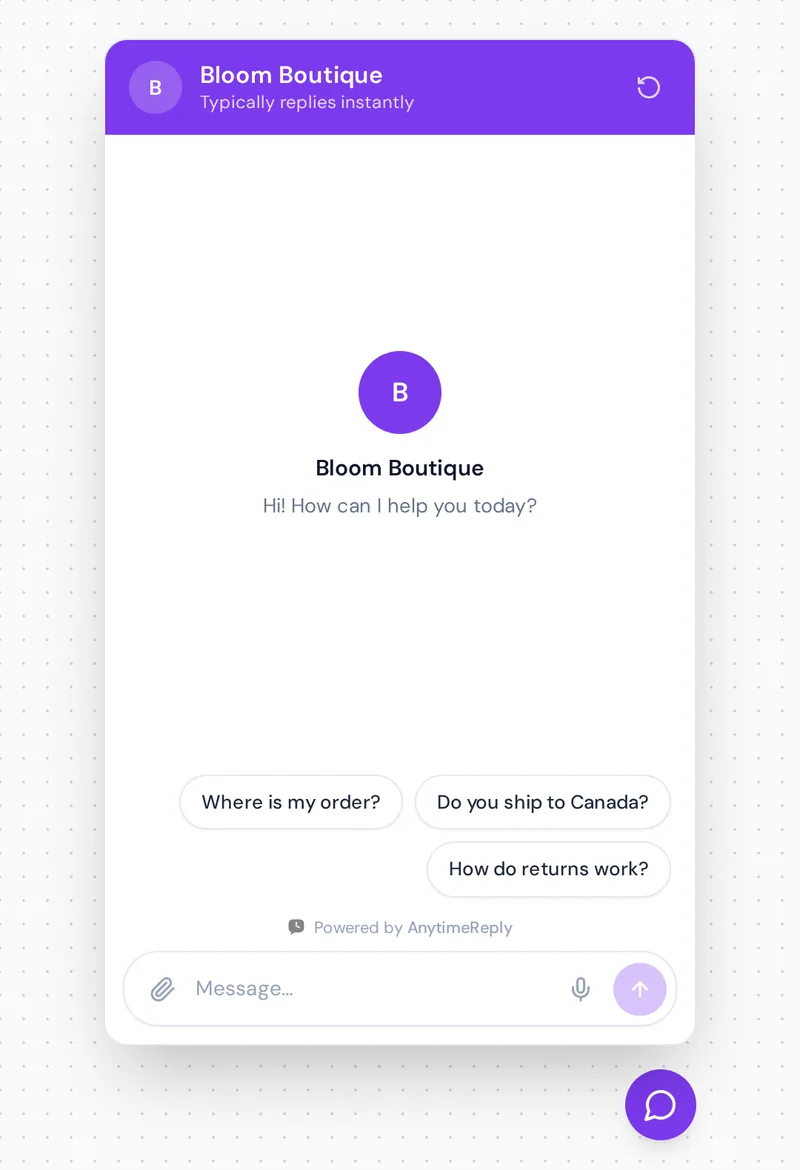
It's software that replies to guests automatically in a chat window: on your website, in WhatsApp, on your Facebook Page or in Instagram DMs. A diner types a question and gets an instant answer, around the clock.
Older tools were button-only. The guest taps "Menu" or "Opening hours" and gets a fixed reply. Modern AI-powered chatbots use natural language processing, so guests can type the way they talk ("Can I bring a birthday cake?") and still get a useful answer. Most good setups mix both: a simple bot menu for common paths, generative AI for everything else. These AI chatbots feel conversational instead of robotic.
Think of it as a front-of-house helper that never takes a break and never forgets the allergen list.
Why restaurants use an AI chatbot
The restaurant industry gets the same ten customer questions again and again, usually right in the middle of service. That's where automation helps most.
- Instant answers, reducing wait times. Guests get a reply in seconds instead of after the dinner rush, round-the-clock.
- More bookings. Someone who gets an answer at 11 pm is more likely to book. Silence sends them elsewhere.
- Less pressure on restaurant staff. Your service staff stop doing repetitive tasks like typing "Yes, we're open Sunday" and focus on the people in the room.
- Every channel, one inbox. Website chat and social messages land in one place, not four phones. Customer communication gets simpler, and you're improving service efficiency without hiring.
- Any language. Tourists and locals can ask in their own language and get a reply in it.
- Useful customer data. You see what people ask most, which helps you analyze customer preferences and fix your menu or website.
And it's not only for chains. A family restaurant with a busy Instagram often benefits most, because nobody is watching the inbox full time. Good hospitality starts with a fast reply, and better customer experiences bring people back.
What a chatbot for restaurants can do
Answer menu and dietary questions
"Is the chicken halal?" "Any vegan dishes?" Train it on your menu items with clear ingredient notes and it covers dietary options in seconds. For allergies, it should always add "please tell your server too".
Take table reservations
It collects date, time, party size and name, then books through your booking tool or passes the request to your team. Connected to a calendar with live availability, it can check table availability and confirm on the spot. A reminder message the day before helps cut no-shows.
Help guests place orders
For food ordering, it shares your ordering link, suggests popular dishes, explains the delivery area and answers "where is my order?" when linked to your ordering system.
Handle events and catering
For a private dining enquiry, it asks the basics (date, headcount, budget), captures contact details and hands the lead to your manager.
Collect post-visit feedback
A short "How was your meal?" message catches problems early, improves customer satisfaction and encourages a repeat visit. Simple ways like this to engage customers add up.
Restaurant chatbot examples
Big chains tested chat ordering early, and their projects show what guests actually use:
- Domino's lets customers order through many channels, including Facebook Messenger. Lesson: make reordering a favourite as short as possible.
- Taco Bell's TacoBot took orders inside Slack. A good nudge to meet diners where they already are.
- Starbucks added a chat-style ordering assistant inside its mobile apps. Ordering in an app people already use feels natural.
Those were mostly button flows for orders. Today's AI capabilities go further and answer open questions too. For a small place, the best example is often simple:
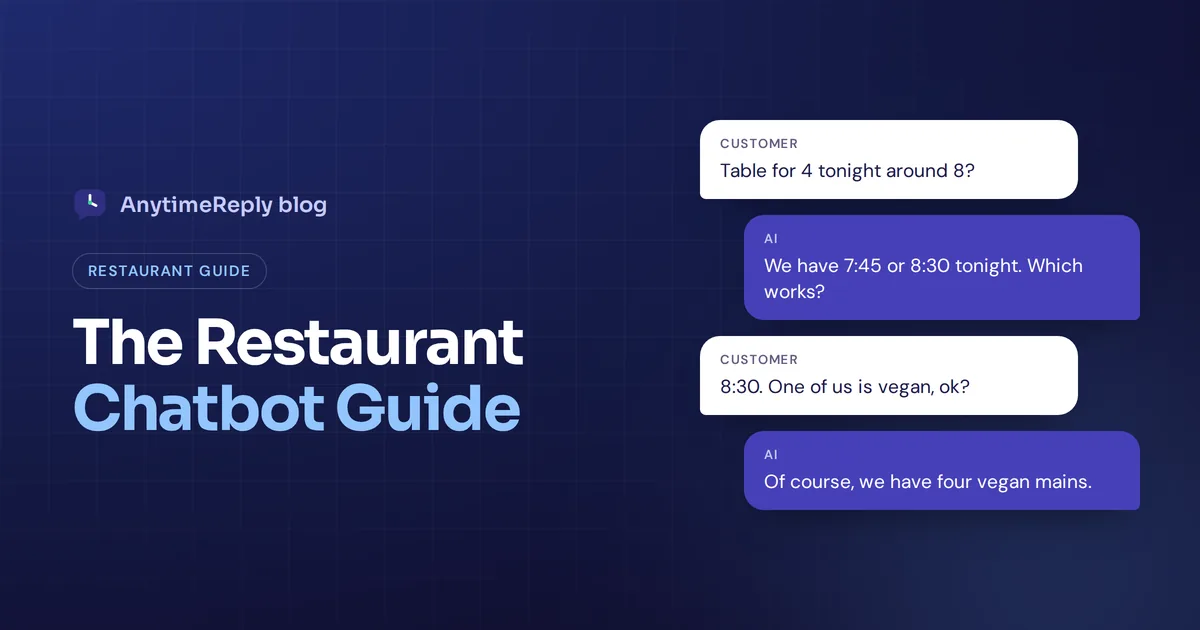
Guest: Hi, table for 4 tonight around 8?
AI: Hi! We have 7:45 or 8:30 tonight. Which works?
Guest: 8:30. One of us is vegan, ok?
AI: Of course, we have four vegan mains, including the mushroom risotto. Can I get a name for the booking?
How to automate reservations and book tables with an AI agent
Reservation workflows are where an AI agent pays for itself fastest. When you automate reservations, every chat-based booking follows the same workflow, and guests can book tables without waiting for staff. Here's a simple conversation flow that works:
| Step | What the AI does | Hand to a person when |
|---|---|---|
| 1. Greet | Asks: reservation or a question? | Guest asks for a human |
| 2. Collect | Date, time, party size, name | Group over 10 people |
| 3. Check | Looks up free slots | No slot fits |
| 4. Confirm | Sends booking details | Special requests or allergies |
Keep the human path open. A reservation chatbot that loops endlessly is worse than no chatbot.
How to set up and deploy an AI-powered chatbot for booking and FAQs
- Pick channels. Start where guests already message you, often Instagram and WhatsApp, then your website.
- Gather menu information. Menu as text or PDF, opening hours, holiday hours, booking rules, delivery zones, allergens, events.
- Train it. Add your website and upload the menu. Write verified answers for anything that must be exact, like deposits.
- Add buttons. "Book a table", "See the menu", "Order delivery", "Private events".
- Connect your tools. An integration with your booking calendar, order management platform or POS systems lets it do more than talk. Running several venues? Multi-location setups just need each branch's hours and booking rules.
- Set handoff rules. Complaints, risky allergy questions and big groups go to a person.
- Test, deploy, review. Ask 20 real customer queries before launch, then read a few chats each week.
Where restaurant chatbots fall short
- Phone calls. Many guests still call. A chat tool won't fix missed calls, so you still need someone on the line.
- Complaints. An upset guest needs a human apology, fast.
- Out-of-date info. Old hours or a dropped dish get repeated confidently. Update it when the menu changes.
- Floor management. If you use a dedicated reservation system for floor plans, send guests there instead of replacing it.
How AnytimeReply handles customer support for restaurants on every channel
AnytimeReply is an AI customer support agent with a built-in helpdesk. It isn't restaurant-only, but it fits restaurants and cafes well.
- Trained on your restaurant. Add your website, upload your menu as PDF or Word, and write Q&A answers that always win over other sources.
- On the apps guests use. Website chat is on the Free plan. WhatsApp, Instagram, Messenger and Telegram come with paid plans from Hobby ($9 a month). On WhatsApp it understands voice notes and photos.
- Bookings and leads. Build flows with buttons for booking requests, or connect Cal.com or Calendly through actions on paid plans.
- See your customer data. Analytics shows top topics across customer interactions and every query the AI couldn't answer, so you can add it in one click.
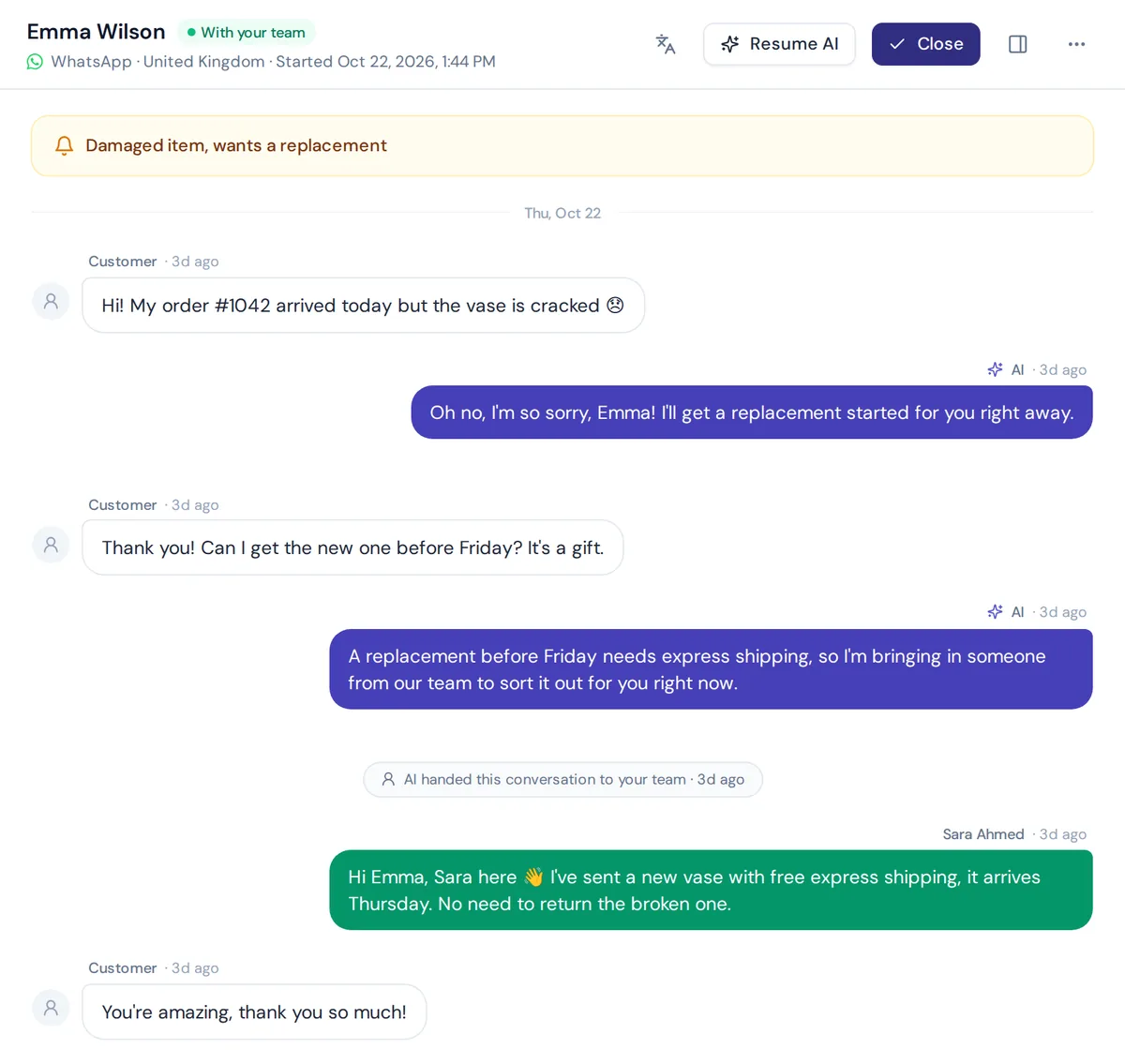
- Human handoff. When a guest asks for a person or the AI isn't sure, the chat moves to your shared inbox with a summary, and the AI pauses while staff reply.
The honest limits: it doesn't answer phone calls or SMS, and it isn't a table management system.
How much does a restaurant chatbot cost?
Anywhere from free starter plans to a lot more for custom builds. Most platforms charge a monthly fee plus usage. If it saves your staff an hour a day and wins a few bookings a week, it usually pays for itself. See our pricing for current plans.
Frequently asked questions
Can a restaurant chatbot work on WhatsApp or Instagram?
Yes. Most modern tools connect to WhatsApp, Instagram and Messenger as well as your website.
Can a chatbot take reservations and orders?
Yes, if it's connected to your booking or ordering tools. Otherwise it collects details and passes them to staff.
Are restaurant chatbots available 24/7?
Yes. That's the main benefit: guests get answers at midnight, and your team picks up anything urgent in the morning.
Do I need technical skills to set one up?
No. You add your website and menu, write a few answers and connect your accounts. No coding needed.
Are restaurant chatbots worth it?
For busy places with lots of messages, usually yes. If you get two messages a week, a fast human reply is enough.
Final thoughts
A chatbot won't cook or greet guests at the door. But it will answer that 7:40 pm message while your team is busy, and that message is often a booking. Want to try it? Start free with AnytimeReply, no card needed.
Published 6 November 2026 by AnytimeReply team