Someone's laptop won't connect to the VPN. Someone else needs access to the finance folder. A new hire starts Monday and still has no email account. If all of that arrives as chat DMs, hallway requests and random emails, things get lost. An internal ticketing system fixes that by turning every request from your own employees into a ticket with an owner, a status and a clear history.
This guide explains what an internal ticket system is, how it differs from a customer-facing one, which features matter, the best internal ticketing systems in 2026, and how to roll one out without your team ignoring it. We'll also be honest about when a simple tool is enough and when you need a full IT service management platform.
What is an internal ticketing system?
An internal ticketing system is software that collects, tracks and resolves requests from employees inside your company. Instead of "Hey, can you fix this?" in a chat, the request becomes a ticket. Each ticket has:
- A requester (the employee who needs help)
- An owner or assignee (the person or team handling it)
- A status like New, In progress, Waiting on employee, Resolved
- A priority so urgent problems get handled first
- A request type like IT, people ops, facilities or finance
- A history of every reply and internal note
You'll also hear it called an internal help desk, an internal service desk or internal ticketing software. The most common version is an internal IT ticketing system, but people teams, operations and finance use the same idea for their internal requests.
How does an internal ticketing system work?
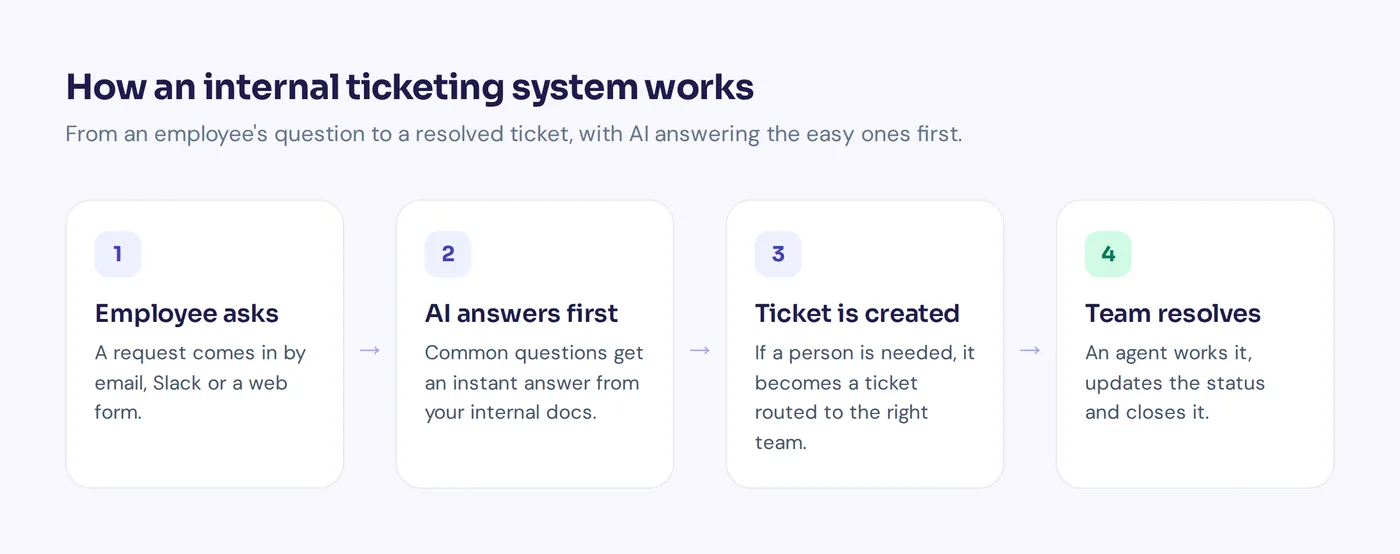
Here is the typical life of an employee request, and how the system manages it at each step:
- Employee asks. They send an email to [email protected], write in a chat channel or fill in a form.
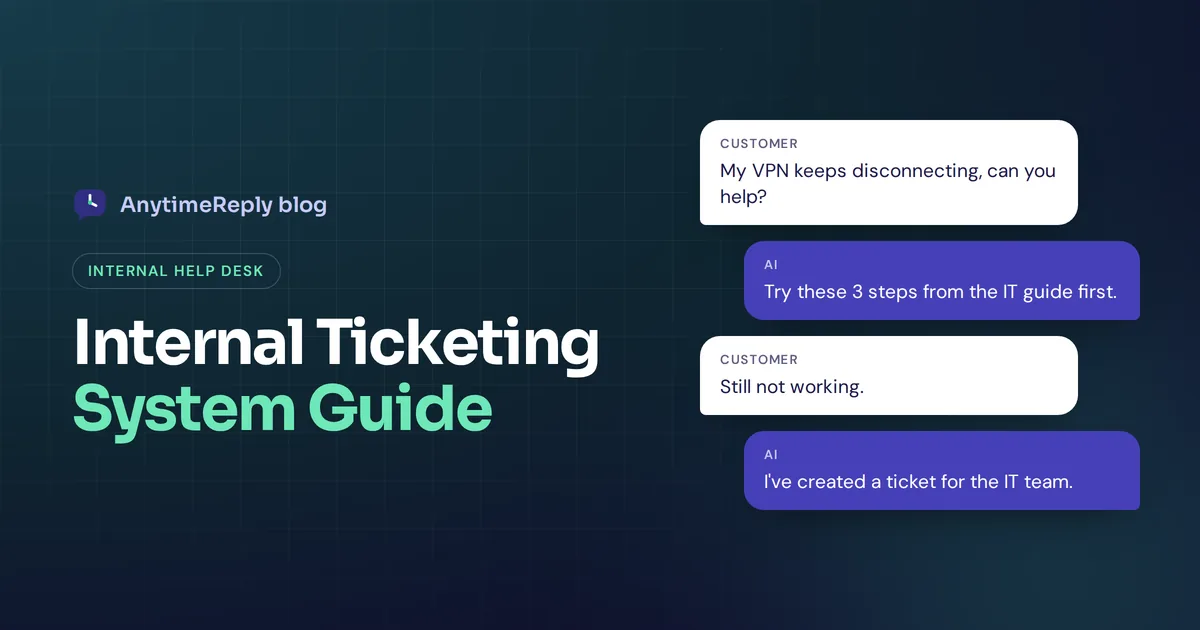
- AI or self-service answers first. If the answer is in your internal knowledge base (how to reset a password, where to find the holiday calendar), the employee gets it right away.
- The system converts the request into a ticket. If a person is needed, a ticket is created with the category, priority and conversation so far.
- Routing. Rules send tickets to the appropriate teams and assign an agent.
- Work and updates. The agent works on it, adds internal notes, asks for details and updates the status.
- Resolution. The agent marks it resolved. If the employee replies, the ticket reopens.
- Review. Recurring tickets become new help articles, so the same question gets answered automatically next time.
Difference between internal and external ticketing
The software is often the same. The audience and the priorities are different.
| Internal ticketing | External (customer) ticketing | |
|---|---|---|
| Who asks | Employees and contractors | Customers and prospects |
| Typical requests | Password resets, access requests, new hire setup, payroll questions, broken equipment | Orders, billing, product bugs, returns |
| Main channels | Slack or Microsoft Teams, email, an internal portal | Website chat, email, WhatsApp, social media |
| Knowledge source | Internal policies, IT guides, Notion or wiki pages | Public help center and website |
| Goal | Keep people productive, reduce downtime | Keep customers happy and buying |
| Sensitivity | Often private (salaries, access rights) | Customer data, payments |
One big difference: employees already live in your chat tool. If your internal ticket system forces them to log in to a separate portal for every small question, many of them simply won't use it.
Types of internal ticketing systems
- Internal IT help desk software. Built for IT teams: incidents, service requests, hardware and software issues. Small IT teams often start here.
- ITSM platform. A full IT service management suite with incident, problem and change management, asset management and SLA tracking. Used by larger IT departments.
- Enterprise service desk. One system that teams can use across IT, people ops, facilities and finance, each with its own queue. It helps streamline internal operations.
- Chat-first help desk. Employees ask in Slack, Teams or a chat widget, an AI answers common questions, and the rest become tickets.
- Basic ticketing tool. A shared inbox with statuses and assignment. Enough for many small companies and internal support teams just getting started with support ticketing.
Benefits of internal ticketing systems
- Nothing gets lost. A DM to someone who is on leave sits there for a week. A ticket in a shared queue gets picked up.
- Clear ownership. Everyone sees who is working on what, so two people don't fix the same thing while a third request waits.
- Priorities and SLA targets are visible. "The whole sales team can't log in" beats "my mouse is slow". Internal SLAs (for example, first reply within 4 working hours) set clear expectations.
- Balanced workload. Your IT person can work through tickets instead of answering pings all day, and managers can spread the workload fairly.
- Data you can act on. Ticket volume, resolution time and topics show which problems repeat. Maybe half your tickets are password resets, and a better guide would remove them.
- A record for audits and handovers. Access requests and approvals are documented, which matters for security and for whoever replaces you one day.
What to look for in an internal ticket system or helpdesk
You don't need every feature on day one. These ticketing system features matter most:
- Multiple ways to create tickets. Email ticketing, chat apps like Microsoft Teams, a web form. The easier it is to ask, the more requests go through the system instead of around it.
- Shared queue and assignment. Tickets go to the right team automatically, using round robin or the least busy agent.
- Departments. IT, people ops and finance each get their own queue, with private tickets where needed.
- Statuses, priorities and SLA rules. Custom statuses that match how your support team works, plus priority levels and target times.
- Internal notes and @mentions. Agents discuss a ticket privately before replying to the employee.
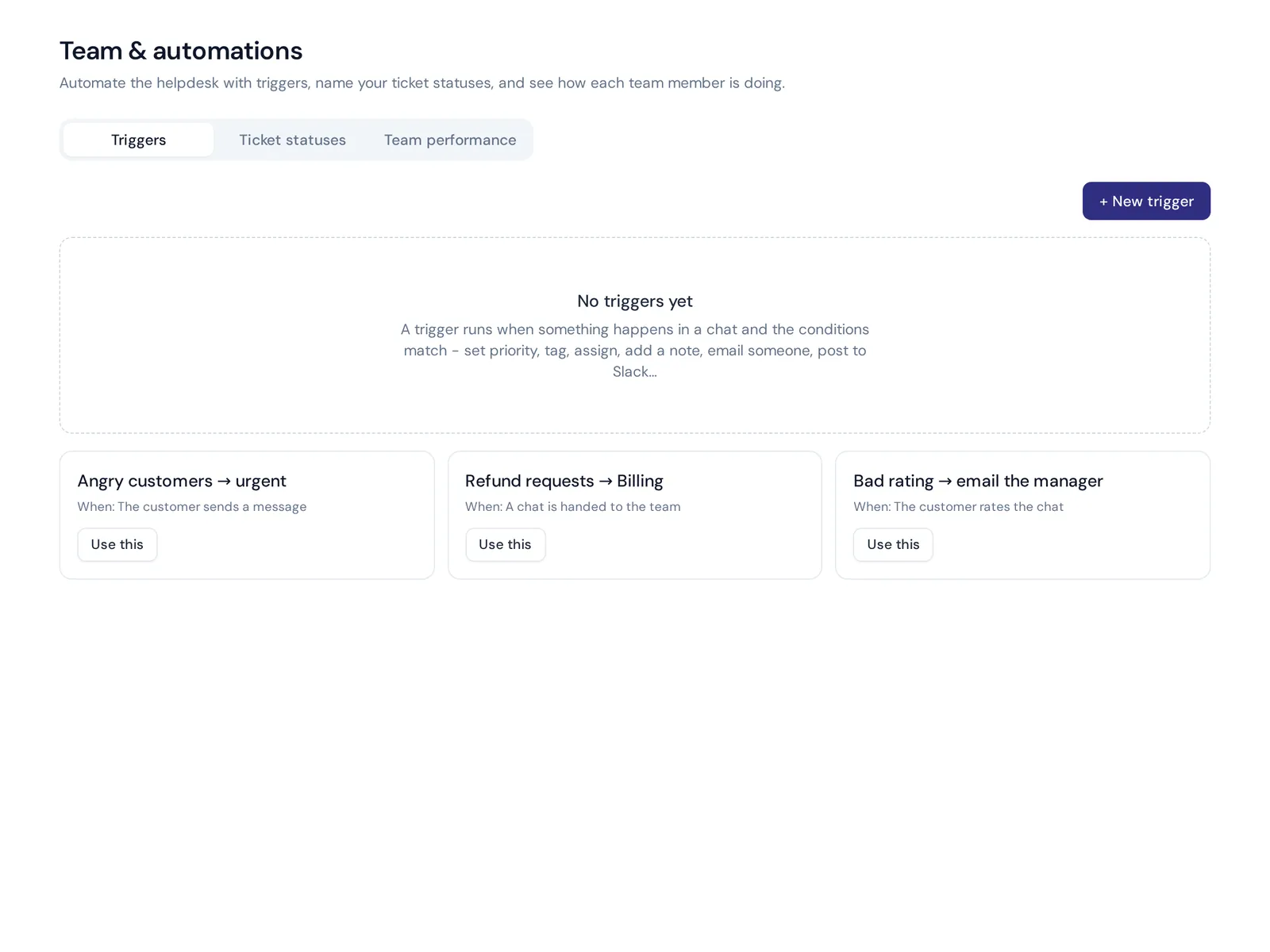
- Workflow automation. Triggers like "if subject contains 'password', tag it and assign to IT" or "if urgent, post in the #it-alerts channel".
- Self-service and a help center. An internal knowledge base where employees find answers before opening a ticket.
- AI answers. An AI agent trained on your internal docs can answer "How many leave days do new employees get?" or "How do I set up the VPN?" instantly, and only create a ticket when a person is needed.
- Integration with your internal tools. Chat, email, identity and the apps your teams already use.
- Inventory tracking (if you need it). Some tools track hardware and software inventory. If you need that, check before you buy, or plan for a second product.
- Security. Two-factor login, role-based access and encrypted credentials. Salary and personal tickets should not be visible to everyone.
Example request types and priorities
Keep your categories short. Five to ten is plenty. Here is a simple starting setup you can copy:
| Request type | Example | Default priority | Team |
|---|---|---|---|
| Access request | "I need access to the shared finance drive" | Normal | IT |
| Hardware | "My laptop screen is flickering" | Normal | IT |
| Outage | "Nobody in the office can connect to Wi-Fi" | Urgent | IT |
| New hire / leaver | "Sara starts on Monday, please set up her accounts" | High | IT + People |
| Payroll | "My payslip shows the wrong number of days" | High | People ops |
| Policy question | "Can I work from abroad for two weeks?" | Low | People ops |
| Service request | "Please install the design software on my laptop" | Normal | IT |
| Facilities | "Meeting room 2 projector is broken" | Low | Operations |
7 best internal ticketing systems in 2026
There are many options, from free and simple to full ITSM suites. Here are well-known names and who they suit. Features and pricing change often, so check each vendor's pricing page, and use a free trial before you commit.
1. AnytimeReply
An AI agent plus helpdesk. It answers employee questions from your docs in team chat, email or a web widget and turns the rest into tickets. Best for small and mid-sized teams whose main pain is repeat questions and lost requests. Not a full ITSM suite (more below).
2. Jira Service Management
Jira Service Management is popular with teams that already use Jira. Strong for IT and engineering workflows, incident management and service requests.
3. Freshservice
An IT service desk from Freshworks, known for ITSM features like change management and a service catalog.
4. Zendesk
Best known for customer support, Zendesk is also used for internal IT support, especially by companies that want one tool for internal and external ticketing.
5. Zoho Desk
Zoho Desk offers multichannel ticketing and fits well if your company already runs on Zoho apps.
6. ServiceNow
An enterprise platform for large organizations with complex IT processes, strict SLA requirements and many departments.
7. Help Scout
A friendly shared inbox and help desk tool. Mostly used for customers, but some small teams use it for internal support requests too.
Choosing the right internal ticketing system comes down to your size and processes. Our honest take: if you need formal ITIL processes, change management and asset tracking, pick a dedicated ITSM tool. If your pain is "too many repeat questions and requests lost in DMs", lighter help desk software with AI answers is usually faster to set up and easier for employees to use.
How to roll out an internal ticketing system
- Start with one team. Usually IT. Get it working well before adding people ops and finance.
- Pick the intake channels. One email address and one chat channel is a great start. Don't open five channels on day one.
- Write your top 20 answers. Look at the last month of requests. Turn the common ones into short help articles or Q&A your AI can use.
- Set simple rules. A few categories, three or four priorities, assignment rules and one SLA for first replies.
- Announce it clearly. Tell everyone where to ask and what will happen to requests sent by DM (politely redirect them).
- Be consistent. If the IT lead keeps fixing DM requests directly, the system dies. Redirect kindly every time for the first few weeks.
- Review monthly. Look at ticket volume, topics and resolution time, update the docs and tune the rules.
How AnytimeReply handles internal support in Slack and email
AnytimeReply is an AI support agent with a built-in helpdesk, and internal HR and IT help desks are one of the use cases it was made for. Here is how it fits your internal support needs:
- Answers from your internal docs. Train the agent on PDFs, Word files, pasted text and Notion pages and databases. Q&A you write always wins over other sources. When it doesn't know, it says so instead of guessing.
- Chat and email intake. Connect Slack and a mailbox (Gmail, Outlook, Zoho or any IMAP/SMTP), so employees ask where they already work. Both are on paid plans, starting with Hobby.
- Real tickets. Every email becomes a ticket with status, priority and owner, with custom statuses. An employee reply reopens it. See tickets and email.
- Team workflow. Departments, assignment (least busy or round robin), internal notes and @mentions, views like Unassigned and Needs human, and triggers that tag, assign, set priority or send a notification.
- Find repeat questions. Analytics shows topics and the questions the AI couldn't answer, with one-click "add answer".
Where it's not the right fit: AnytimeReply is not a full ITSM platform. It doesn't do asset management or change management, so larger IT departments with ITIL processes should look at dedicated tools. For small and mid-sized teams that mostly need answers and organized requests, it works well. You can test the agent, inbox and analytics on the Free plan.

Frequently asked questions
What is an internal ticketing system?
It is software that tracks requests from employees, like IT problems, payroll questions or access requests, as tickets with an owner, status and priority until they are resolved.
Can HR and facilities use the same internal ticketing system as IT?
Yes. Most tools support departments or separate queues, so each team gets its own tickets and private requests stay private.
Can employees submit tickets from Slack or Microsoft Teams?
Many tools allow it. Requests sent in chat become tickets, and replies go back to the same thread, so employees never need a separate portal.
Do small companies need an internal IT ticketing system?
Once requests start getting lost or one person is drowning in DMs, yes. Even a team of 20 benefits from one shared queue and a few written answers to common questions.
Is Zendesk a CRM or a ticketing system?
Zendesk is mainly a ticketing and customer service platform, not a CRM, though it stores customer details and connects to CRMs.
Is there a free internal ticket system?
Several tools have free plans with limits, and open-source options like osTicket exist if you can host them. AnytimeReply's Free plan includes the helpdesk inbox, website chat, help center and analytics, while Slack and email channels need a paid plan. Check pricing for current details.
Final thoughts
The right internal ticketing system is not about bureaucracy. It is about making sure the new hire gets a laptop on day one and the VPN problem doesn't sit in someone's DMs for a week. Start small, meet employees where they already work and let AI answer the repeat questions.
Want to try it with your own docs? Start free with AnytimeReply, no card needed.
Published 29 October 2026 by AnytimeReply team