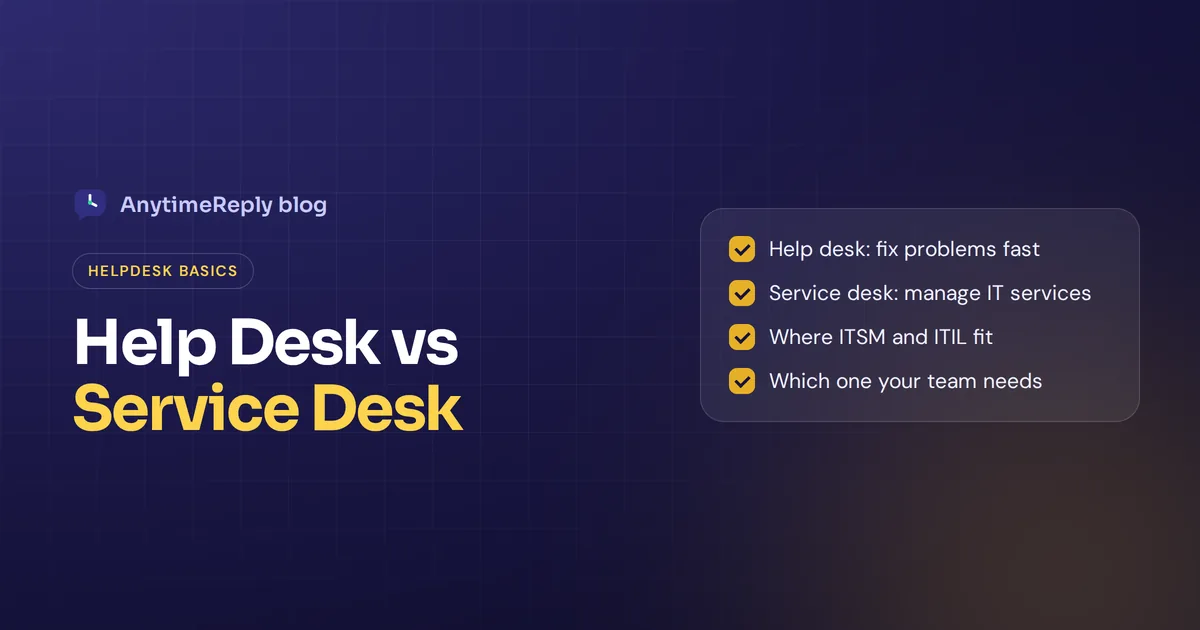
Your laptop won't connect to the Wi-Fi, so you message IT. That's a help desk moment. A new hire starts on Monday and needs a laptop, an email account and access to five tools. That's a service desk moment. Same team, maybe the same software, but a different job. That, in one picture, is help desk vs service desk.
The two terms get mixed up all the time, by vendors, job ads and even IT teams, and many people use them interchangeably. The short version: a help desk fixes problems when something breaks. A service desk is the single place people go for anything they need from IT, and it's part of a bigger discipline called IT service management (ITSM).
Below we explain both in plain words, compare them in a table, walk through examples and help you decide which one your business needs. Spoiler: for most small teams, the answer is simpler than vendors make it sound.
Service desk vs help desk: the short answer
A help desk is reactive. Someone has a problem, they raise a ticket, an agent works to resolve it. The main goal is resolving technical issues quickly and getting people working again.
A service desk is broader. It handles problems too, but also service requests (new accounts, software, access), change requests and knowledge, and it ties all of that to business goals. The service desk takes a more strategic approach: delivering IT services well, not only fixing what's broken.
So every service desk does help desk work, but not every help desk is a service desk. Think of the first as one part of the job and the second as the whole front door.
What is a help desk?
A help desk is a team, and usually a tool, that answers questions and solves problems for end users. The term goes back to the early days of office computers, when companies needed someone to call when a PC or printer stopped working.
A typical IT help desk deals with IT-related issues like:
- Password resets and locked accounts
- Laptops, printers and Wi-Fi that stop working
- "How do I..." questions about software
- Error messages and bugs
The work is mostly break-fix. A ticket comes in, an agent steps in to troubleshoot, the ticket closes. A basic help desk tracks response time, tickets closed and first call resolution (how often an issue is fixed on the first contact). Many also keep a short knowledge base so people can fix common issues alone.
Help desks aren't only for IT. A customer help desk does the same for buyers: "Where is my order?", "I can't log in", "The product arrived broken". In that world, the help desk model is about fast answers and a good customer experience.
What is a service desk?
A service desk is the single point of contact (SPOC) between an IT provider and everyone it serves. The idea comes from ITIL, the best-known framework for ITSM. ITIL 4 describes the service desk as the place that captures demand for incident resolution and service requests, and as the entry point for all users.
It still fixes problems, which ITIL calls incidents. But it also covers:
- Service requests. "I need access to the finance folder", "Please set up a laptop for our new designer".
- Change management. Planning and approving changes so updates don't cause downtime.
- Problem management. Root cause analysis for recurring issues, instead of fixing the same thing ten times.
- Service level agreements. Clear promises about how fast each type of request gets handled.
- A service catalog. A menu of services people can request, often through self-service portals.
- Asset management. Tracking laptops, licenses and systems.
In short, it acts as a centralized hub for service delivery. It asks why the same issue keeps coming back, which requests slow the business down and how to improve over time.
Key differences between help desk and service desk
| Help desk | Service desk | |
|---|---|---|
| Main goal | Fix problems fast | Deliver and improve IT services |
| Approach | Reactive, break-fix | Reactive and proactive |
| Handles | Incidents and questions | Incidents, requests, changes, knowledge |
| Focus | The user's issue right now | The service and the business need behind it |
| Framework | Usually none | Often follows ITIL practices |
| Self-service | FAQ or simple articles | Portal with a service catalog |
| Measures | Response time, resolution time | SLAs, user satisfaction, business impact |
| Best for | Small teams, customer support | Larger IT departments |
One honest note: in real life the line is blurry. Plenty of "help desks" handle requests, and plenty of "service desks" are just a ticket queue with a fancier name. What matters is what the team does, not the label on the door.
Service desk and help desk: where the ITSM framework fits
This is where most of the confusion comes from, so let's put the three in order:
- ITSM is the big picture: how an organization designs, delivers, manages and improves IT services.
- The service desk is one part of ITSM, the front door where users meet IT.
- The help desk is narrower still, the incident and question part of that front door.
Picture three circles, one inside the other. ITSM is the biggest, the service desk sits inside it, and the help desk sits inside the service desk.
If you run a 10-person company, you don't need a thick rulebook to support your team. If you run IT for 2,000 employees, a service desk built on ITSM practices will save you a lot of chaos. Understanding the differences, and knowing the difference in cost, mostly matters when you pick software, because the tools are priced and built very differently.
Examples: the same situation handled two ways
A broken laptop
Help desk: An employee reports their laptop won't start. An agent swaps the battery and closes the ticket.
Service desk: Same fix. But the team also notices it's the sixth laptop of that model with the same fault this month, logs a problem, contacts the supplier and plans replacements before more people are stuck.
A new employee starts
Help desk: The manager sends five emails: laptop, email account, Slack, CRM, building access. Each becomes its own ticket.
Service desk: The manager fills in one "New starter" request from the catalog. Approvals and tasks happen in the background, and everything is ready on day one.
A customer can't log in
Customer help desk: The customer writes in, an agent (or an AI agent) sends a reset link, done.
Service desk thinking: The team sees 40 login tickets after a website update, links them to one incident, fixes the cause and adds an article so the next customer can solve it alone.
Customer support team or internal IT?
Another mix-up: "help desk" often means customer support, while "service desk" almost always means internal IT.
A customer help desk answers people who buy from you, in email, website chat, WhatsApp, Instagram and Messenger. The goals are fast replies, happy customers and fewer repeat questions.
An internal service desk supports employees. It covers technical support, but many companies now use the same idea for HR, facilities and finance support requests.
The tools overlap a lot. Both need tickets, a shared inbox, assignment rules, articles and reports. IT tools add asset tracking and change approvals. Customer tools add social channels, live chat and customer history.
Which one does your business need?
A help desk is probably enough if:
- You don't have a dedicated IT department.
- Most tickets are questions and problems, not formal requests.
- You mainly support customers, not employees.
- You want something running in a day, not a six-month project.
You probably need a service desk if:
- You have an IT team supporting hundreds of employees.
- You need approvals, change control and SLAs per service.
- You track hardware and licenses as assets.
- Audits require documented IT processes.
Somewhere in between? Start with a good help desk and add structure as you grow. Growing into a service desk later is normal. Buying a heavy ITSM tool for a team of five usually isn't.
Help desk tools and service desk software: what to look for
Whatever you call it, good software should make life easier for agents and for the people asking. Look for:
- One inbox for every channel, so nothing gets lost.
- Tickets with status, priority and owner, so everyone knows who's handling what.
- Automatic assignment, so tickets don't sit in a queue.
- Self-service articles for simple issues.
- Automation that tags, routes and escalates without manual work.
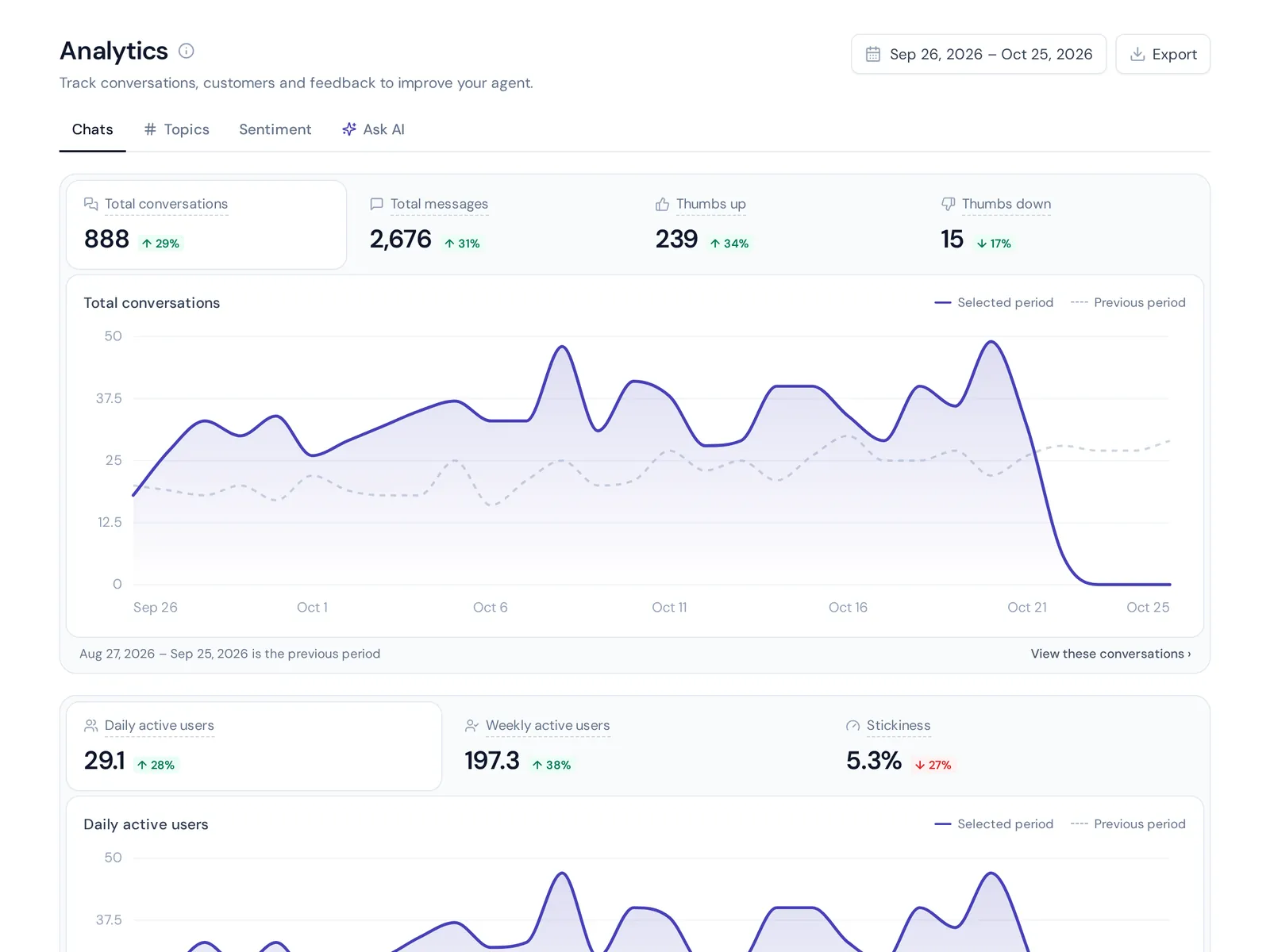
- Reports on response times, satisfaction and top topics.
- AI that actually answers repeat questions before an agent sees them.
Zendesk, Freshdesk and Help Scout are best known as customer help desks. Jira Service Management, ServiceNow and Freshservice are known as IT service desk and ITSM platforms. Features and prices change often, so check each vendor's site before you decide.
How AnytimeReply fits in
We'll be upfront: AnytimeReply is a helpdesk with an AI agent built in, not an ITSM platform. If you need change approvals, asset tracking or a configuration database, pick an ITSM tool.
But if your goal is to answer customers or employees quickly and keep every conversation in one place, here's what you get:
- One shared inbox. The AnytimeReply helpdesk brings together website chat, WhatsApp, Messenger, Instagram, Telegram, email and Slack.
- AI answers first. An AI agent trained on your website, documents and Notion pages replies in seconds, in the customer's language, and hands over with a summary when someone asks for a person, gets upset, or when it can't answer.
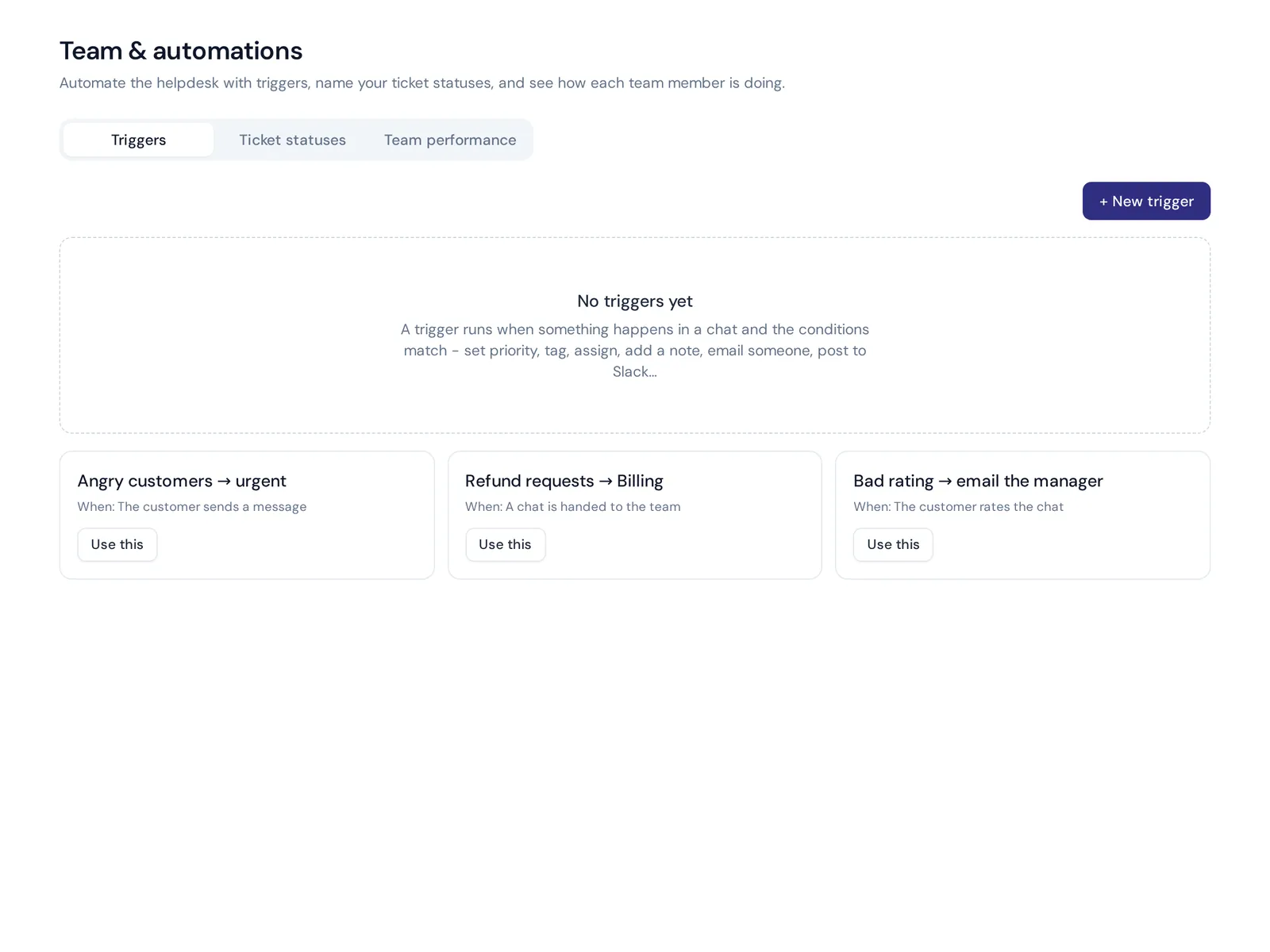
- The basics done well. Departments, assignment (least busy or round robin), internal notes, @mentions, views like Unassigned and Needs human, and triggers that set priority, tag, assign or notify.
- Email tickets. Connect Gmail, Outlook, Zoho or any IMAP/SMTP mailbox, and every support email becomes a ticket.

Teams also use it as an internal HR and IT helpdesk: the AI answers "How do I reset my VPN?" or "How many leave days do I have left?" from your policies and passes the rest to the right person.
Already on Zendesk, Freshdesk or another tool? AnytimeReply can hand chats over to Zendesk, Freshdesk, Intercom, Zoho Desk, Help Scout or Gorgias, so the AI answers first and your current system keeps the rest.
Frequently asked questions
Is a service desk the same as a help desk?
Not exactly. A help desk focuses on fixing problems and answering questions. A service desk does that too, plus requests, changes and knowledge as part of ITSM. Many people still use the terms interchangeably.
What's the difference between a help desk and a service desk in one sentence?
A help desk resolves incidents, while a service desk manages the whole relationship between IT and its users.
What does "help desk" mean?
It's the team or tool people contact when they need help with a product or with technology, usually through tickets, email or chat.
Does a small team need a service desk?
Usually not. A shared inbox, tickets and a few articles are enough until you have a dedicated IT team and many services to manage.
Will IT help desks be replaced by AI?
Not fully. AI can answer many repeat questions instantly, but people are still needed for complex problems, decisions and upset users. The best setup lets AI answer first and hand over to a person.
What is a service desk in BPO?
In outsourcing (BPO), a service desk is a support team run by an outside company on behalf of a client, often handling IT or customer support requests under an agreed SLA.
Pick what fits your team
This isn't about which is better. One fixes problems, the other manages services. Choose based on who you support and how complex your setup is, not on the label a vendor uses.
If what you need is a helpdesk where AI answers first and your team handles the rest, start free with AnytimeReply. The free plan includes the helpdesk inbox, website chat and the AI agent. No card needed.
Published 31 October 2026 by AnytimeReply team