An AI agent that can only talk is a smart FAQ page. The moment it can check an order, book a meeting or update a CRM record, it starts doing real work. That jump, from answering to acting, is what AI agents integration is about.
AI agent integration means connecting an agent to the apps, data sources and systems your business already runs on, so it can read the right information and take safe actions inside them. Done well, customers get things solved in one chat. Done badly, you get an agent with too much access and no brakes.
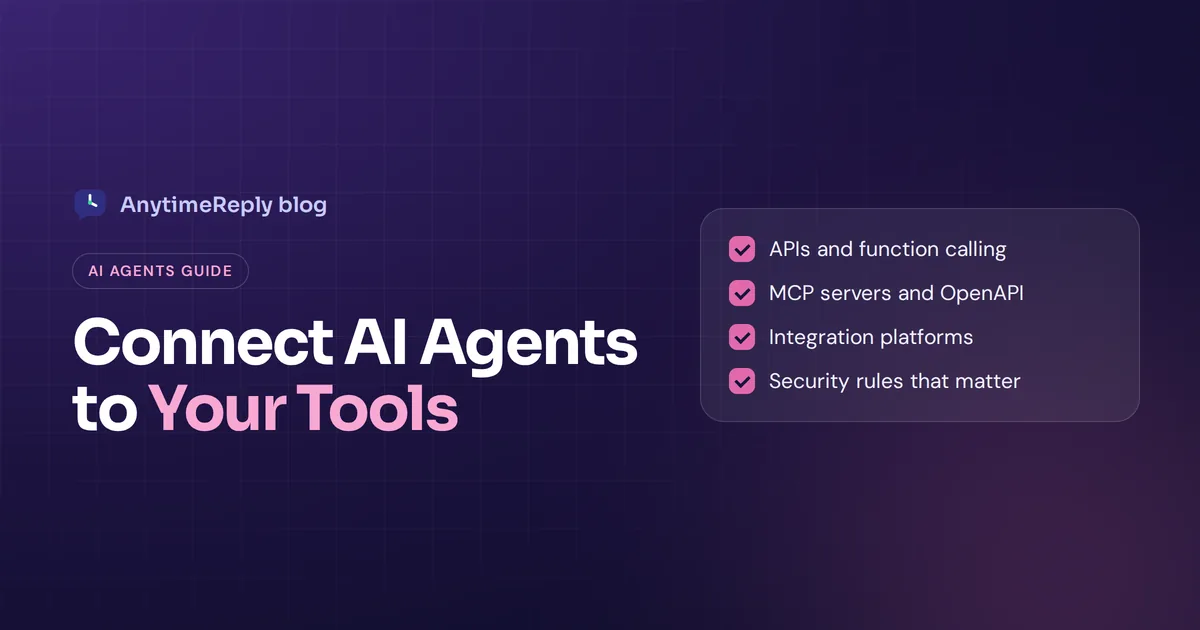
This guide explains how agents use integrations, the main ways to build them (APIs, function calling, MCP, integration platforms, no-code automation), the security rules that matter and a step-by-step plan. We use customer support as the running example, because that is what we build at AnytimeReply.
What is AI agent integration?
An AI agent is software that uses an AI model, usually a large language model, to understand a goal, plan steps and use tools to reach it. This is what people mean by agentic AI. Generative AI writes text; agentic AI uses that ability to get tasks done. Integration is the plumbing that gives the agent those tools.
Without integrations, an agent only knows what it was trained on or what you pasted into it. With integrations, an AI agent could:
- Read live data: order status, stock levels, account details, calendar slots, customer data in your CRM.
- Take actions: create a ticket, cancel a subscription, book a call, tag a contact.
- Pass work on: hand a conversation to a person in your helpdesk, or send an alert to Slack.
Think of a new employee. On day one they can be friendly and smart, but useless until they get logins to the systems. Agent integrations are those logins, with the right permissions.
Can an AI agent work without integrations?
Yes, but only as an advisor. A support agent without integrations can explain your return policy. It cannot tell a customer that their return was received yesterday. A sales agent can describe your plans, but it cannot book the demo.
That is why most useful AI products in support, sales and operations are really integration projects with an AI layer on top. The model is the brain. Integrations are the hands. An AI agent's usefulness is limited by what it can reach.
How AI agents work with integrations
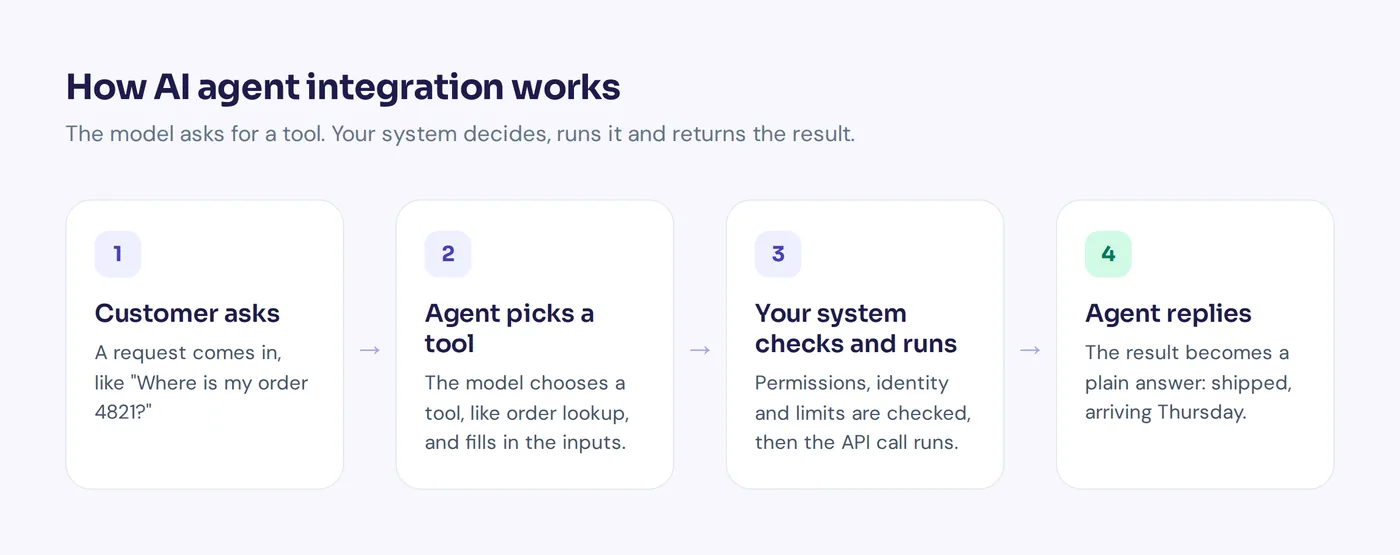
Most AI agent integrations follow the same loop, whatever the technology:
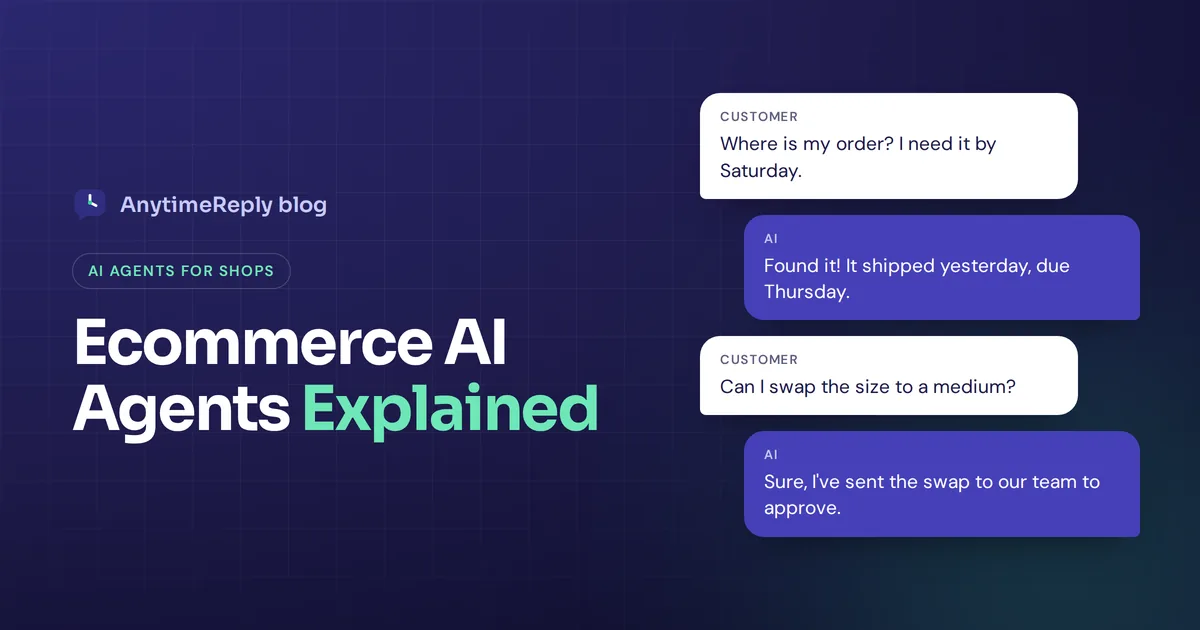
- The agent gets a request. "Where is my order 4821?"
- It decides a tool is needed. The model sees it has a "look up order" tool with a description of what it does.
- It calls the tool with structured inputs. For example an order number and the customer's verified email.
- Your system runs the action and returns data. Status: shipped, carrier, tracking link.
- The agent turns the result into a reply. "Your order shipped yesterday and should arrive Thursday."
The model never touches your database directly. It asks for a tool to run, and your code (or the platform) decides whether to allow it. That separation is the most important idea in this whole topic. The integration layer is where you enforce permissions, limits and logging.
Types of AI agents and what they need from integrations
You will often see lists of the "7 types of AI agents". The classic types come from AI textbooks:
- Simple reflex agents react to the current input with fixed rules. They need very little integration.
- Model-based agents keep track of what has happened so far, so they need access to history and state.
- Goal-based agents plan steps toward a goal, so they need tools to act.
- Utility-based agents weigh options, like picking the cheapest shipping. They need data to compare.
- Learning agents improve from feedback, so they need logs and ratings.
Newer lists add multi-agent systems, where multiple AI agents cooperate, and hierarchical agents, where one agent hands tasks to others. The practical lesson is simple: the more autonomous AI gets, the more its integrations matter, and the more guardrails you need.
Main ways to integrate AI agents with existing tools
| Method | What it is | Good for | Watch out for |
|---|---|---|---|
| Native integrations | Ready-made connectors inside an agent builder or platform | Common apps like Shopify, Stripe, HubSpot, calendars | Only covers what the vendor built |
| REST API and function calling | You describe API endpoints as tools the model can call | Your own backend and custom systems | Needs developer time and error handling |
| OpenAPI specs | A standard file that describes an API, imported as agent tools | Turning an existing service into tools quickly | Expose only the endpoints the agent needs |
| MCP servers | An open standard for connecting models to tools | Reusing one connector across many AI apps | Check what each server can do and who runs it |
| Integration platforms | Services that handle auth and connectors for agents | Products that need dozens of user-facing integrations | Another vendor in your stack |
| Workflow automation | Zapier, Make or n8n connected by webhooks | No-code workflows across hundreds of apps | Extra cost and another moving part |
Native integrations
The fastest route. You click "connect", log in to the other tool, choose what the agent may do, and you are done. For most small businesses, native connectors cover the common tools, and you only build custom connections for what is left.
APIs and function calling
Modern models support function calling (also called tool use). You give the model a list of functions with names, descriptions and input fields. When it wants one, it returns a structured call, and your code runs it. Most leading AI model providers support this today. This is how you connect agents to your own app or website backend.
MCP
The Model Context Protocol (MCP) is an open standard, introduced by Anthropic, for how AI applications connect to tools and data. Instead of writing a custom connector for every AI app, you build one MCP server and any compatible client can use it. The spec lives at modelcontextprotocol.io.
No-code automation and webhooks
If you don't have developers, integration and automation tools like Zapier, Make and n8n let you connect an agent to other apps with triggers and actions. In one workflow, a new lead in chat can become a row in a sheet, a CRM contact and a Slack message. Webhooks work the other way: your agent sends events to a URL, signed so the receiver can trust them.
Best AI agent integration platforms to consider in 2026
If you are building AI products that need many user-facing integrations, an AI agent integration platform can save months. These handle OAuth, token refresh, rate limits and tool definitions so your team doesn't have to. Here are well-known options, described by what they are known for. Check each site for current features and pricing.
| Platform | Known for | Best fit |
|---|---|---|
| Composio | A large library of app tools for agents, available over MCP and SDKs | Developers building agents that need many apps fast |
| Arcade | Tool calling with built-in user authentication | Agents that act on behalf of individual users |
| Merge | Unified APIs, plus Agent Handler for connecting agents to third-party apps | SaaS teams needing many integrations in one category, like HR or CRM |
| Nango | Open-source integration infrastructure for auth, syncs and actions | Engineering teams that want control over integration code |
| Workato | Enterprise integration platform (iPaaS) with agentic features | Enterprise AI projects across many internal systems |
| Zapier | No-code automation across thousands of apps, with MCP support | Non-developers and quick internal automations |
Are these platforms only useful for AI agents? No. Most started as general integration tools and added agent features. And they don't replace APIs. They sit on top of APIs and make them easier and safer for agents to use.
Embedded integration platforms, which let your own customers connect their apps inside your product, are a related category. And developers building AI agents with agent frameworks such as LangChain or the OpenAI Agents SDK often pair them with one of these services.
If you only need AI solutions for customer support, you probably don't need a separate platform at all. A support tool with built-in actions usually covers your integration needs.
How businesses use AI agents with integrations
Here is where teams use AI agents with integrations most often. Using AI agents this way works best on repetitive tasks with clear rules.
Customer support
- Look up orders in Shopify or WooCommerce and share real status.
- Track shipments through a tracking service.
- Create tickets and hand chats to a human in your helpdesk.
Sales and marketing
- Book demos through Calendly or Cal.com.
- Save leads and notes to a CRM like HubSpot or Salesforce.
- Qualify visitors with a few questions before passing them on.
Billing and accounts
- Check subscription status in Stripe.
- Change a plan or cancel a subscription after confirmation.
Internal help desks and AI coding
- Answer HR and IT questions from internal documents and log requests in Airtable.
- In software teams, AI coding agents connect to code repositories, issue trackers and CI tools to open fixes for review.
Security rules for agentic AI integrations
Are AI agent integrations secure? They can be, but only if you design for it. An agent with write access needs the same care as a new hire with admin rights. Treat AI systems like any other software that touches customer data.
- Least privilege. Give the agent only the actions it needs. Read order status, yes. Delete orders, no.
- Verify identity first. Before the agent shows account data or changes anything, confirm who the customer is, for example with a signed token from your login system. A sender's email address alone is not proof.
- Ask for confirmation. "Cancel your Pro subscription now? Yes or no."
- Human approval for risky actions. Refunds above a limit, account deletions and anything legal should wait for a team member.
- Limits. Cap how many actions or how much money an agent may move per conversation or per day.
- Encrypted keys and signed webhooks. Store keys and OAuth tokens encrypted and sign webhook payloads.
- Logs and audits. Record every step of the workflow and every tool call with inputs and results so you can see what happened.
Prompt injection is a real risk too. A customer, or text inside a document, can try to trick the agent into doing something it shouldn't. Rules enforced in code beat rules written in the prompt every time.
How to integrate an AI agent step by step
- Pick one painful, repeated workflow. "Where is my order?" or "Book a demo" are great first choices.
- Map your integration requirements. Which system holds the data? Which request answers the question? What must the agent never do?
- Choose the method. Native connector if one exists, OpenAPI or MCP for your own systems, no-code tools for the rest.
- Set permissions and identity checks. Read-only first. Add write actions only after it works well.
- Write clear tool descriptions. The model picks tools based on their names and descriptions, so write them like instructions for a new colleague.
- Test with real conversations. Include wrong order numbers, angry customers and attempts to get other people's data.
- Deploy AI agents small and watch. Review logs and handoffs every day in the first week.
- Expand slowly. Add new AI capabilities once the first action is boring and reliable.
How to monitor and scale integrated agents
Deploying agents is the start, not the finish. Scalable AI needs a feedback loop around your AI processes:
- Track tool success and failure rates. If the order lookup fails often, fix the integration before blaming the model.
- Plan for downtime. When a connected app is down, the agent should say "I can't check that right now, I've passed it to the team" instead of guessing.
- Watch costs. Every tool call adds model usage. Check bills in the first month.
- Run tests after every change. A new prompt or model can break a workflow that worked yesterday.
Common mistakes to avoid
- Too many tools at once. An agent with 40 tools picks the wrong one more often. Start with a handful.
- Vague tool descriptions. "Update data" tells the model nothing. "Change the shipping address of an unshipped order" does.
- Skipping the handoff. Integrations make the agent more capable, not perfect. A person should always be one step away.
- Treating it like a one-off project. Endpoints change, tokens expire and policies update. Someone has to own the integrations.
How AnytimeReply handles AI agent integrations
AnytimeReply is an AI customer support and sales agent with a built-in helpdesk, and integrations are a big part of it. On paid plans (Hobby and up), the agent can use actions and integrations:
- Native connectors: Shopify, WooCommerce, Stripe, Cal.com, Calendly, HubSpot, Airtable and AfterShip.
- Your own systems: any API with an OpenAPI file, MCP servers and website actions.
- Safety built in: actions run only for verified customers (JWT identity), with confirmation, optional team approval and limits.
- Rules in plain steps: procedures let you write how refunds and exchanges work, and required steps, approvals and amount limits are enforced.
- Handoff and automation: hand chats to Zendesk, Freshdesk, Intercom, Zoho Desk, Help Scout or Gorgias, and connect Slack, Zapier, Make, n8n and signed webhooks.

Developers can also use the REST API, an OpenAI-compatible API and an MCP server, see our API docs. Honest limits: it works in chat and email channels only, with no phone or SMS channel. And it is a support and sales agent, not a general agent framework for building any kind of AI system.
Frequently asked questions
What is AI agent integration?
It is a connection between an AI agent and another system, like a store, CRM or calendar, that lets the agent read data or take actions there.
How do AI agents integrate with a CRM?
Usually through the CRM's API, a native connector or an integration platform. The agent can look up a contact, add notes or create a deal, with permissions limited to what it needs.
How is an integration platform different from MCP?
MCP is a protocol, a standard way for AI apps to talk to tools. An integration platform is a service that builds and hosts connectors, handles auth and often exposes those tools over MCP.
Do I need a developer to integrate an AI agent?
Not always. Native connectors and no-code tools need no code. Connecting your own backend through custom code or an MCP server usually needs a developer.
Can AI agents integrate with both cloud and on-premises systems?
Yes, as long as the system has an API the agent can reach securely. On-premises systems often need a gateway or a small connector service in between.
How can you integrate an AI agent with a website?
Most support agents install with a line of code or a plugin, then connect to your backend through actions or an API so they can do more than answer questions.
Final thoughts
AI agents integration is what turns a clever chatbot into a useful teammate. Good AI integration is less about the model and more about access, rules and feedback. Treat the agent like an AI intern with a company login: fast and helpful, but in need of limits. Start with one use case, connect only what it needs, keep a human close and grow from there.
If you want an AI agent that already connects to your store, calendar and helpdesk, start free with AnytimeReply. No card needed.
Published 31 October 2026 by AnytimeReply team