It is 9 pm on a Sunday. A parent wants to know if classes start late tomorrow, where the uniform list is, and how to report that their son is sick. The office is closed, so they send an email that nobody reads until after the Monday bell.
A school AI chat bot fixes moments like that. But the phrase covers two different tools. Some are learning tools that students use in class, like SchoolAI. Others sit on the website and answer parents and prospective students day and night.
Here is what each type does, how to keep records safe, and how to pick the right AI chatbot for your institution's needs.
What is a school AI chat bot? Two kinds
Both work by using generative AI to understand a question typed in plain words and reply in seconds. The difference is who they talk to.
- Classroom tools help teachers and students with tutoring, practice, feedback and lesson planning. The teacher controls the topic and can review every student conversation.
- Front office assistants answer families and applicants about term dates, enrollment, fees, transport and events. This is customer service, just for a campus.
Many districts and colleges use AI chatbots for both jobs, from K-12 classrooms to universities. They just should not be the same product.
Classroom AI chatbots: SchoolAI, MagicSchool and Khanmigo
If a colleague mentioned SchoolAI, this is the part you want. Teachers build a custom AI tutor, called a SchoolAI Space, by writing a prompt with the goal, tone and rules, and can attach lesson notes. Every teacher can adapt it to every classroom and subject, like a debate coach or an "interview a historical figure" activity. Students get a link or QR code, and teachers get a dashboard showing each student conversation, a kind of mission control for the class. That visibility is the big selling point.
MagicSchool is best known for educator tools like lesson planning, rubrics and differentiated texts, with tools that let students practice too. Khanmigo from Khan Academy is an AI tutor that guides students with questions instead of handing over answers.
General assistants like ChatGPT or Gemini are powerful, but they were not built for children. Our honest opinion: for student learning, use a tool built around education, with teacher controls and age-appropriate rules. A customer support assistant, ours included, is the wrong tool for tutoring kids.
Front office use case: a chatbot for schools that answers families
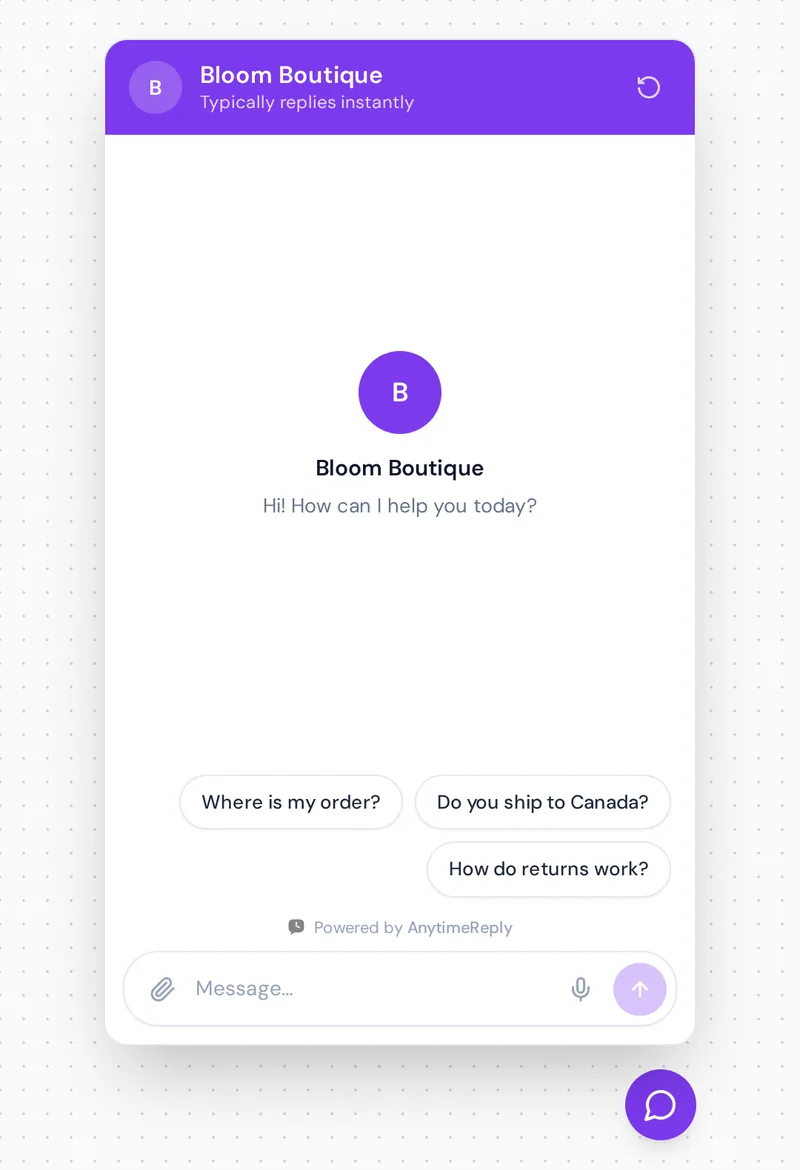
Every office hears the same questions again and again. A website AI assistant trained on your own pages, like a knowledge base that talks back, helps prospective and current families get instant answers, so staff can focus on the conversations that need a person.
- "When is the next open day?" and "How do I apply for Year 7?"
- "Is Friday a teacher training day?"
- "What is on the uniform list?"
- "Is there a bus from our area?"
- "How do I report an absence?"
- "Do you offer financial aid or payment plans?" (colleges, private schools and tutoring centres)
It can also capture each inquiry. A prospective parent leaves a name, email and year group, helping admissions teams follow up instead of losing the visitor. That is student support across admissions, the office and IT, in one place.
Education chatbot for schools: tutor vs front office
| Tutoring AI | Front office assistant | |
|---|---|---|
| Users | Students and teachers | Parents, applicants, visitors |
| Main job | Tutoring, practice, feedback | Answers, admission questions, routing to staff |
| Learns from | Teacher prompt and lesson material | Website, handbook, policies, FAQ pages |
| Watched by | The teacher | Office or admissions staff |
| Biggest risk | Students skipping the thinking | Wrong answers about dates or fees |
Benefits: student engagement, learning outcomes and less admin
- Help after hours. Families ask in the evening. The assistant replies when the office cannot.
- Lighter workload. Automate repeat replies, so admin staff stop typing the same term-date answer for the 40th time.
- Multilingual answers. It can reply in the language a parent writes in.
- Personalized learning experiences. In class, AI-powered tutors let learners practice at their own pace and get feedback at once, which can support outcomes when teachers stay involved.
- Insight. Analytics show which questions come up most, so you can fix unclear pages.
Is it safe? Student data, FERPA and COPPA
Children and private records are involved, so the bar is higher than for a shop.
Always route these to a person
- Anything about one child: grades, attendance, behaviour, health
- Safeguarding concerns and special needs
- Admissions decisions and complaints
Questions to ask every vendor
Where is data stored? Who can read conversations? Is chat history used to train AI models? Can you show a SOC 2 report or a data processing agreement? In the US, check whether the product is compliant with both of those laws. In the UK and EU, check GDPR.
And remember the age rules. Consumer tools like ChatGPT set minimum ages and need parental consent for younger teens, so a 12-year-old should use an education product the institution approved, not a personal account.
How to choose and set one up
- Pick one job first: tutoring or front office answers.
- Gather sources: website pages, handbook, calendar, uniform list, admission policy. Remove old files with last year's dates.
- Write your top 20 answers by hand. Exact answers for key questions beat anything the AI writes alone.
- Configure the rules: topics it must never answer and must always hand to staff. Good customization means you decide the tone and what the chatbot handles alone. If you want your chatbot to personalize replies, give it clear rules first.
- Evaluate it like a parent: ask 30 real questions, including tricky ones and other languages. Fix every vague reply.
- Launch quietly, read the conversations daily, and update every term. Watch whether students and parents get stuck on any query.
Advanced features matter less than basics. The right fit should answer only from your content, say "I don't know" when unsure, let staff take over, and offer a free plan or trial.
Example replies to test with
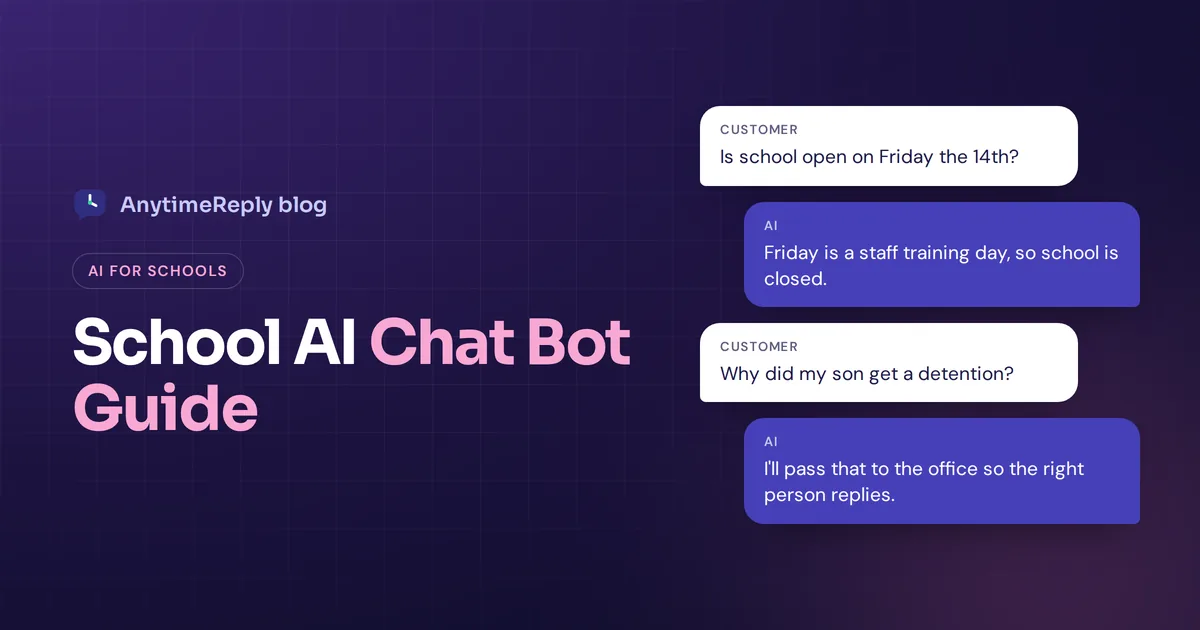
Parent: Is it open on Friday the 14th?
Assistant: Friday 14 November is a staff training day, so it is closed for students. Classes start again Monday at 8:40 am.
Parent: Why did my son get a detention?
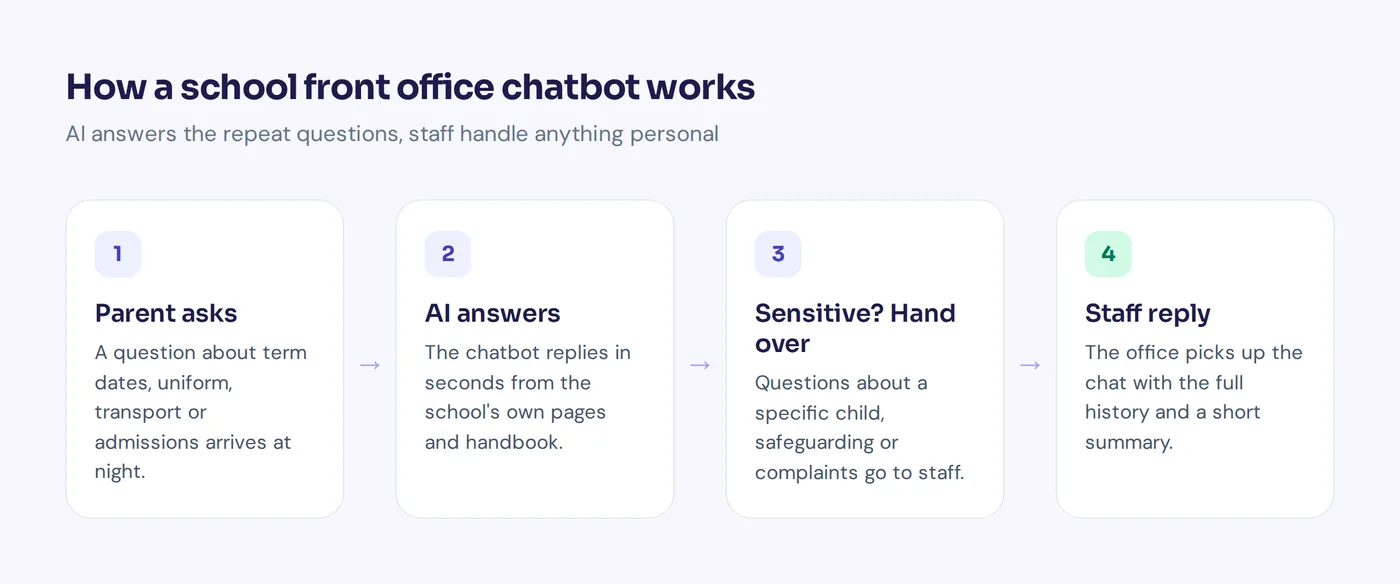
Assistant: I can't see information about individual students. I'll pass this to the office so the right person replies. Can I take your name and his class?
The second reply matters most. A safe assistant knows its limits.
How AnytimeReply works as a front office assistant
AnytimeReply is an AI support agent with a built-in helpdesk, so it fits the front office workflow, not tutoring. See our education use case.
- Trained on your content: website, PDF and Word files, Notion pages, giving a conversational layer that connects students and parents to answers. Q&A answers you write always win. See training and knowledge.
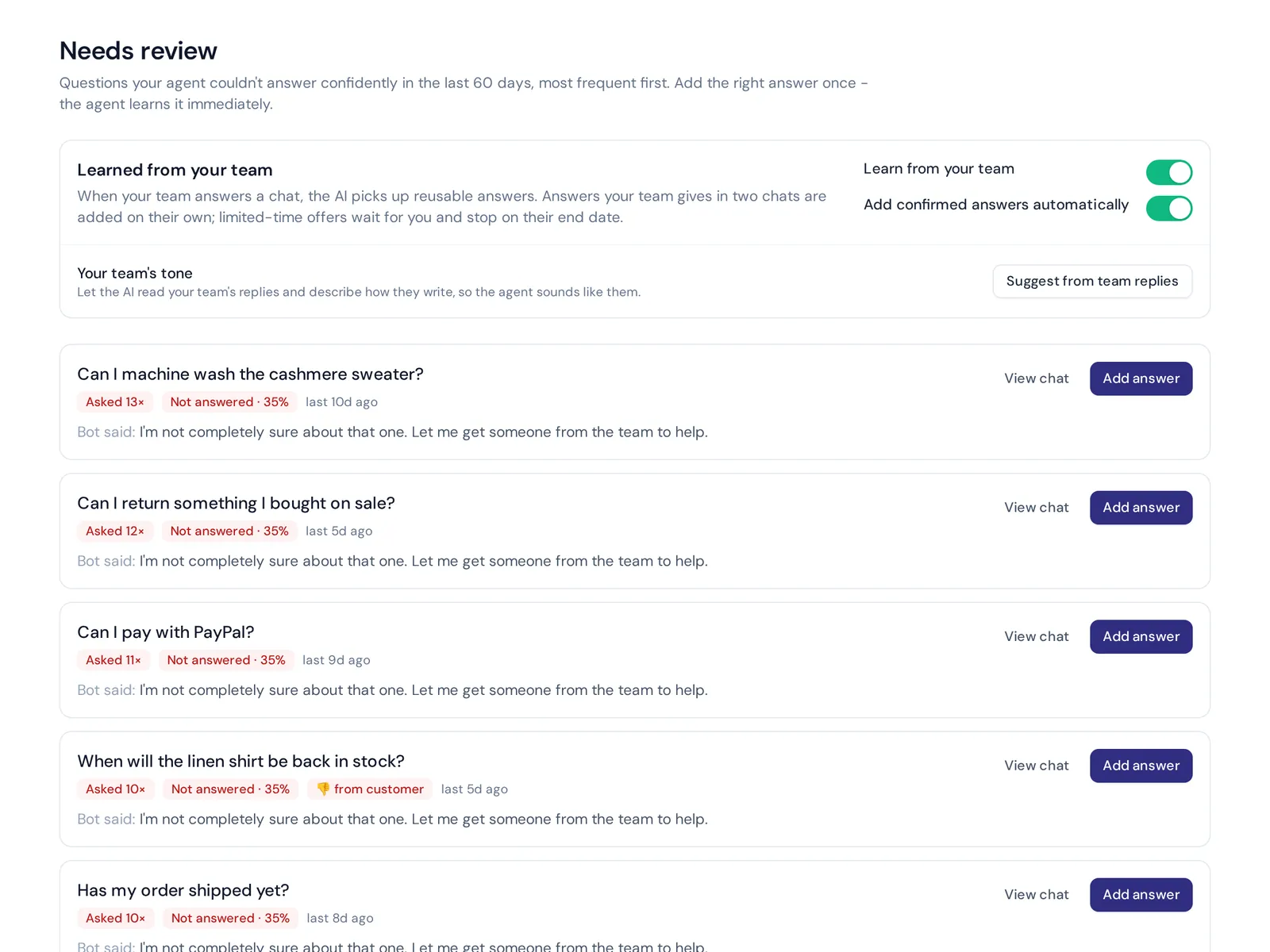
- Says when it is not sure instead of guessing, and lists those questions as knowledge gaps you can fill in one click.
- Hands over to staff in one shared helpdesk inbox with a summary. A staff member can join any conversation and the AI pauses.
- Replies in the parent's language, including Bangla, Hindi and Hinglish.
- One line of code or a WordPress plugin adds it to your website.
The Free plan includes website chat, the inbox, flows, Q&A and analytics. Customer data is not used to train AI models. Not a fit: it is not a tutoring tool and has no ready-made link to student information systems.
Frequently asked questions
What is the best AI chatbot for school?
It depends on the job. For teaching, look at the tutoring tools above or Khanmigo. For answering parents and applicants on your website, use a support assistant trained on your own pages.
What is the school version of ChatGPT?
There isn't one official version. Education platforms use similar GPT-style models but add teacher controls, safety filters and student data rules.
Is AI chat illegal in schools?
No. But each institution sets its own policy, and vendors must follow privacy laws like GDPR in Europe. Check your district's rules first.
Can teachers create a custom AI chatbot without coding?
Yes. Classroom platforms let teachers build one by writing plain instructions and uploading lesson material.
How much does it cost?
Many tools have free plans, with paid school or district plans. AnytimeReply has a Free plan that is free forever, with paid plans from $9 a month (see pricing, prices can change).
Can an AI chatbot replace teachers?
No. It can take repeat questions and practice off their plate, but people handle teaching, care and judgment.
Start small, keep people in the loop
Pick one job, start with your top 20 questions, and test hard before you announce it. If you want a front office assistant on your website, start free with AnytimeReply, no card needed.
Published 3 November 2026 by AnytimeReply team