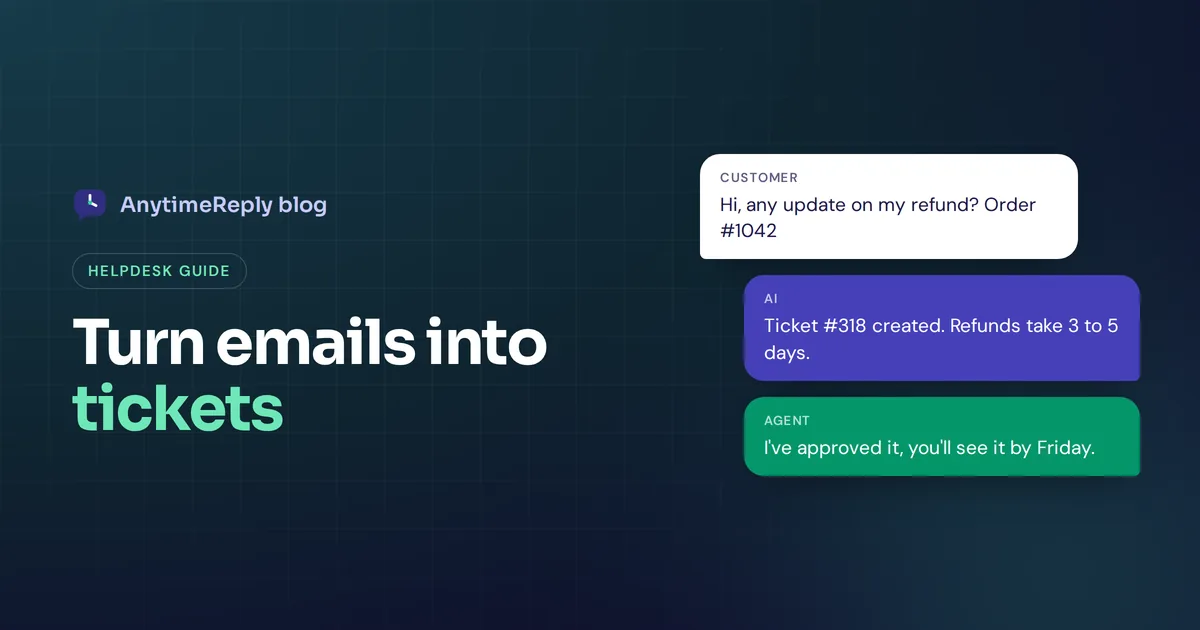
It starts small. You have one support@ address, two people reading it, and everyone just replies from Gmail. Then a customer writes, "This is my third email about this refund," and you realise nobody owned the first two.
An email ticketing system fixes that. It turns every email into a ticket with an owner, a status and a history, so nothing gets lost and nobody replies twice. This guide explains how it works, when a shared inbox is still enough, which features matter and the best tools in 2026, including free ones.
We build a help desk with email tickets at AnytimeReply, so we have opinions. We'll keep them honest.
What is an email ticketing system?
It's a support tool that receives customer emails sent to your support inbox and turns each new email into a support ticket. A ticket is simply a support request with extra details attached: who the customer is, who is handling it, how urgent it is and whether it's open, pending or solved.
Your customer still just sends a normal email. No portal, no login. On your side, instead of a messy mailbox, your support team works from a queue of tickets that can be assigned, sorted, tagged and tracked. When the customer replies, the reply lands in the same ticket, so the whole email conversation stays in one place instead of scattered across inboxes.
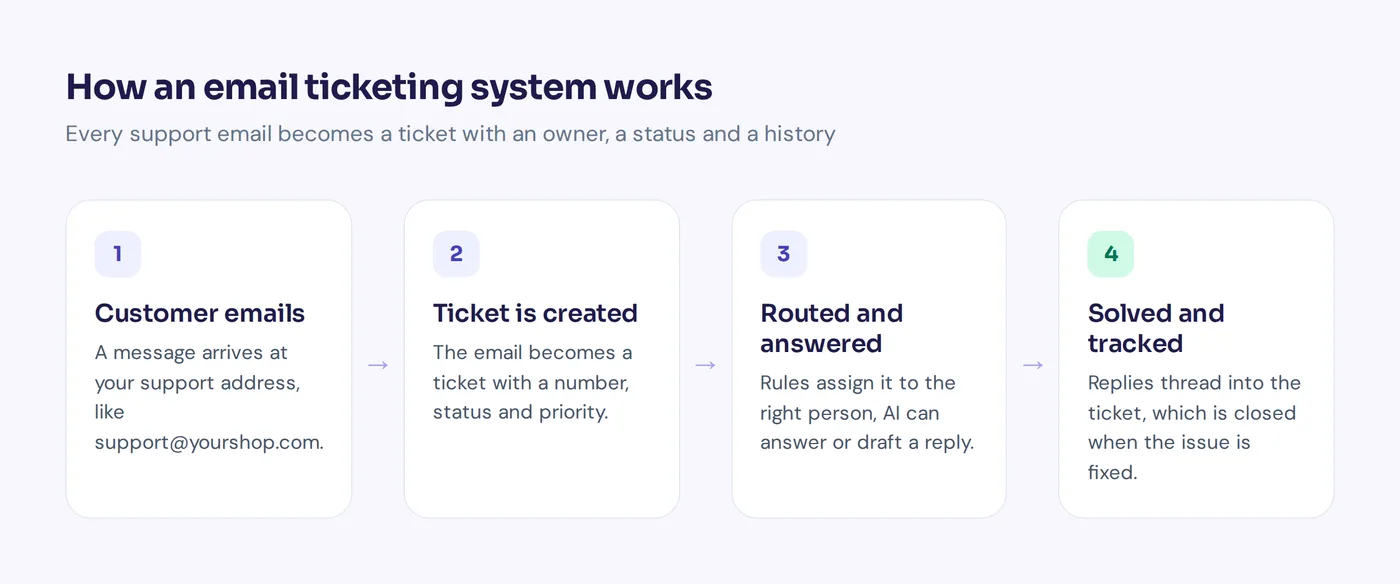
How an email ticket system works
The flow is almost the same in every tool:
- A customer sends an email to your support address, for example [email protected].
- The system picks up the incoming email. It connects to your mailbox (Gmail, Outlook, IMAP) or you forward messages to an address the tool gives you.
- Every email becomes a ticket with a number, the customer's details, a status and a priority.
- The ticket is routed. Rules or round-robin ticket assignment send it to the right person or department, like Billing.
- An agent replies from the help desk. The customer receives it as a regular email.
- Replies thread into the same ticket, and a solved ticket reopens if the customer writes back.
- The ticket is closed and counts toward your reports.
Shared inboxes vs a ticket system
A shared mailbox, a Google group or several people in one login is where most teams start. Shared inboxes work until they don't. Here is how they compare to a proper ticket system:
| Shared inbox | Ticket system | |
|---|---|---|
| Ownership | Unclear, often nobody | Each ticket has one owner |
| Status | Read or unread, maybe a label | Open, pending, solved, custom |
| Double replies | Common | Rare, you see who's working on it |
| Internal notes | Forward to a colleague | Private notes inside the ticket |
| Automation | Basic filters | Routing, auto-replies, AI answers |
| Reporting | Almost none | Volume, response and resolution times |
Our rule of thumb: if one person handles fewer than about 20 support requests a day, a shared email address with labels can be fine. Once two or more people share the work, or emails slip through, scaling support without one gets painful, and turning email into tickets pays off quickly.
Can Gmail or Outlook work as a ticketing system?
Partly. In Gmail you can use labels, filters and delegated access. In Microsoft 365 you can create a shared mailbox and use categories and flags in your Outlook inbox. For a lean support setup, that's a start.
But Outlook has no built-in ticketing, and neither does Gmail. You don't get ticket numbers, owners, statuses, SLAs or reports. That's why most teams keep their address and connect it to a dedicated help desk, so customers write to the same place and the team gets a real support ticket system behind it.
Some collaborative email tools add ticket features inside Gmail or Outlook, which is nice if your team refuses to leave their inbox. An Outlook ticketing system add-on like that usually has fewer automation and reporting options than full help desk software. Microsoft Teams ticketing apps exist too, mostly for internal IT requests.
Key features to look for in help desk software
Must-haves
- Mailbox connection: native Gmail and Outlook, plus IMAP/SMTP or forwarding.
- Ticket assignment: manual, round robin or least busy.
- Statuses and priorities, ideally custom statuses.
- Reliable threading so replies land in the right ticket.
- Internal notes and @mentions.
- Saved replies for the questions you answer daily.
Worth paying for as you grow
- Automation and workflow rules: "if the subject contains refund, assign to Billing, set priority high".
- SLA timers and escalation if you promise response times.
- AI features that answer simple emails or draft replies.
- Multi-channel support: live chat, WhatsApp and social messages in the same workspace. Omnichannel support matters once email isn't your only channel.
- A knowledge base or help center with help articles customers can read first.
- A customer portal or web form, if you want people to submit tickets without email.
- Reports on ticket volume, response times and workload, the numbers growing support teams need.
Best email ticketing systems in 2026
Here are the tools we'd look at first. Plans change often, so check each vendor's pricing page for current prices, free plans and add-ons.
AnytimeReply
An AI support agent with a built-in help desk. Email tickets sit in the same inbox as website chat, WhatsApp, Messenger, Instagram, Telegram and Slack, and the AI answers common emails in the thread or drafts replies. Best fit for small teams and online shops that want AI help on email and chat together. Honest limits: the email channel is on paid plans (Hobby and up), and it isn't built for large enterprise service desks.
Help Scout
Known for a shared inbox that feels like normal email to customers, plus a knowledge base and chat widget. Great for small teams that value simple, personal support. Tools like Help Scout suit relationship-driven businesses.
Zoho Desk
The help desk inside the Zoho suite, with ticketing, automation and a knowledge base. A strong choice if you already use Zoho CRM or Zoho Mail, and it has offered a free tier for small teams.
Zendesk
One of the best-known customer support ticketing platforms. Mature workflows, SLAs, reporting and a big app marketplace. Often more than a small team needs.
Freshdesk
A popular help desk from Freshworks with email ticketing, automation and a help center. Its free option has changed over time, so check the current terms.
osTicket
A free, open-source ticket system you host yourself, with ticket software basics like email piping and a customer portal. No subscription, but you handle the server, updates and security.
Best free ticketing system options: free plan vs free trial
When people search for the best free ticketing system or a free email ticketing system, they usually find three kinds of offers:
- Free plan or free tier: free forever with limits on agents, mailboxes or features. Check what the free plan covers before you commit.
- Free trial: full features for a few weeks, then you pay.
- Open-source ticketing: free software you host and maintain yourself.
Free plans usually limit automation, SLAs, AI and branding, and some vendors sell Gmail or Microsoft 365 mailbox connections as a paid add-on. Our advice: pick two tools that offer free access, run real emails through them for two weeks, then decide which is the best fit.
How to set up an email ticketing system
- Pick one support address and point other addresses to it.
- Choose your tool and start on a free plan or trial.
- Connect your mailbox and send a test email to confirm it arrives as a ticket.
- Keep statuses simple: open, pending, solved.
- Create departments, like Sales, Billing and Technical, and add routing rules.
- Write your top 10 saved replies: order status, refunds, shipping, password reset.
- Set an auto-acknowledgement that confirms receipt and says when to expect a reply.
- Review after two weeks and automate the most common requests.
An auto-acknowledgement you can copy:
Hi [Name], thanks for getting in touch. We've received your message and created ticket #[number]. We reply within one working day, usually sooner. If you have an order number, just reply with it and it will be added to your ticket.
How AnytimeReply handles email tickets
In AnytimeReply you connect Gmail, Outlook, Zoho or any IMAP/SMTP mailbox, or forward your emails. Each support email becomes a ticket with status, priority and owner. Details are on our tickets and email page and the email channel page.
- AI answers first: it replies to common emails in the same thread or drafts replies to help your team.
- Custom statuses, and a customer reply reopens a ticket.
- One inbox beyond email: website chat and messaging sit next to tickets in the helpdesk.
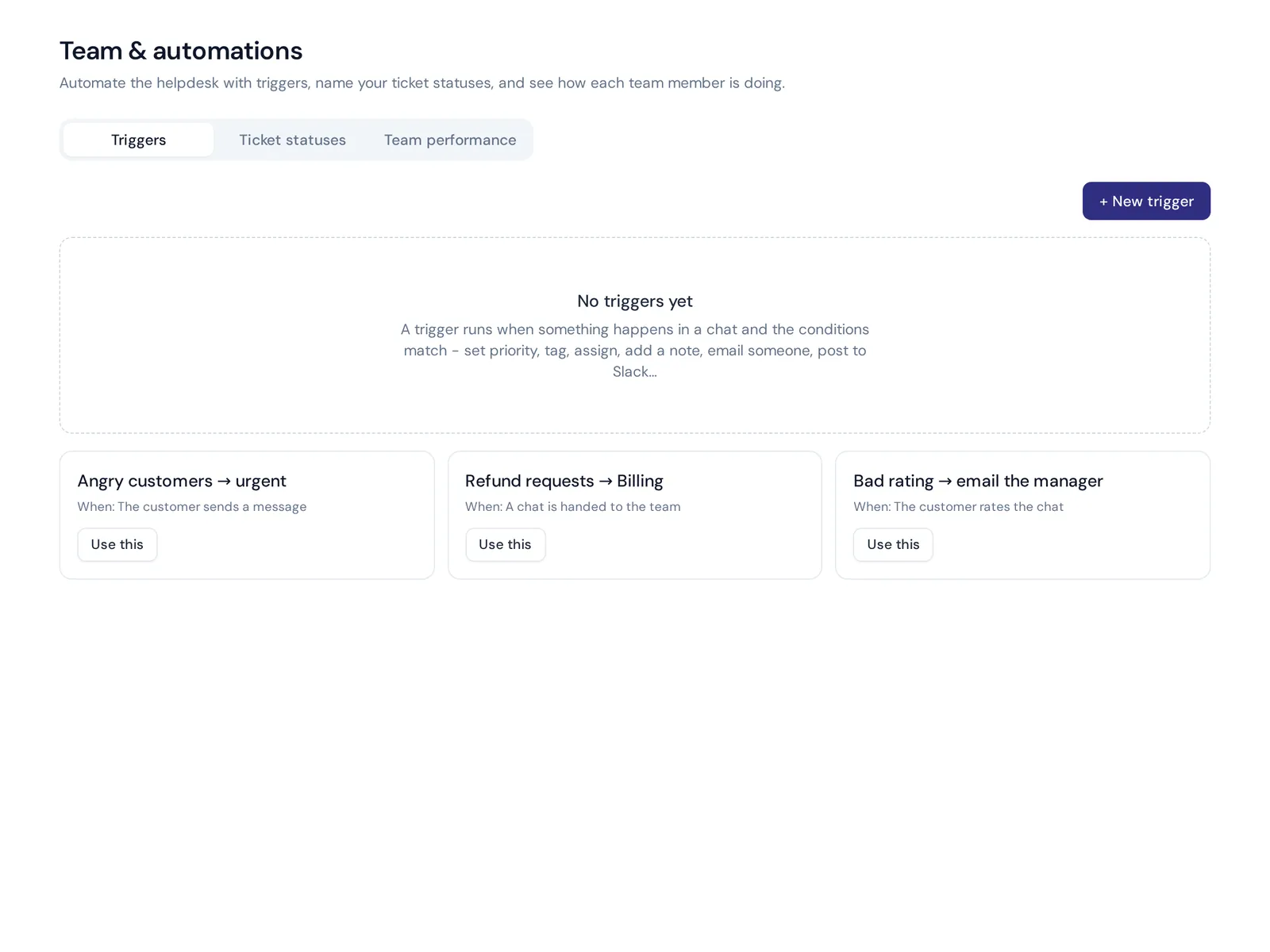
- Departments, assignment, notes and @mentions, plus triggers to tag, assign, prioritise, notify Slack, call a webhook, reply or close.
- AI help to rewrite or translate a reply before sending.
The helpdesk inbox is on the Free plan, and the email channel starts on Hobby at $9 a month. Prices can change, so check pricing. Already on Zendesk or Freshdesk? AnytimeReply can hand conversations over to them too.

Frequently asked questions
What is a support ticket?
A record of one customer request, with the messages, the customer's details, an owner, a status and a priority. It lets a team track the request from first email to solved.
What are the different types of ticketing systems?
The main types are customer service help desks (for customer emails and chats), IT service desks (for internal requests), shared inbox tools that add ticket features to email, and open-source systems you host yourself.
Can Jira be used as a ticketing system?
Yes. Atlassian's Jira Service Management is built for service requests and is popular with IT and software teams. For customer service email, many small teams find a simpler help desk easier.
Can Outlook be used as a ticketing system?
Only in a basic way, with a shared mailbox, categories and flags. For owners, statuses and reports, connect your Outlook address to a ticketing tool.
What is the best email management system for support?
For one person, a well-organised inbox can be enough. For a team, a simple ticketing tool with assignment, statuses and saved replies is the better email management setup.
Stop losing support emails
You don't need a big setup. One address, a ticketing tool, a few statuses and ten good saved replies will make your inbox calmer and your customers happier.
Want email tickets, chat and an AI agent in one place? Start free, no card needed, and add the email channel when you're ready.
Published 27 October 2026 by AnytimeReply team