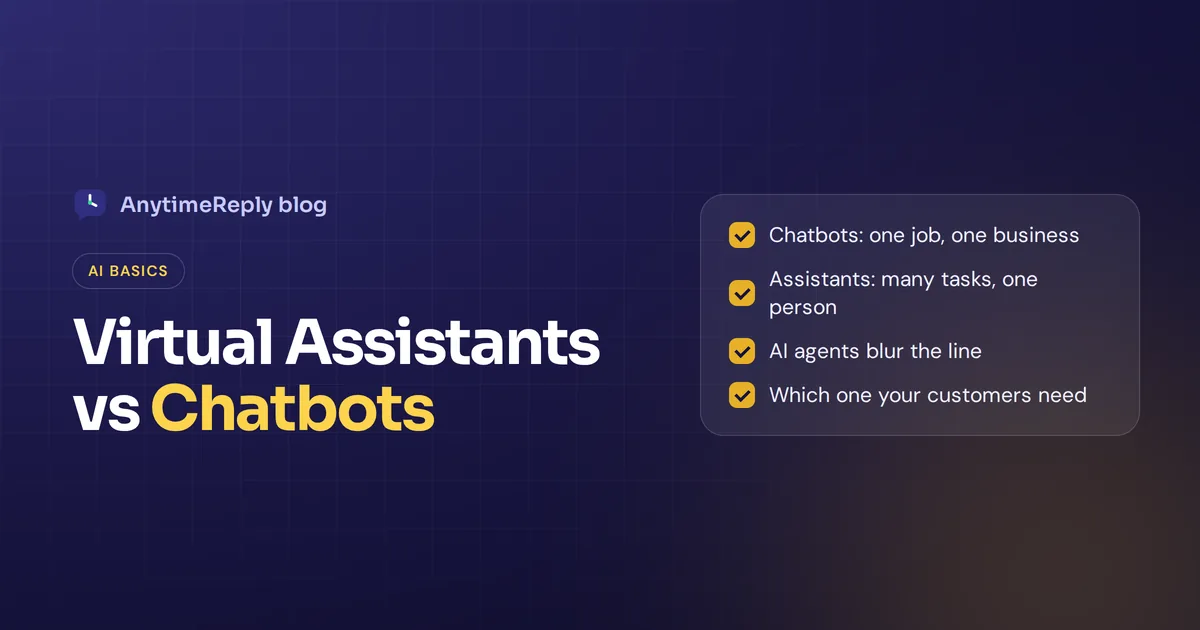
People use "chatbot" and "virtual assistant" as if they mean the same thing. They don't, and the difference matters when you pick software for your business. When you compare AI virtual assistants vs. chatbots, the short version is this: chatbots answer questions in one place for one job, while an AI assistant understands context, remembers things and gets tasks done for you across apps.
But the line is getting blurry. Thanks to generative AI, modern bots now take actions too, and some products sold as assistants are really FAQ bots with a nicer name. So in this guide we'll explain both in plain words, show the key differences in a table, give examples you already know, and help you choose the right AI tool for your customers.
One thing to know first: we build an AI customer support agent, so we have a bias. We'll still be honest about where each option falls short.
What's the difference between chatbots and virtual assistants?
A chatbot is a software application that holds a conversation with users, usually in a chat window on a website or a messaging app. Chatbots are designed primarily for a narrow purpose: answer FAQs, collect a lead, route a support request.
An AI virtual assistant is a broader kind of conversational AI. It understands natural language (often by voice), keeps track of context, learns your preferences and completes tasks for you, like setting reminders, booking a meeting or sending an email. Siri, Alexa and Google Assistant are the famous examples.
Think of it like this. A bot is the helpful person at the shop counter who knows that one shop very well. An assistant is your personal helper who follows you around, knows your calendar and can contact the shop for you.
What is a chatbot?
A chatbot is a computer program that simulates human conversation through text, and sometimes voice. Most businesses put chatbots on their website, WhatsApp, Messenger or Instagram to answer customer questions without a person typing every reply.
Types of chatbots
You will usually hear about four kinds:
- Menu or button bots. The user clicks options and the bot shows the next step. Simple and predictable.
- Rule-based chatbots. These follow predefined rules, keywords and decision trees. Early chatbots all worked this way, and they break as soon as someone asks something the script didn't plan for.
- AI-powered chatbots. These use natural language processing (NLP) and machine learning to understand what the customer means, even with spelling mistakes or mixed languages.
- Generative AI chatbots. Built on large language models, they write fresh answers from your own content instead of picking from canned replies.
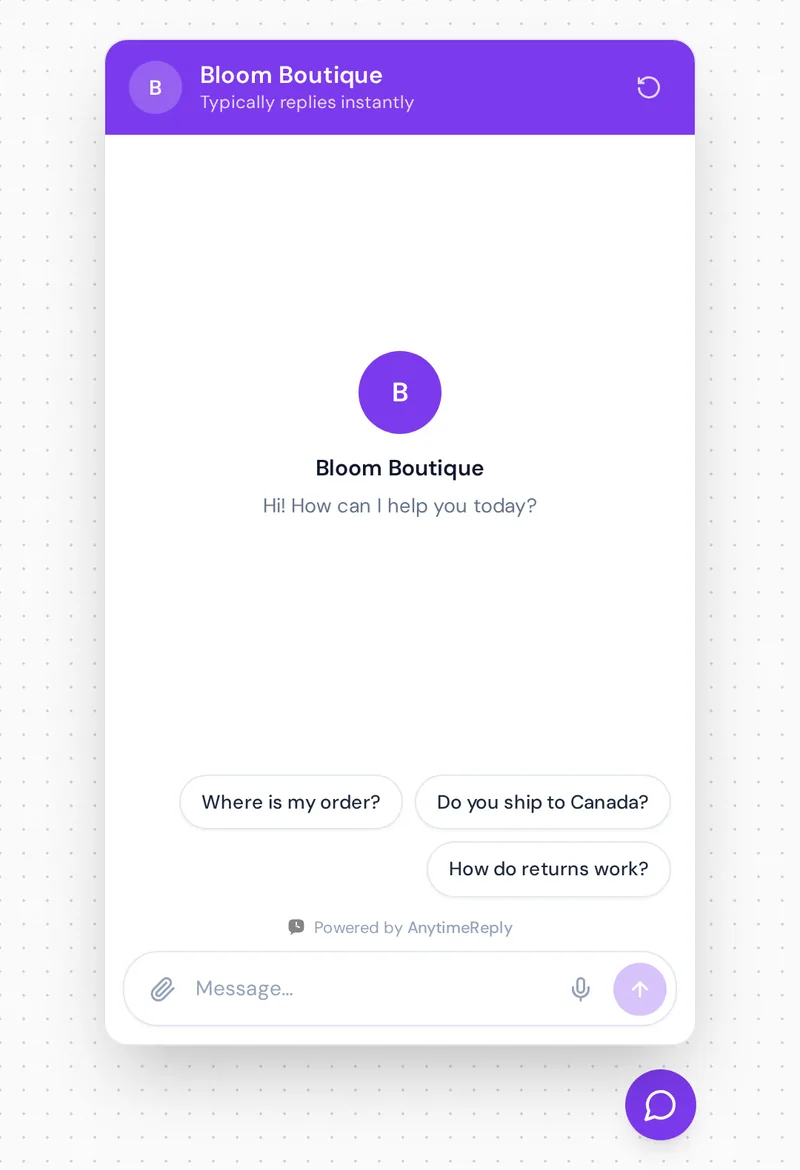
AI-driven chatbots use natural language processing to read the question, find the right answer in your knowledge base and reply in seconds. Chatbots are best for repeat questions: "Where is my order?", "Do you ship to Canada?", "What are your opening hours?", booking a demo, or capturing an email before a sale.
What is an AI virtual assistant?
An AI virtual assistant (also called an intelligent virtual assistant, or simply an AI assistant) is a digital helper that understands spoken or written requests and performs tasks for a specific user. It doesn't just answer. It does things.
Assistants typically have a few things in common:
- Personal context. They know who you are, your contacts, your calendar and your past requests.
- Many tasks, many apps. One assistant can play music, check the weather, add a meeting and send a text.
- Voice first. Consumer assistants use speech recognition, so you talk instead of type, often in a mobile app or a smart speaker.
- Learning over time. They pick up your habits to give more personalized help.
Popular AI assistants include Apple's Siri, Amazon's Alexa, Google Assistant (now moving to Gemini) and Microsoft Copilot inside Windows and Office. AI assistants help with productivity at work too: summarizing documents, drafting emails, finding files.
In customer service, the phrase often means something smaller: a smarter support bot that recognizes a logged-in customer, looks up their account and finishes a task. Some vendors call these virtual agents.
One more thing so you don't get confused when you search: "virtual assistant" can also mean a human assistant you hire remotely by the hour. This guide is about the AI kind.
Chatbot vs virtual assistant: key differences
Here is how chatbots and assistants compare at a glance:
| Chatbots | AI assistants | |
|---|---|---|
| Main purpose | Answer questions in one area (a store, a product, a service) | Help one person get many different tasks done |
| Who uses it | A business's customers or website visitors | An individual user or employee |
| Scope | Narrow and focused | Broad, across many apps and topics |
| Context and memory | Usually one conversation at a time | Remembers preferences and past requests |
| Takes actions | Basic bots no; smarter ones can (check an order, book a slot) | Yes, that is the main point |
| Interface | Mostly text chat on websites and messaging apps | Often voice, plus text |
| Setup | Train it on your website, docs and FAQs | Connect it to calendars, email, accounts and devices |
| Examples | Store support bot, booking bot, lead bot | Siri, Alexa, Copilot, Gemini |
So the biggest difference is not the technology. Both use AI technologies like NLP and machine learning. The difference is scope and purpose. Chatbots typically serve a business's customers on one topic. Assistants are built to serve one person on almost any topic. Unlike chatbots, assistants are typically connected to your personal accounts, and AI assistants can handle a chain of tasks in one request.
How conversational AI chatbots and assistants work
How a bot works
- A customer types a question in the chat window.
- The bot figures out the intent (shipping question, refund request, pricing).
- It finds the answer in its knowledge: rules, FAQs or your trained content.
- It replies in seconds. If it can't help, a good one hands the chat to human agents.
How an assistant works
- You speak or type a request ("move my 3 pm meeting to Friday").
- Speech recognition turns your voice into text, and NLP works out what you want.
- It uses your personal context: your calendar, your contacts, your past choices.
- It connects to other apps to complete the task, then confirms it back to you.
Those extra steps, personal context and connected apps, are what make an assistant feel like an assistant. An assistant may also ask a follow-up question before acting, which simple bots rarely do.
Where the line is blurring: AI agents and agentic AI
A few years ago the difference was easy. Chatbots follow scripts, people said, and assistants are smart. Today, AI chatbots use machine learning and large language models to do far more than answer FAQs.
A modern support bot can:
- Understand messy, natural questions in many languages
- Look up a verified customer's order and tell them where the parcel is
- Book a meeting in your calendar tool
- Pause or change a subscription after the customer confirms
- Hand the conversation to a person with a short summary
That is basically an assistant for your customers. The industry now calls this an AI agent, and the wider trend agentic AI: systems that plan steps and take actions, not just reply. Agentic AI assistants are showing up inside workplace tools, and autonomous AI agents are being tested for longer, multi-step jobs. In customer service, these agent systems are still young, so limits and approvals matter.
So when a vendor says "assistant" or "agent", ask what it actually does. Can it take actions? Does it know who the customer is? Are there limits and approvals? Or is it a FAQ bot with a new label?
AI chatbots vs virtual assistants: pros and cons
Chatbots
- Pros: fast to set up, cheap per conversation, available 24/7, handles many chats at once, easy to control because the scope is narrow.
- Cons: limited to what it was trained on, basic ones frustrate people with loops, and it can't do much beyond answering unless you connect actions.
AI assistants
- Pros: handle many kinds of tasks, personal and context-aware, voice makes them hands-free, save real time for busy people.
- Cons: need access to a lot of personal data, harder to build for a business, voice can mishear, and general assistants like Siri won't know your shop's return policy.
Our honest opinion: a general assistant is great for you as a person. But it is the wrong tool for answering your customers. Siri doesn't know your shipping times. For customer support you want something trained on your own business.
How to choose the right AI tool for your business
Ask yourself who the conversation is for.
- Customers asking about your products, orders and policies? Use a chatbot, ideally one trained on your content that can take simple actions. For this job, a chatbot is usually the better choice.
- Your own team wanting help with email, meetings and documents? Pick a workplace assistant like Copilot or Gemini in your office tools.
- Customers who need things done, not just answered? Look for an AI agent: chat on the front, assistant-style actions behind it, and a handoff to people for hard cases.
- Customers who call you by phone? Then you need a voice product or IVR for your phone line. That is a different category from a chat tool.
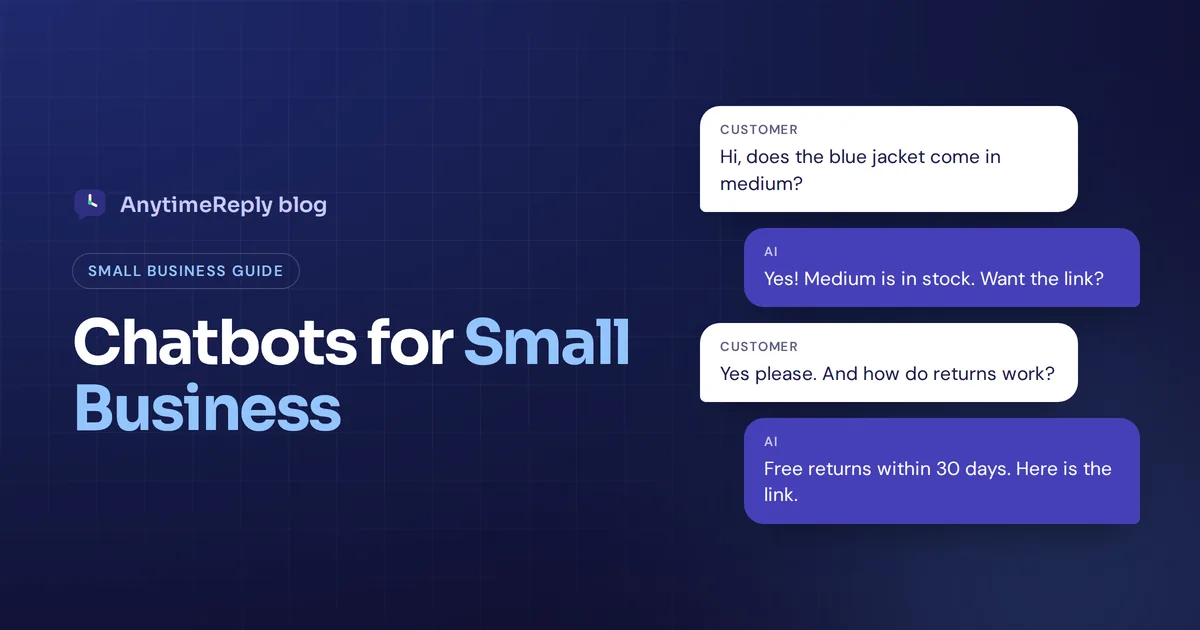
Say you run an online shop and get 400 chats a month. Most are "where is my order?" and "can I return this?". A bot that answers from your policies and checks order status for verified customers covers most of that. A person handles the damaged parcel and the angry complaint.
So, chatbot or virtual assistant? For many businesses the honest answer is both. Many teams use an assistant internally and a customer-facing bot on their website. They solve different problems.
Real examples side by side
Here is the same kind of request handled by each tool:
- "What's your return policy?" The store's website bot answers instantly from the returns page. A general assistant would search the web and maybe find an old version.
- "Remind me to return this jacket on Friday." The assistant on your phone sets the reminder. A store bot can't touch your personal phone.
- "Where is my order #4521?" A basic bot links to a tracking page. One with actions checks the order for a verified customer and gives the status in the chat.
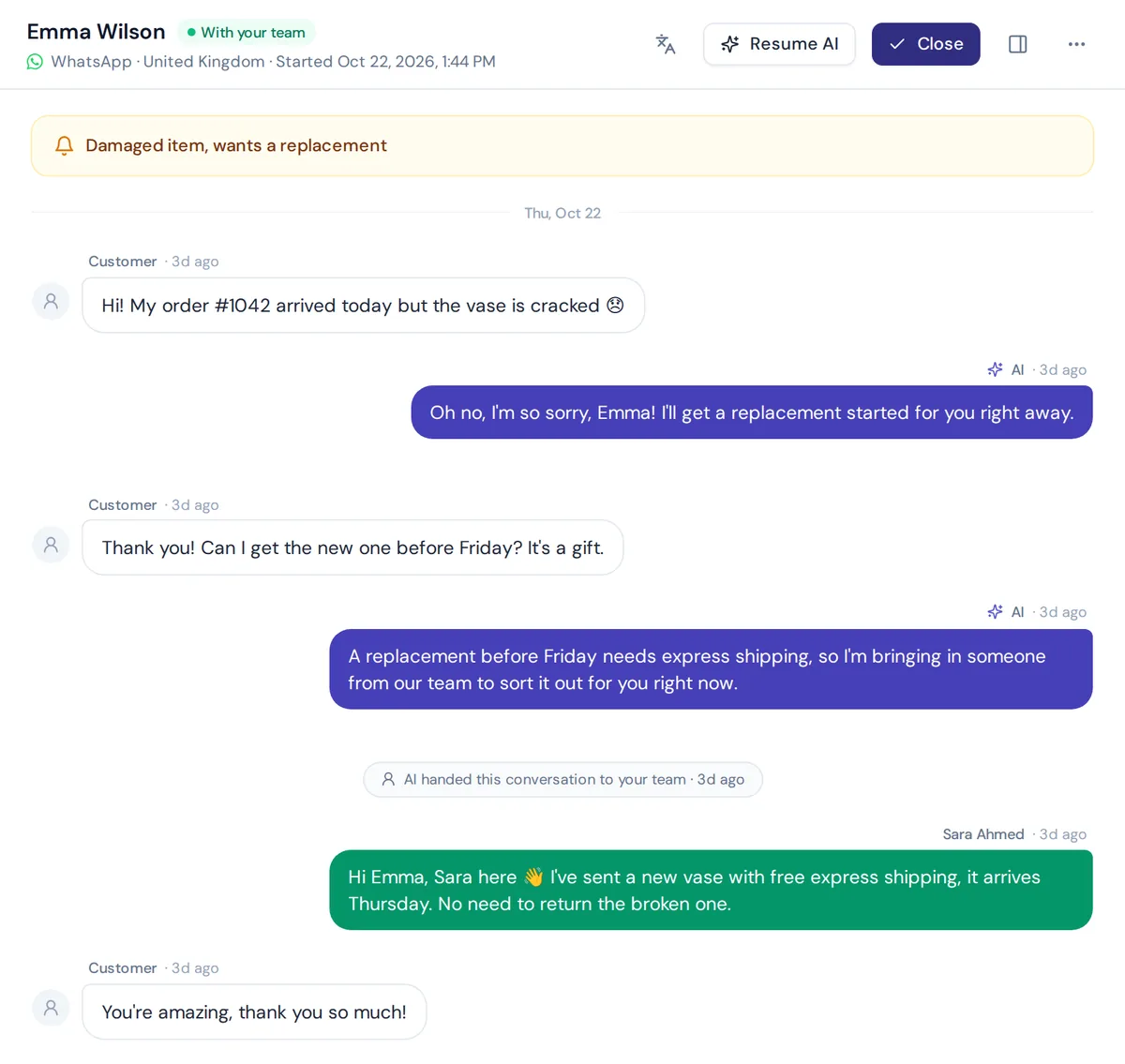
- "My vase arrived broken and I'm upset." Neither should handle this alone. The best setup apologizes, collects details and hands it to a human.
Are chatbots and virtual assistants safe with sensitive information?
It depends on the tool, not the label. Before you connect any AI solution to customer data, check a few things:
- Is customer data used to train the vendor's AI models?
- Can the AI act only for verified customers, with confirmation and limits?
- Are integration keys encrypted and can you delete data any time?
- Does it say "I don't know" instead of guessing when it isn't sure?
A bot that makes up a refund policy is a bigger risk than one that admits it doesn't know.
Where AnytimeReply fits: a support bot with AI assistant skills
AnytimeReply sits right in the middle of this comparison. It is a chatbot for your customers, with assistant-style abilities. Our AI agent learns from your website, documents and Notion pages, then answers customers day and night on your website, WhatsApp, Messenger, Instagram and more, in the customer's own language.
On paid plans it can also take actions for verified customers, like checking a Shopify or WooCommerce order, booking through Cal.com or Calendly, or managing a Stripe subscription, with confirmation and limits you set. When it isn't sure, it says so instead of guessing, and it hands the chat to your team in a shared helpdesk inbox with a summary. Customer data is not used to train AI models.
Where it is not the right fit: AnytimeReply is not a personal assistant for your own calendar and email, and it does not answer phone calls or SMS. It is built for text conversations with your customers.

Frequently asked questions
Are chatbots and virtual assistants the same?
No. Both use conversational AI, but chatbots focus on one job for a business's customers, while assistants help one person with many tasks across apps. Modern AI agents mix both ideas.
What are the four types of chatbots?
A common way to group them: menu or button bots, rule-based bots, AI-powered bots that use NLP, and generative AI bots built on large language models.
Is Siri a chatbot or AI?
Siri is AI, and it is usually called a voice assistant rather than a chatbot. It works by voice, uses your personal context and performs tasks across apps on your device.
Is ChatGPT a bot or AI?
Both. ChatGPT is a generative AI chatbot. With memory, file uploads and connected tools, it now behaves more like an assistant for many people, which shows how the line is fading.
Can a chatbot also be an AI assistant?
Yes. When a bot knows who the customer is and can complete tasks, like tracking an order or rescheduling a booking, it works as an assistant for that customer. That is what most people now call an AI agent.
Can I start with a chatbot and upgrade to an AI agent later?
Usually, yes. Start with answers to common questions, then add actions like order lookups or bookings once you trust the answers.
Pick the tool that matches the job
Chatbots and AI assistants are cousins, not twins. Use a personal assistant to run your own day. Use a customer-facing bot, or better an AI agent that can take actions and hand over to people, to look after your customers.
If you want to see what that looks like on your own website and WhatsApp, start free, no card needed. You can train an agent on your site in a few minutes and test it before any customer sees it.
Published 1 November 2026 by AnytimeReply team